

NANY 2023: ENTER NOW!
The NANY 2023 event is now closed.
If you are a coder, any new program (or addon) that you have released in the previous year, which is freeware/donationware for home users is eligible.
And if you are not a coder, you can still participate by helping coders with ideas and testing.
To join in the adventure, visit: The NANY 2023 forum section.
NANY contests:

Check out the new free software and fun stuff released as part of our NANY (New Apps for the New Year) 2018 event on January 1, 2018: here.
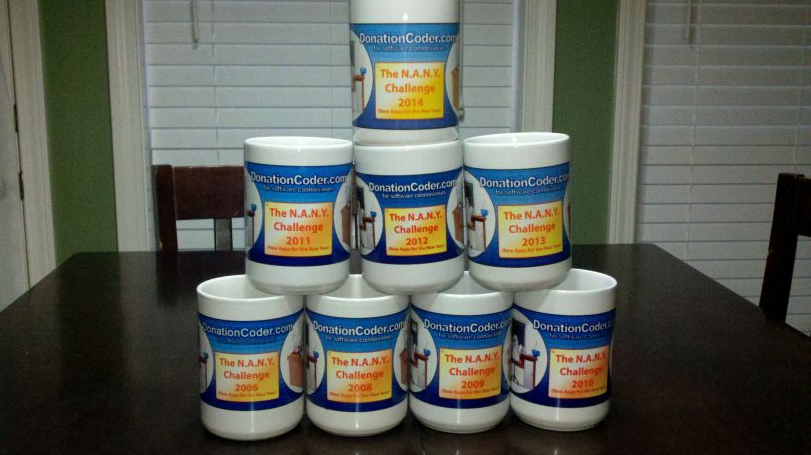
Since 2007 we have held an annual event that we call NANY (New Apps for the New Year), where we ask the coders who hang out on DonationCoder to create some new piece of free software and share it with the world on January 1st of the new year. NANY is really the funnest thing we do on this site, and it's one of the few times we can all play together. There are no winners or losers, it's simply a celebration of programming and creating new software and sharing it with the world.
You are viewing a specific blog item. Click here to return to the main blog page.
NANY 2015 RELEASE: Commandline File Downloader
Description Allow's you to download files as well as starting/exiting from command line. Features (in no particular order)
Screenshots The FileDownloader.exe main screen... The ProgressBarBuilder.exe main screen... Usage Installation Extract to any portable directory location and run. Using the Application Give download link, save path and filename and click Start Download. Command Line: 1. /f=filepathandname - Save file location and name. 2. /u=downloadlocation - http or https url of download. 3. /ec - Exits when complete. Save Path Macros: <appdir> and <appdirparent> If the save path is only the macro of <appdir> or <appdirparent> it will attempt to retrieve filename and add it automatically. |
||||||||||||||


