


I've been fooling around recently using Zoom to record discussions and remote board game play, and thinking about how to make that video suitable for uploading to a youtube channel.
Here's a little tip for cleaning up the Zoom recorded video and cropping out unnesc. space using the free open source commandline tool ffmpg.
Original video recorded by zoom looks like this:

FFMPEG script:
Result:
Basically it tells ffmpeg to form a new frame by selecting out each of the two images and then combining them side by side. You could use similar ffmpeg command to stack them on top of each other, etc.
ffmpg seems super useful and powerful, I'm sure there's other cool stuff you could do with it.
Here's a little tip for cleaning up the Zoom recorded video and cropping out unnesc. space using the free open source commandline tool ffmpg.
Original video recorded by zoom looks like this:
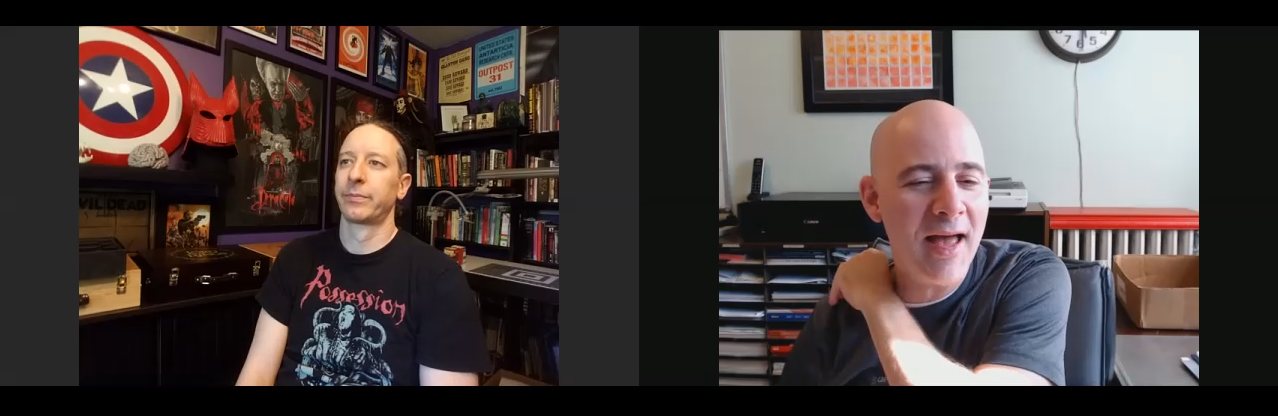
FFMPEG script:
Code
ffmpeg.exe -i zoomin.mp4 -filter_complex "[0:v]crop=iw/2.666666:ih/2:iw/16:ih/4[tl]; [0:v]crop=iw/2.666666:ih/2:iw/1.777777:ih/4[br]; [tl][br]hstack=inputs=2" -codec:a copy zoomout.mp4Result:
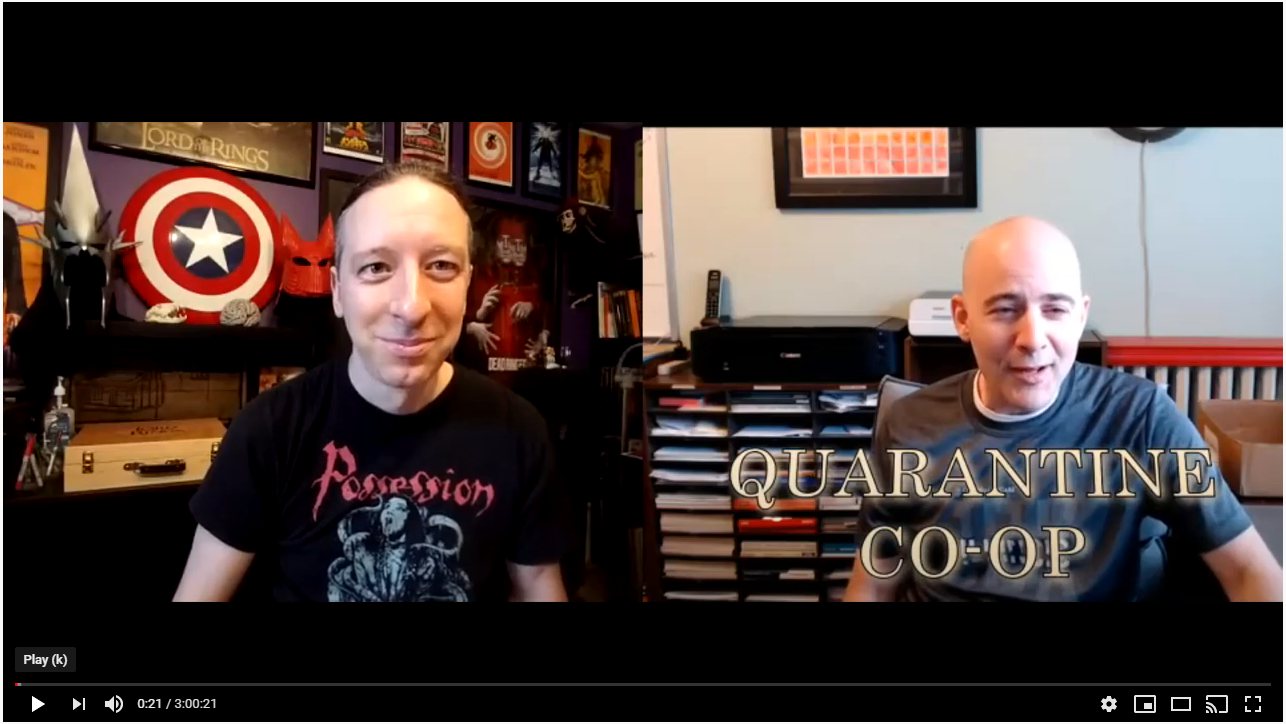
Basically it tells ffmpeg to form a new frame by selecting out each of the two images and then combining them side by side. You could use similar ffmpeg command to stack them on top of each other, etc.
ffmpg seems super useful and powerful, I'm sure there's other cool stuff you could do with it.