LATEST OFFICIAL RELEASE:
 Download v1.15.01
- (or get the portable zip)
- July 14, 2014 - 2K/XP/x64/VISTA/Win7/Win8
HOME USERS:
 Get a free license key
 Donate to author
COMMERCIAL USERS:
 Learn about our commercial / site licenses
HELP AND ASSISTANCE:
 View help/changelog
 Discuss on forum
Latest Forum Posts
May we recommend..

Wordzilla's Mobysaurus Thesaurus is a beloved thesaurus tool written by DC member Wordzilla.
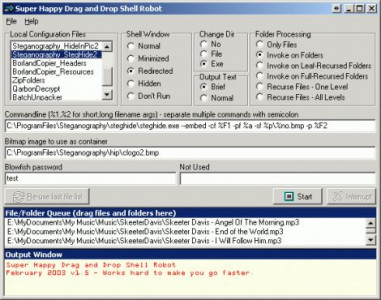
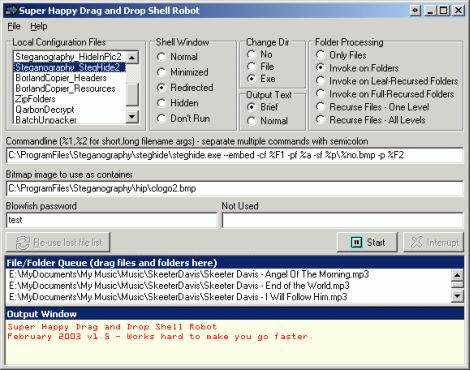
Drag and Drop Shell Robot is a utility to help power users easily peform operations on large numbers of files and folders.
You can create any number of configuration files by specifying a target application and various commandline parameters or options. To use the program, you simply select a configuration file and drag & drop files and folders onto the queue window, and click Start. Then sit back while the operation proceeds through your files. You can also export commands to a batch file instead of immediate operation.