


 Recent Posts
8601
Living Room / Re: When you make your 100'th Post
« Last post by mouser on November 15, 2013, 11:59 PM »With Screenshot Captor, the dialog tomos showed is for splicing (with effects added).
But it might be more straighforward to FIRST do a normal crop, and then from the SpecialFx2 menu, choose "Border" and then last submenu item is "border effect splice style (ragged effects)"
which will give you this dialog:
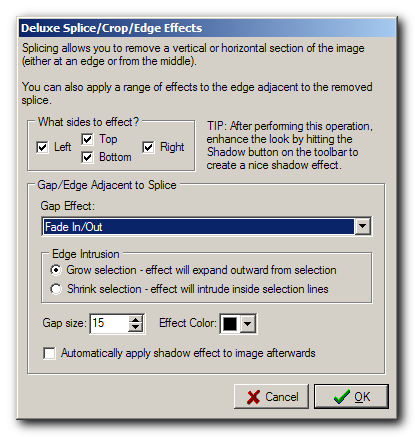
Which is mostly the same but lets you choose what edges to apply the effect to.
ps.Fade out is ok, but i personally prefer the ragged edge effects when i want to indicate a crop:
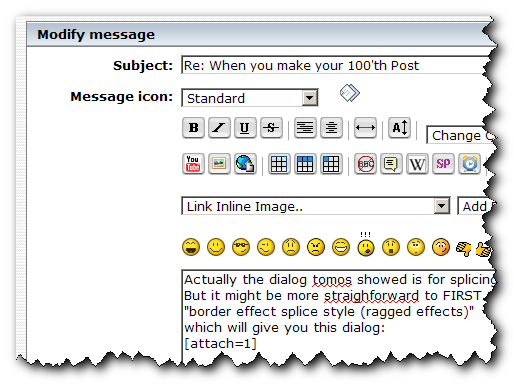
But it might be more straighforward to FIRST do a normal crop, and then from the SpecialFx2 menu, choose "Border" and then last submenu item is "border effect splice style (ragged effects)"
which will give you this dialog:
Which is mostly the same but lets you choose what edges to apply the effect to.
ps.Fade out is ok, but i personally prefer the ragged edge effects when i want to indicate a crop: