

Mini-reviews on the forum
This page collects various reviews that have been posted by users on our forum. They represent the views of the poster and not necessarily the views of the site administrators. To browse a more complete and up-to-date collection of mini-reviews, check out the mini-review section of our forum here.
Editorial Integrity
DonationCoder does not accept paid promotions. We have a strict policy of not accepting gifts of any kind in exchange for placing content in our blogs or newsletters, or on our forum. The content and recommendations you see on our site reflect our genuine personal interests and nothing more.
Check out the new free software and fun stuff released as part of our NANY (New Apps for the New Year) 2018 event on January 1, 2018: here.
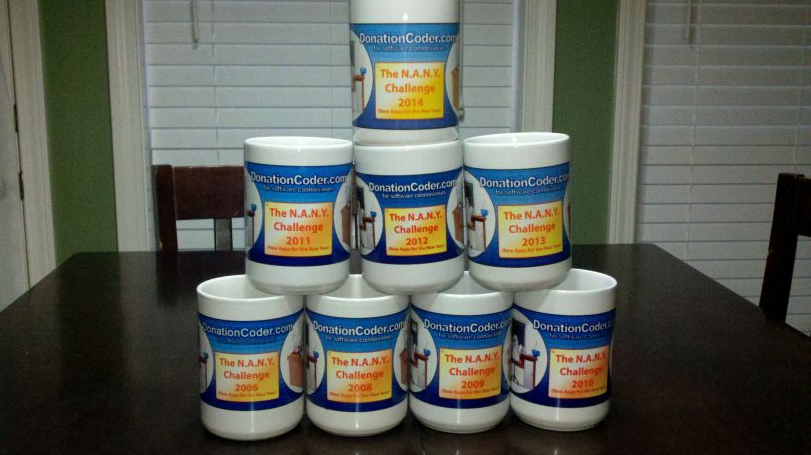
Since 2007 we have held an annual event that we call NANY (New Apps for the New Year), where we ask the coders who hang out on DonationCoder to create some new piece of free software and share it with the world on January 1st of the new year. NANY is really the funnest thing we do on this site, and it's one of the few times we can all play together. There are no winners or losers, it's simply a celebration of programming and creating new software and sharing it with the world.
Mini-reviews on the forum
This page collects various reviews that have been posted by users on our forum. To browse a more complete and up-to-date collection of mini-reviews, check out the mini-review section of our forum here.
You are viewing a specific blog item. Click here to return to the main blog page.
WhyReboot? - Freeware Tells You Why Your Computer Needs to RestartWhyReboot? This tiny little freeware program is very simple but i find myself using it constantly, whenever some program tells me it wants to reboot to "complete the install". Can usually give you some good insight into what operations are pending the reboot: Tiny, simple, risk free; doesn't change anything, just reports on what it finds in the registry settings that are used to perform operations on rebooting. http://www.exodus-de.../products/WhyReboot/ |
||


