LATEST OFFICIAL RELEASE:
 Download v2.239.01
- (or get the portable zip)
- Jan 22, 2020 - 2K/XP/Win7/Win8/Win10
HOME USERS:
 Get a free license key
 Donate to author
COMMERCIAL USERS:
 Learn about our commercial / site licenses
HELP AND ASSISTANCE:
 View help/changelog
 Discuss on forum
REVIEWS AND AWARDS:
ADDON DOWNLOADS:
IF YOU LIKE THIS TOOL, SEE:

Jibz is one of the very earliest and dearest members of DonationCoder, and he helped hammer out the ideas behind the site.
- Number of programs available: 3+
- Last updated: 2015
- Visit Jibz's website to browse his apps and download them here: http://www.dcmembers.com/jibsen.
- Visit Jibz's section on our forum: here.
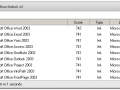
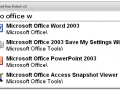
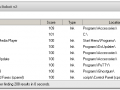
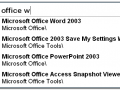
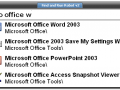
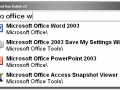
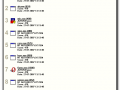
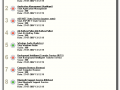
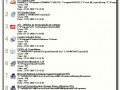
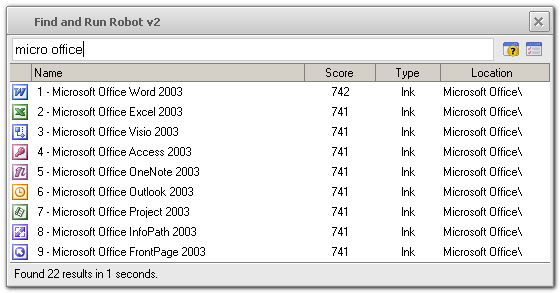
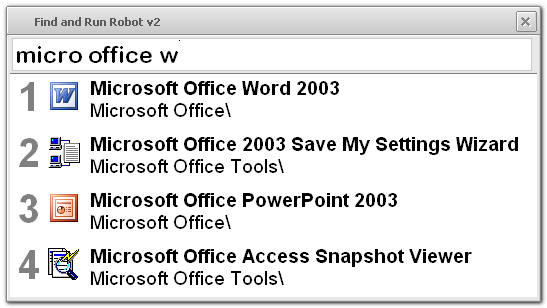
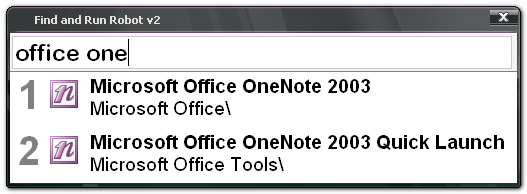
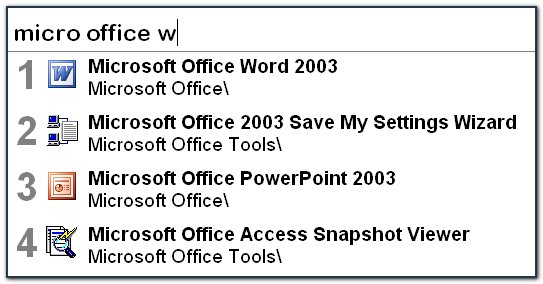
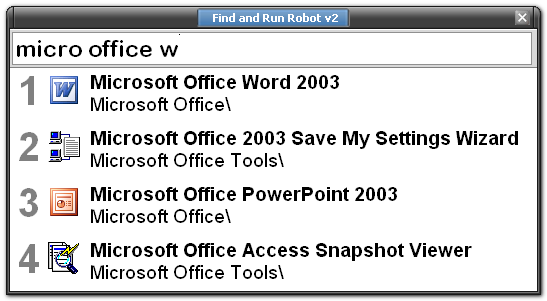
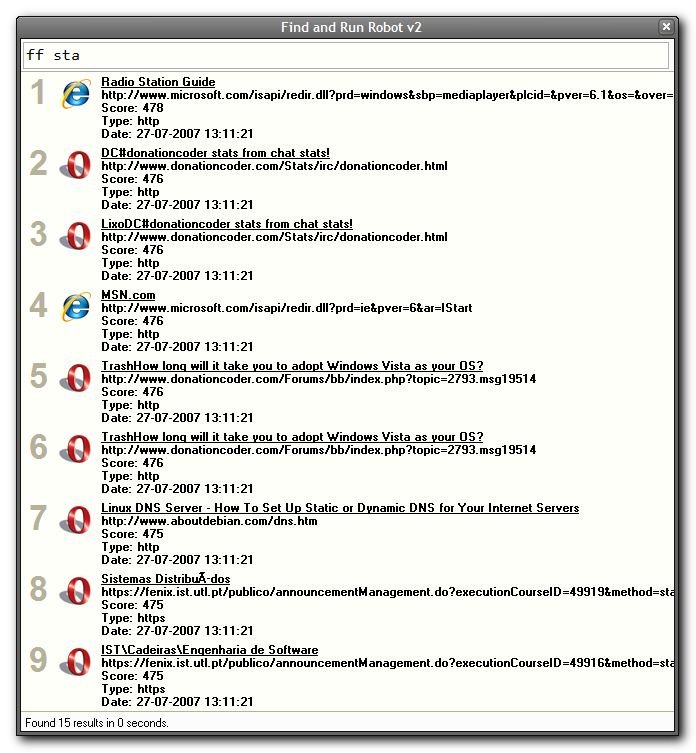
Find and Run Robot (FARR) is a program for keyboard maniacs -- it uses an adaptive "live search" function to rapidly find programs and documents on your computer as you type.
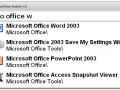
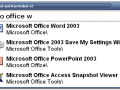
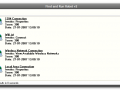
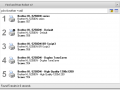
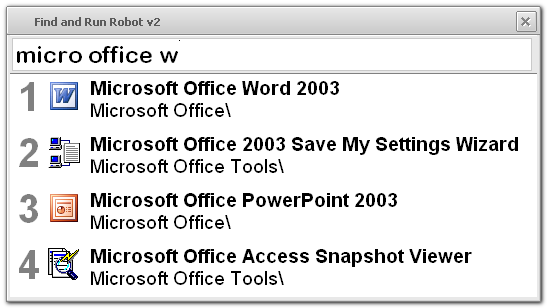
Press your chosen hotkey to display the FARR window, then just start typing the first letters of the application you want to launch and the results appear instantly. Hit enter to launch the top result, or refine your search with special modifiers and commands.
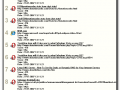
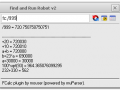
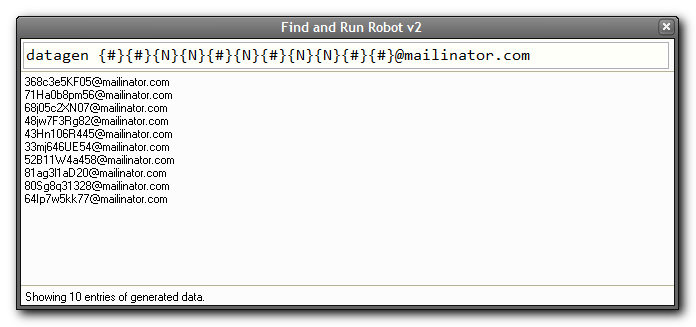
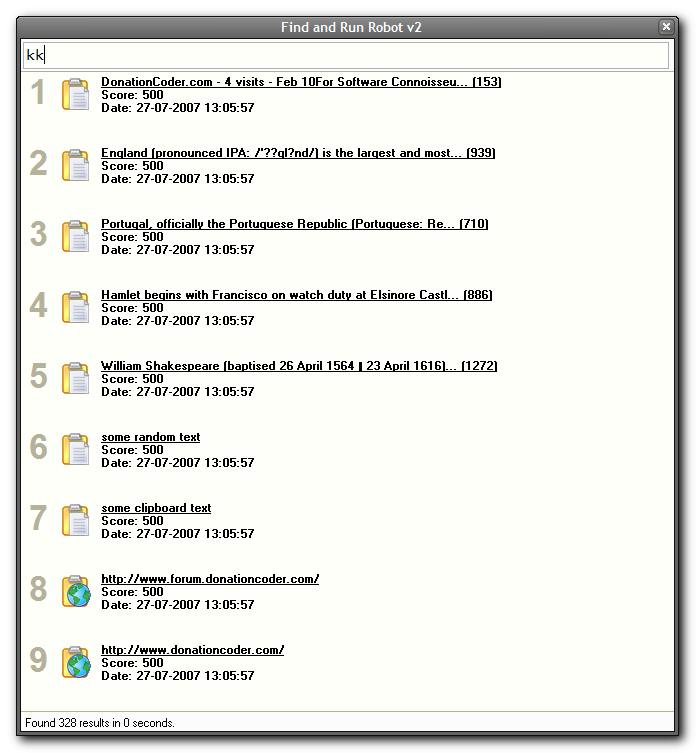
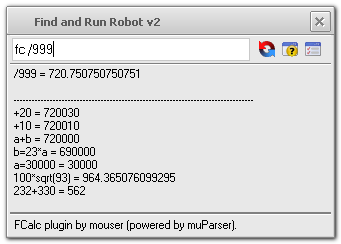
FARR also lets you quickly run web searches, send email, manipulate files, control on-screen windows, and much more. Build and share custom commands or install plugins to add tons of new features, like live search features for your clipboard history and your internet bookmarks; a popup a calculator with history tape and persistent variables; and many more..
KEY FEATURES
- Ready to run, right out-of-the-box with no configuration needed.
- The most customizable application of its kind, for those who love to tweak settings.
- Caches programs you launch for instantaneous repeat searches and adaptive scoring.
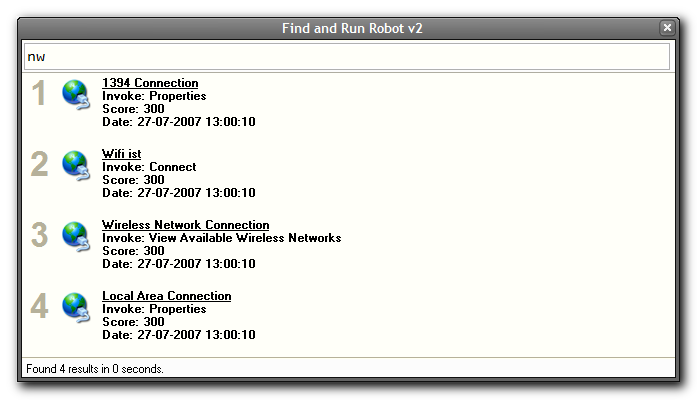
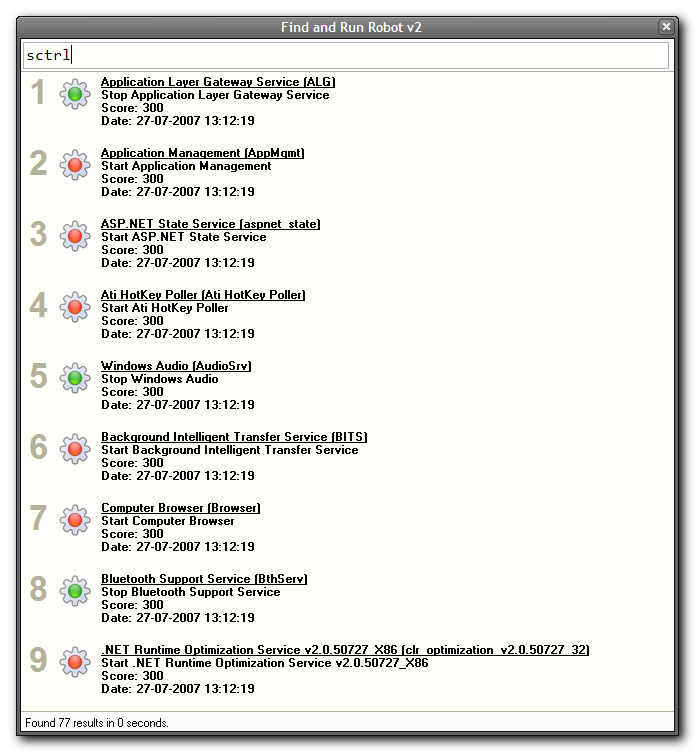
- Comes with dozens of built-in special alias commands that allow you to perform tons of different web searches and other operations.
- Create and share (xml) alias packs with your friends or download them from our site to add custom commands and menus.
- Install (open source) plugins to add advanced functionality.
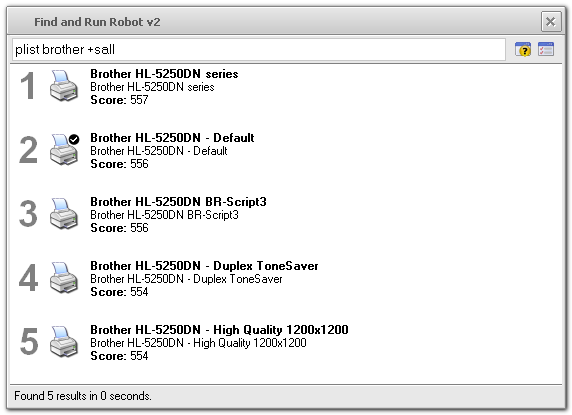
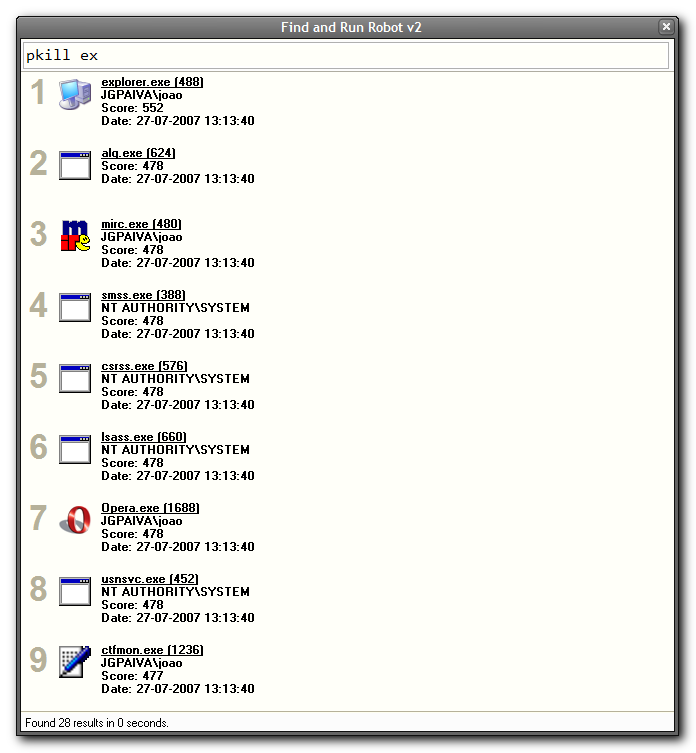
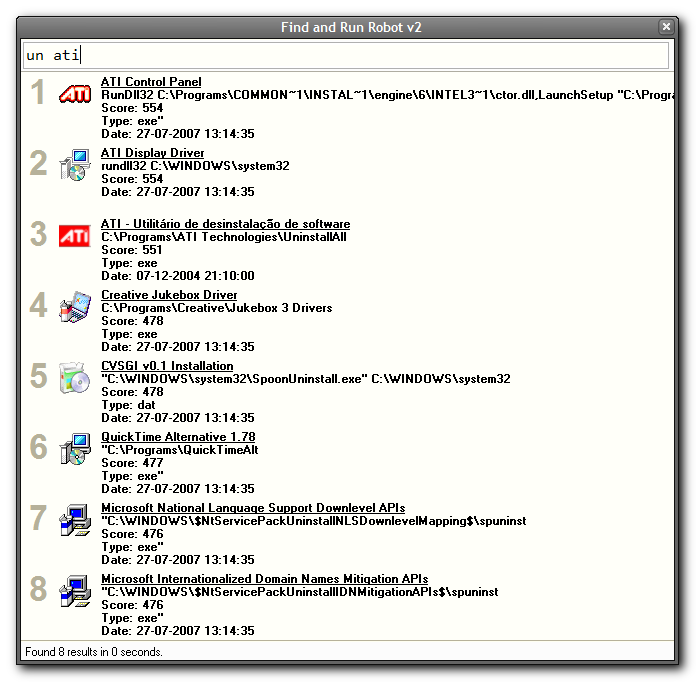
- A dozen plugins are available at launch time, including a powerful clipboard monitor and searcher; a live calculator with history tape and persistent variables; a bookmark searcher plugin that supports firefox, internet explorer, and opera; plugins to manage running processes, uninstall programs, change the default printer, control external applications, and more.
- Low system overhead, fully portable and runnable from a USB thumbdrive, and doesn't mess with your registry.
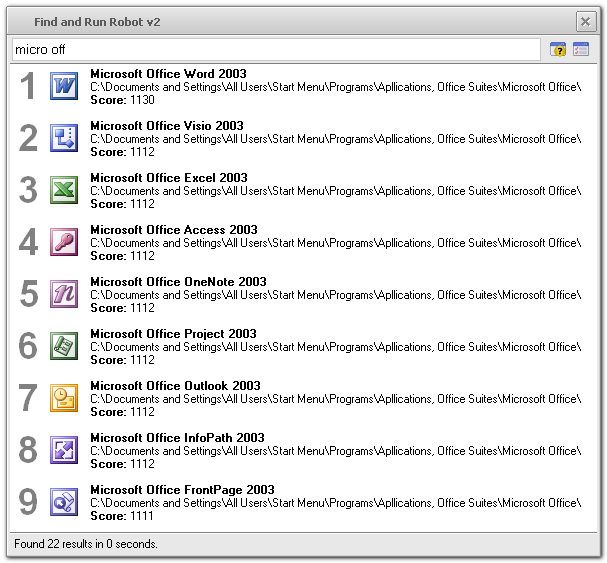
- Drag+Drop results from the result view; quick right click to access file system properties or advanced functions.
- No file indices are used, so results are always up to date with minimal memory use.
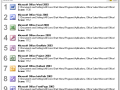
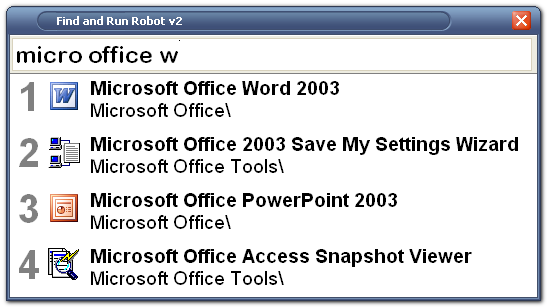
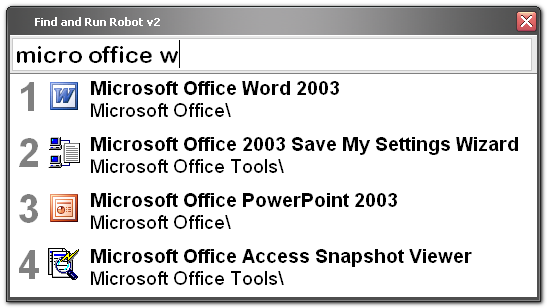
- Choose from dozens of skins and customize the fonts sizes of all graphical elements of the user interface, or turn off skins completely and revert to default Windows user interface. Choose between a compact small-icon mode, or an easy-to-read large icon mode.
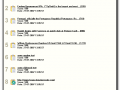
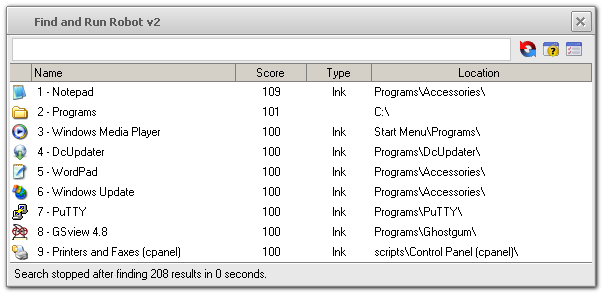
- Full directory browsing function with live search filtering -- manually browse and locate the files you are looking for.
- Customizable toolbar for common functions and operations (optional; with drag+drop support).
- Automatic updating for main program and plugins (optional).
- Customize hotkey triggers to launch and perform specific searches, or copy selected text to the clipboard at launch .
- Fully documented and actively developed with new features being added regularly based on user requests on our forum.
- Completely free; signup requested and donation recommended -- your donations fund continued development!