LATEST OFFICIAL RELEASE:
 Download v2.39.01
- (or get the portable zip)
- July 20, 2017 - 9x/2k/XP/VISTA/Win7/Win8/Win10
HOME USERS:
 Get a free license key
 Donate to author
COMMERCIAL USERS:
 Learn about our commercial / site licenses
HELP AND ASSISTANCE:
 View help/changelog
 Discuss on forum
Latest Forum Posts
Screenshot Captor: The best is yet to comeHere at Softonic we have to take lots of screenshots everyday, so we need a screen capturing program that is simple to use, doesn't hog system resources and can provide us with a wide range of tools. After trying out a few, I must say Screenshot Captor meets all these requirements and does a great job.. But the best is yet to come: Screenshot Captor includes an excellent set of filters and special effects for your screenshots.. In general, the program features so many possibilities that you may feel a bit overwhelmed at the beginning. Our advice is to be patient and give the program a chance - it's really worth it.

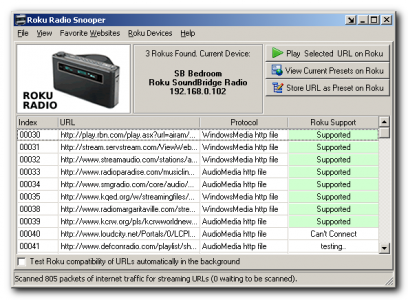
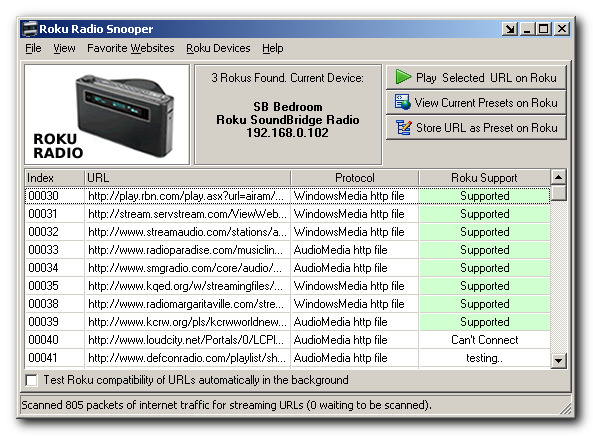
Roku Radio Snooper is a program that helps Roku owners locate the urls of internet audio radio streams, and use them with their Roku Soundbridge devices.
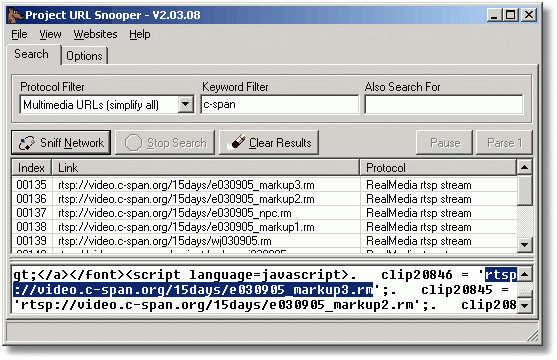
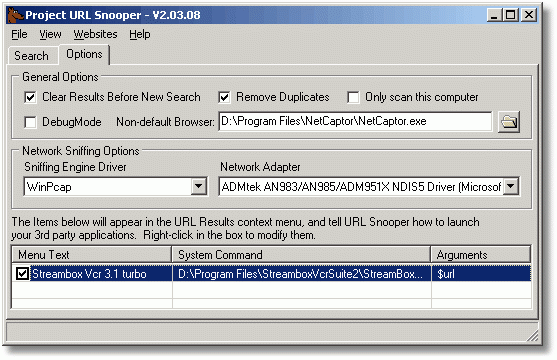
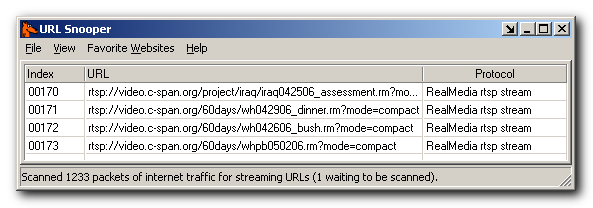
Many links to audio streams that you come across on the web are hidden behind javascript or activex scripts. Because of this, it is sometimes very difficult to figure out the actual urls that correspond to the streams being played.
Roku Radio Snooper provides easy solution to finding the URLs for all streams by watching network traffic and identifying potential urls, then testing these streams for Roku compatibility, and letting you set good ones as presets on your Roku.
Features:
- Automatically detects all connected Roku Devices.
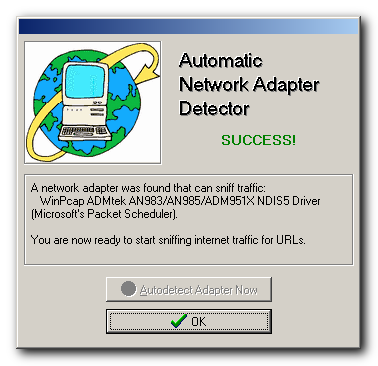
- New super-simple, no-configuration operation - just start it and surf.
- Quick buttons to play a URL, save it as a preset, or test its compatibility.
- Automatic background testing of stream compatibility with your Roku device.