I can add file -> open easily and will do so. Keep in mind that this will change the current screenshot directory though.
One thing you could do, which is what i do instead, is just drag files into the left hand thumbnail view when i want to touch up an image that is in another place. Then i edit it, and drag it back out. The advantage here is that you are working on copies of files in case you mess up.
As for your second request, easily possible in current version:
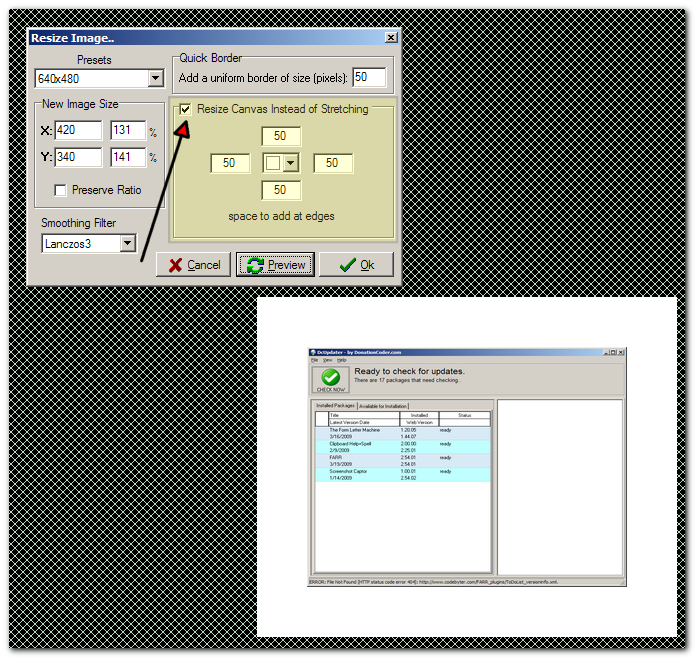
Tips: You can use Ctrl+G to bring up resize dialog; enter a value in Quick Border to set equally-sized borders on all edges.


 Recent Posts

