LATEST OFFICIAL RELEASE:
 Download v2.46.01
- (or get the portable zip)
- Dec 30, 2019 - 2k/XP/Win7/Win8/Win10
HOME USERS:
 Get a free license key
 Donate to author
COMMERCIAL USERS:
 Learn about our commercial / site licenses
HELP AND ASSISTANCE:
 View help/changelog
 Discuss on forum
REVIEWS AND AWARDS:
Latest Forum Posts
The Forum Seals the DealI have been trying out your Find & Run Robot and I am liking it. As a former user of Type & Run, I prefer the added utilty you have in F&RR. I went back to your site and wanted to check out some more offerings. Found your forum and downloaded a great little script for AutoHotKey (capshift.ahk) and though it was great. Decided to join then & there. I will be checking out your other utilities. I like what you have so far and like your attitude.
L.P.

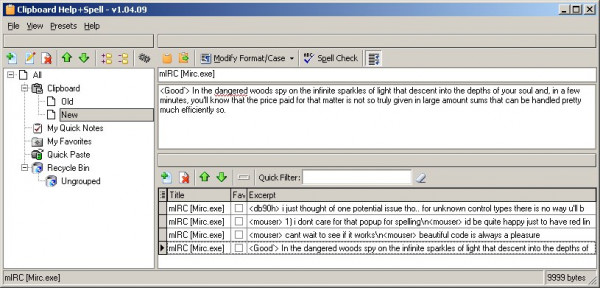
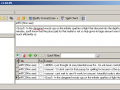
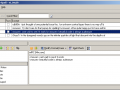
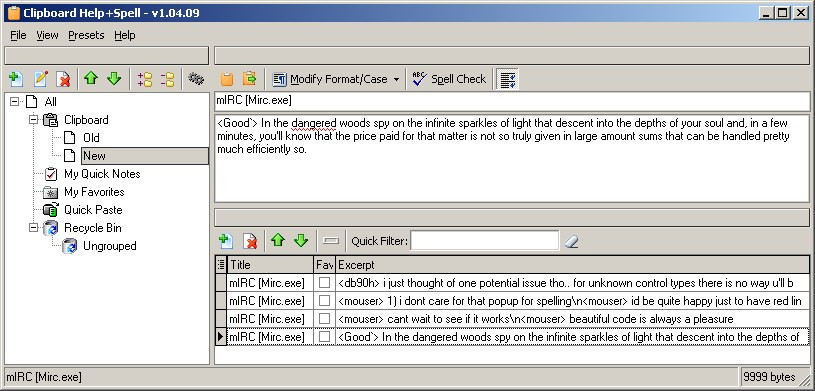
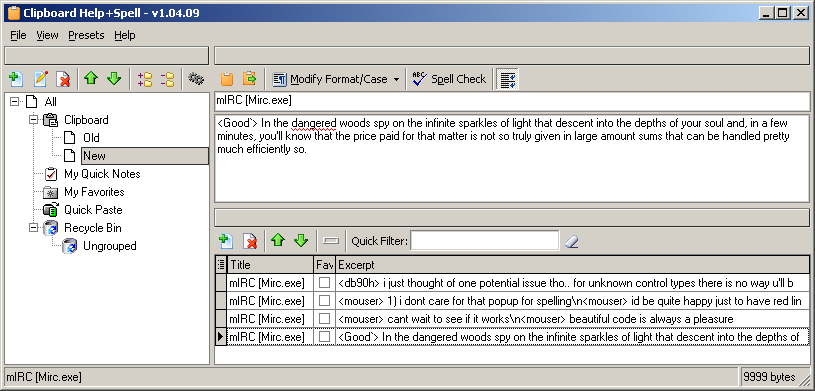
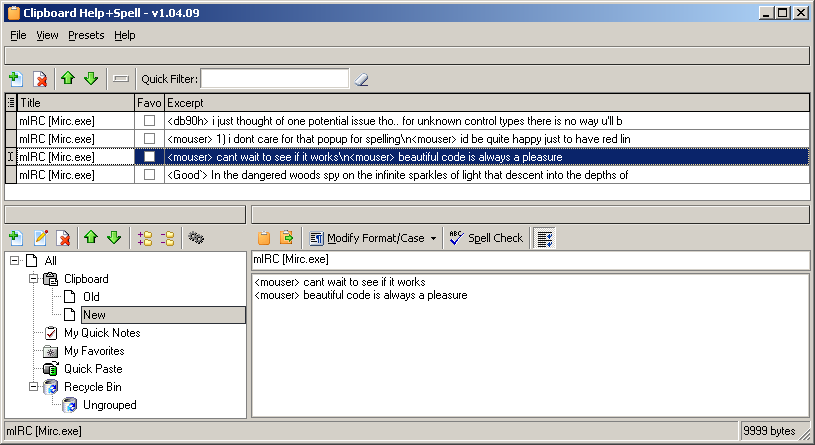
Clipboard Help+Spell is a clipboard history utility with the following features:
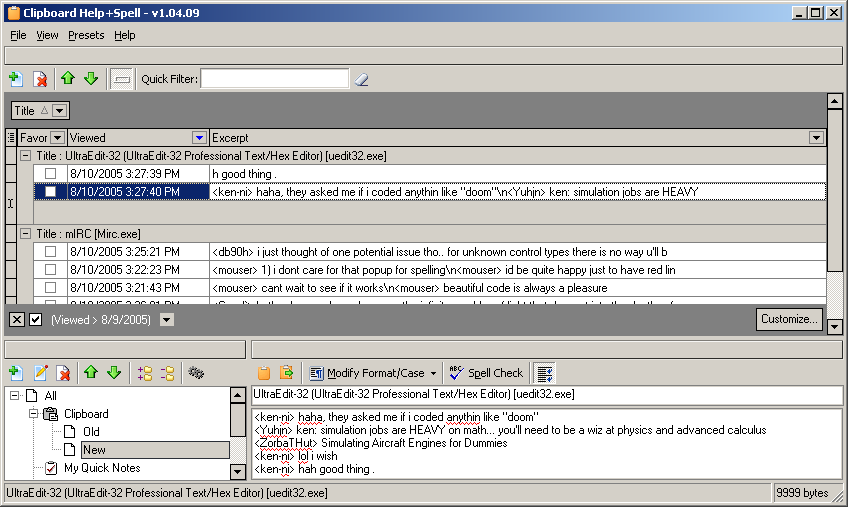
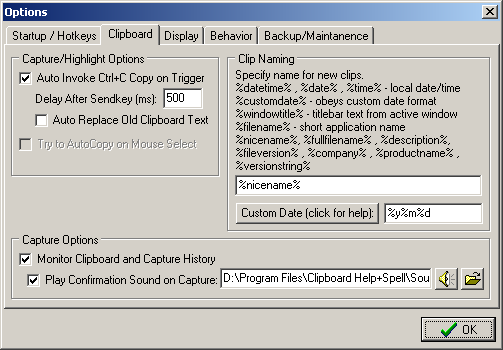
- Database stores history of all past text and image clipboard entries for easy viewing, modification, and search
- Use it for keeping hierarchical notes - search, sort, filter by text, modification date, last view date
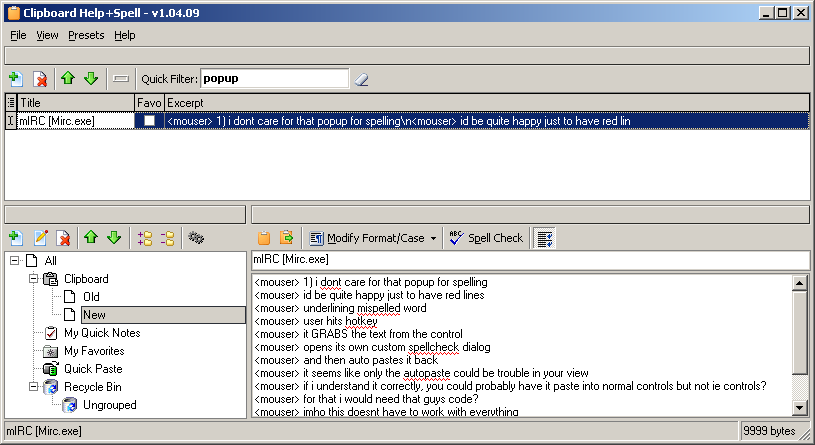
- Super easy and super fast search function - or use complex filters if you need them - you'll never have a problem finding a note again!
- Organize your notes and clips any way you want - show them all or view by group or category; view your clips any way you like
- High-quality spellcheck - underlined mistakes; learning spellchecker
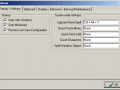
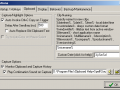
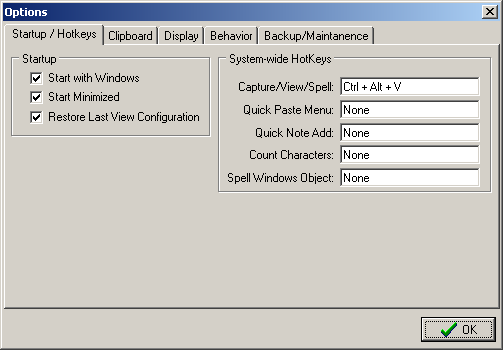
- Configurable hotkeys for common functions
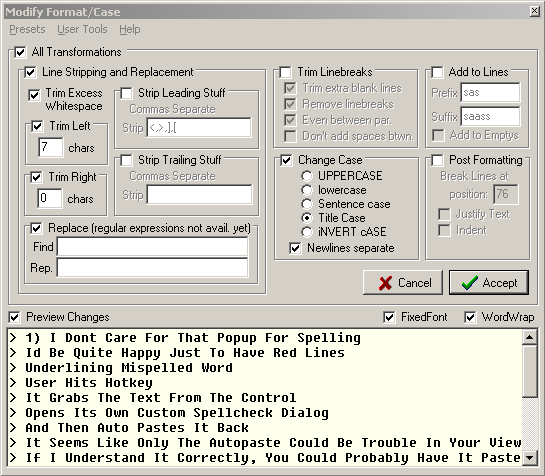
- Powerful text formatting options - make your own presets for common functions
- Simple functions for copying and pasting into and out of other applications