pasted your v11 code in it.
First off, the
V11 version as I posted it, does not contain the line:
Rename "*" TO "*"Your attached version does.
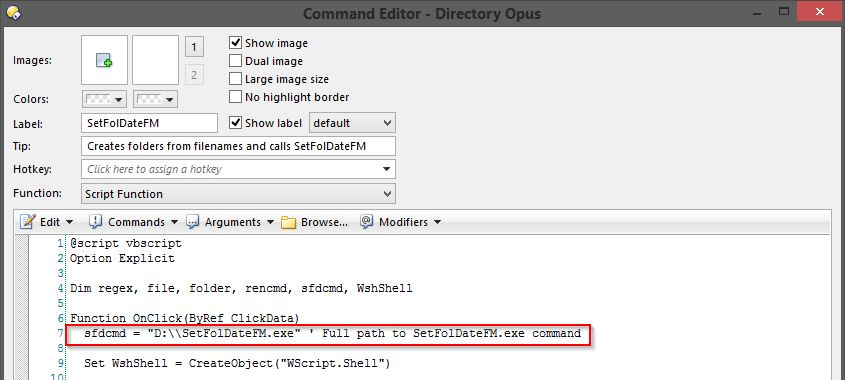
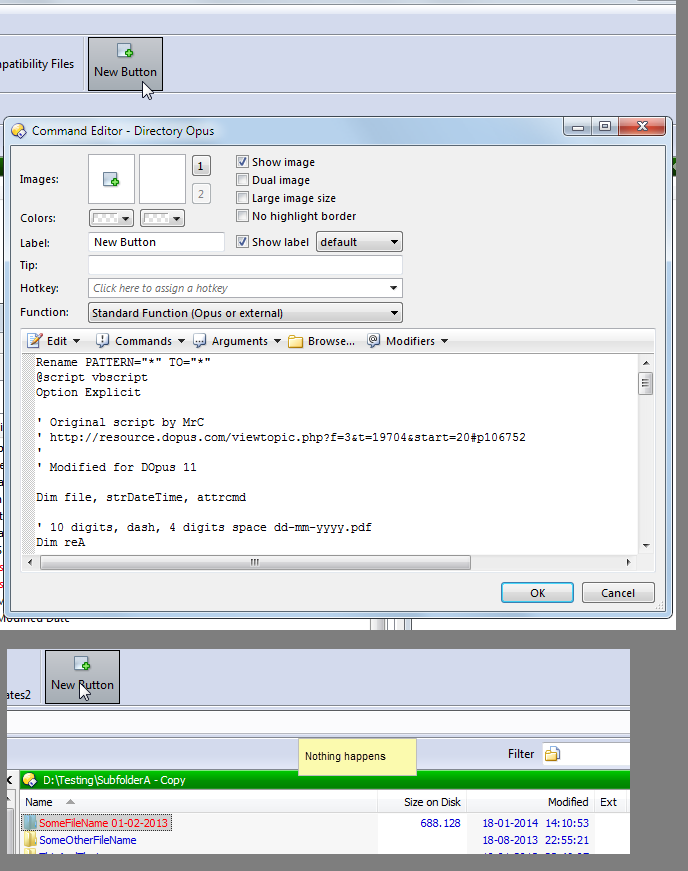
Secondly, are you setting the new button to
Script Function as shown
here for the SetFolDateFM script I posted.
The script has been tested in DOpus x64 v11b6 and b7, on Win8.1 x64 and XP x86.
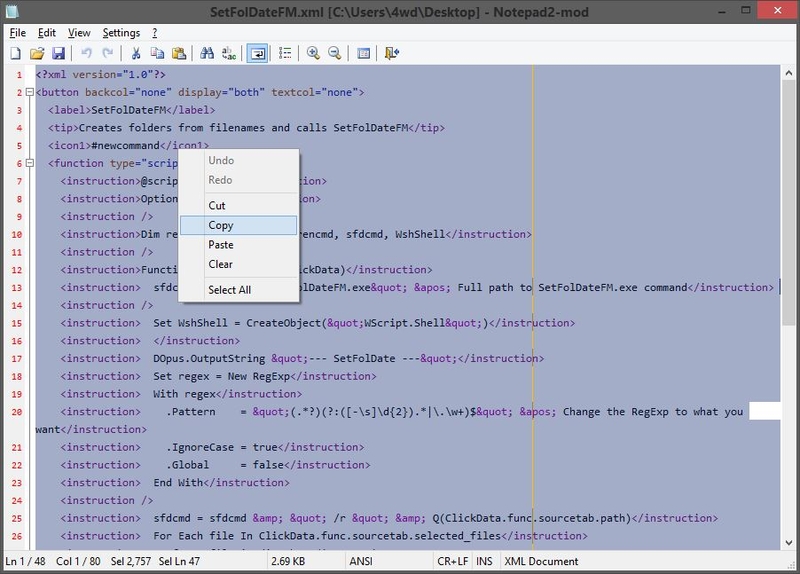
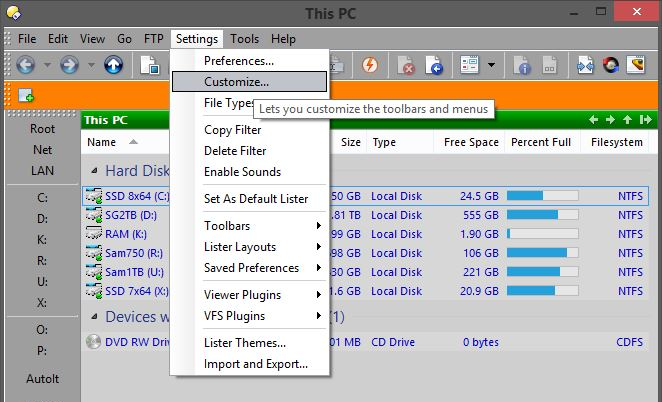
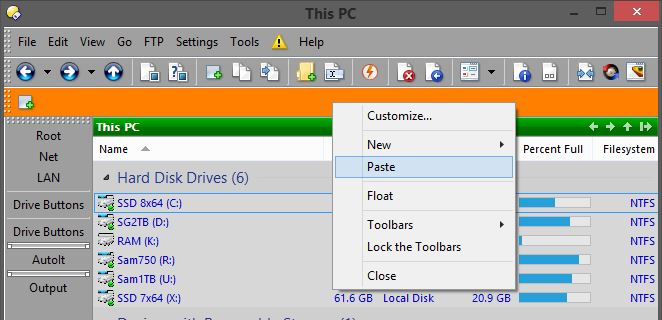
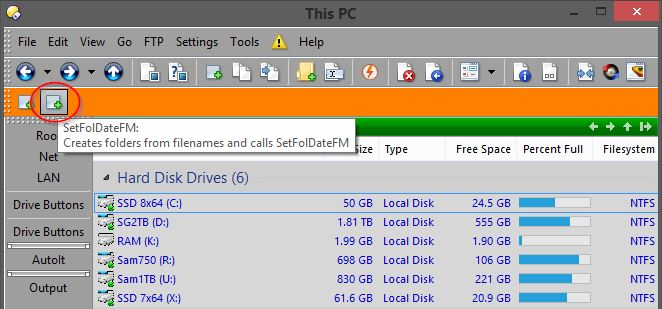
Button code is attached - open it in a text editor, copy the text, then paste it into a toolbar while the Customise dialog is open, (right-click on a toolbar, paste).
I'll have a look at the DO10 version later but it worked OK in a VM running XP x86 and DOpus 10.5.4.0
EDIT: The DO10 version works fine on XP Pro SP3 x86 (both VM and real) and WHS2011 x64 using DOpus 10.5.4.0
With the
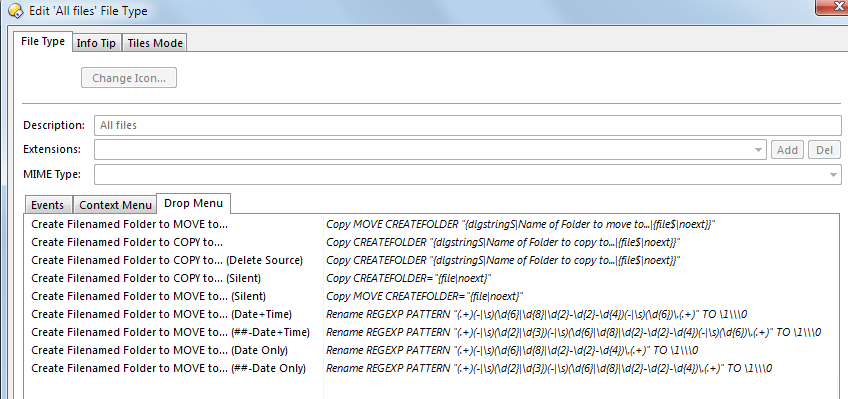
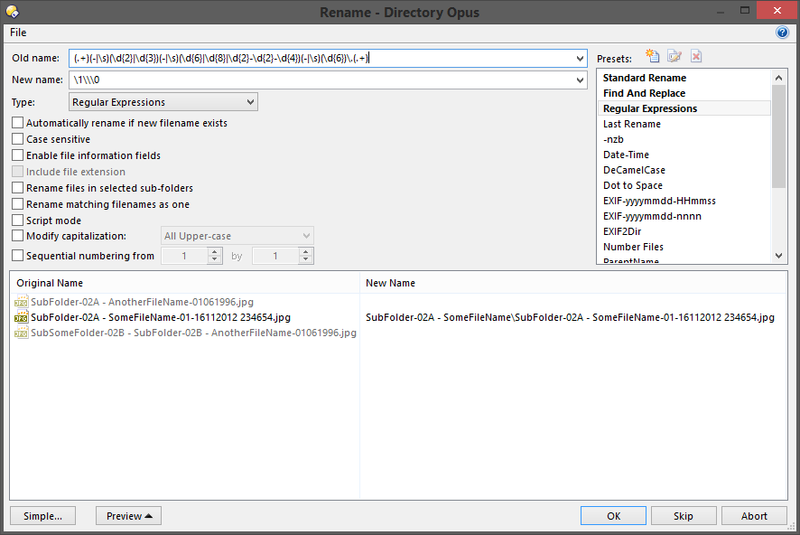
RegEx rename commands you're using, you could replace all four with:
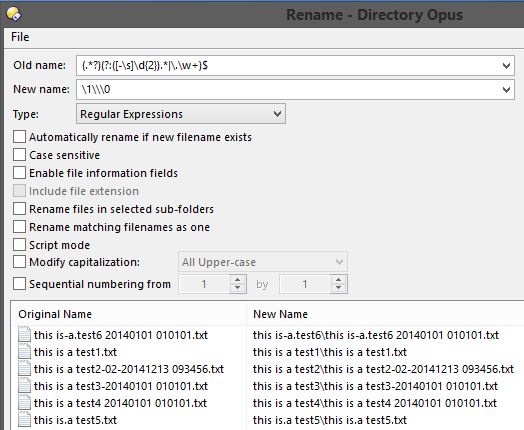
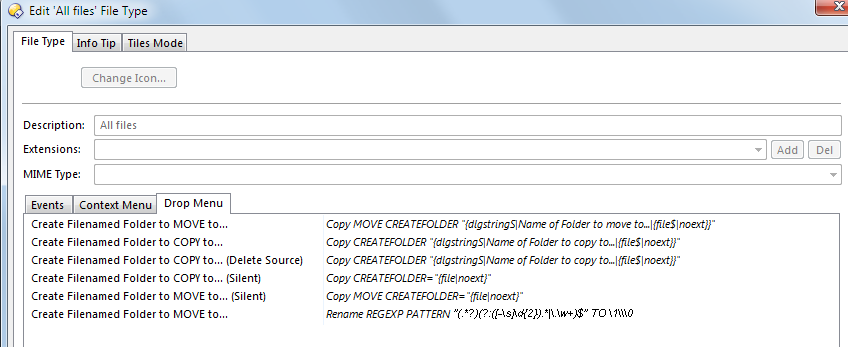
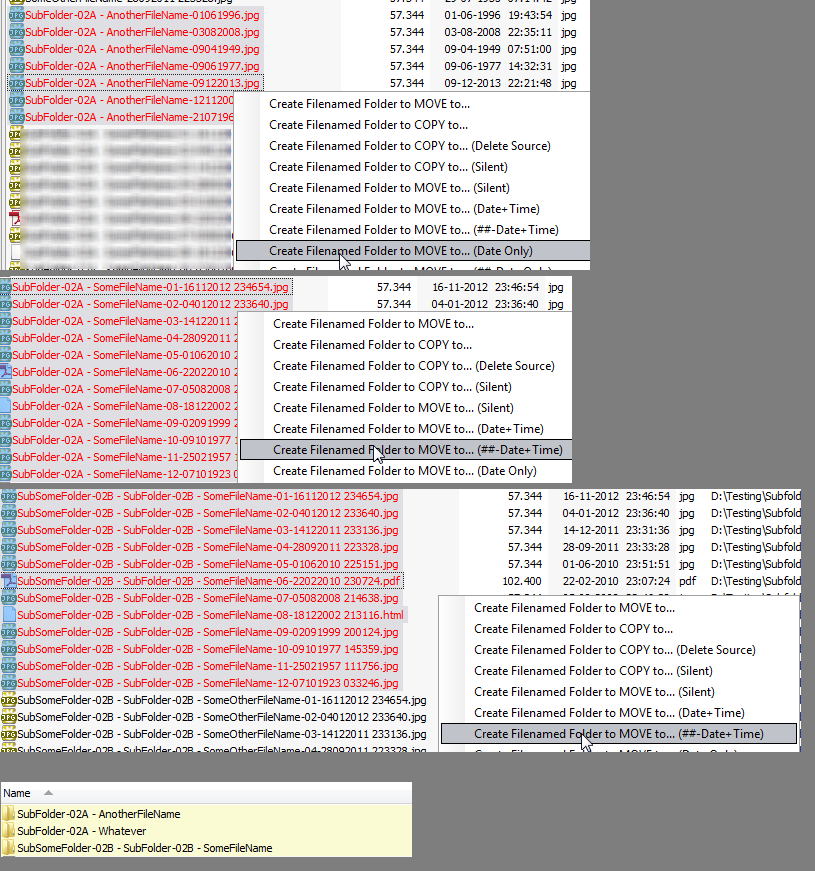
Create Filenamed Folder to MOVE to...Rename REGEXP PATTERN "(.*?)(?:([-\s]\d{2}).*|\.\w+)$" TO \1\\\0
Select ALLDIRS
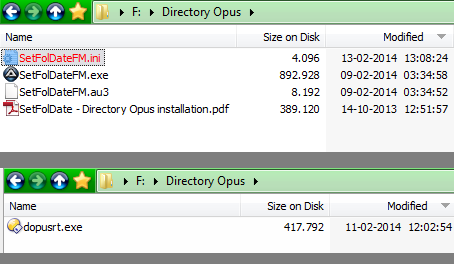
"F:\Directory Opus\SetFolDateFM.exe" /r {ss} {allfile}
(.*?)(?:([-\s]\d{2}).*|\.\w+)$ Match everything up until the first occurrence of two digits or the extension, whichever comes first, but don't capture what follows.
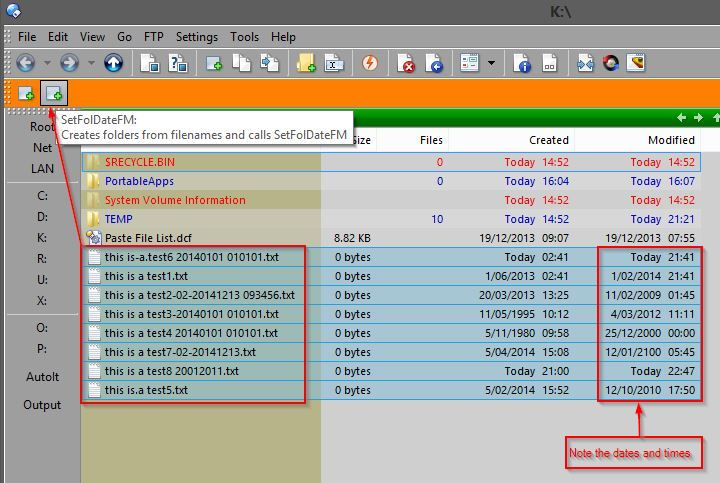
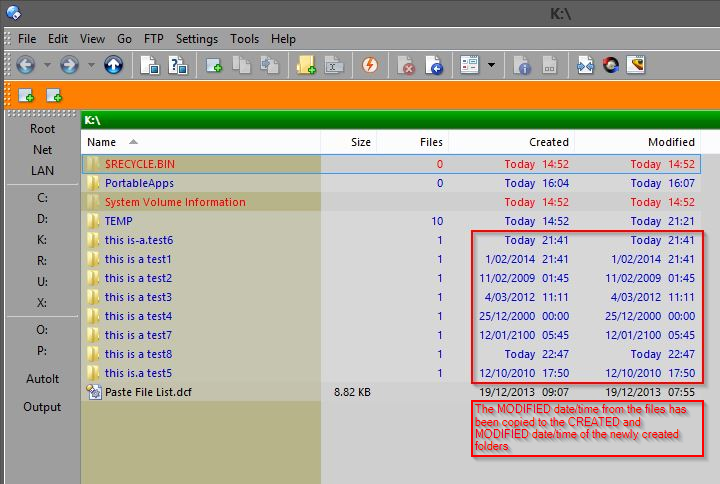
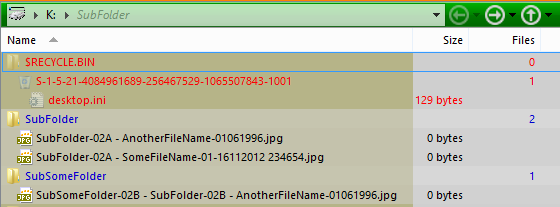
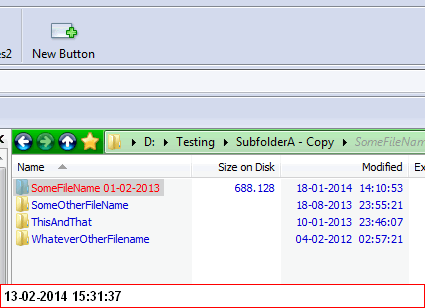
An example:
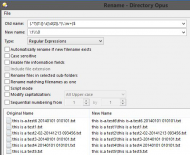
So if you put that RegEx into the script back
here, you could select
every file and hit the button.
BTW, here's an online RegEx tester that's compatible with DOpus' version, (TR1 ECMAScript):
RegExrHere's the above
expression sans leading capture group.




 Opus ChangeModifiedDate based on date in foldername Opus v10-13022014.txt