2cranioscopical
Do I understand correctly that the only difference would be to not have [] added and/or allow skipping HTML code for it at all?
If yes, I could do it in next version
Yes. that's all it would need.
Thanks!


 Topic: BBCeditor 1.1.35 (Read 405,986 times)


2cranioscopical
Do I understand correctly that the only difference would be to not have [] added and/or allow skipping HTML code for it at all?
If yes, I could do it in next version


No software installations overwrite existing software's hotkeys, Or the existing ones refuse to yield and then I can't use them in the new software...
I never know what will happen when I press the hotkeys now. Grrrr. !!For BBCeditor: Help -> Shortcuts.

2J-Mac
I see your opinion better now. There was no recipient in your message and that is why I overreacted a little bit
I agree with you with some parts of ranting (I've mentioned nVidia already)…
 Maybe I can fix some of these that way.
2J-Mac
I understand it completely because it happened to me few times too.
The strangest issue was with already mentioned nVidia. I am always switching off unnecessary garbage from my system tray in home PC but at office you've got preconfigured environment to work with and lot of apps you're not aware of. So it took me more than 15 minutes and physical screen rotation (hopefully: LCD) to figure out what happened. I was in the middle of writing and my whole screen rotated unexpected. I was wondering who, the hell, had thought it was "nice to have" feature


Is it possible to make the 'Spell Check' dialogue larger? It would be good, when using a larger font, to see more of the 'text being checked'. At the moment, a larger font means fewer words in view. I see the dialogue has a resizer, but it's disabled.
Is it possible to change the font in the preview pane? Or at least its size?That is what style.css file exists for
body
{
font-size:x-large;
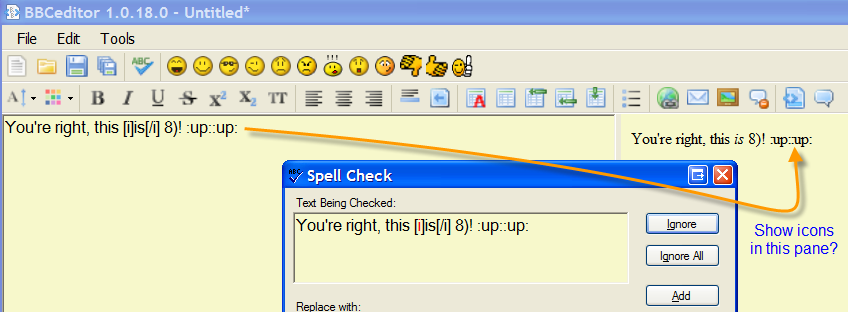
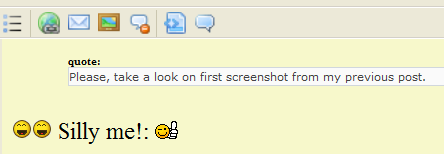
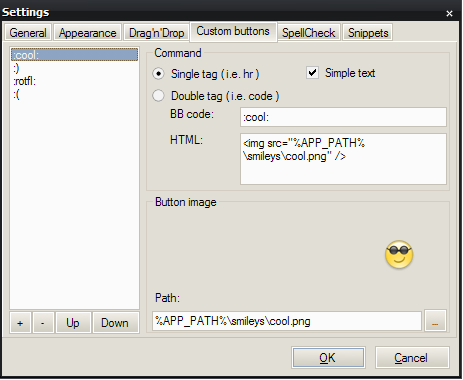
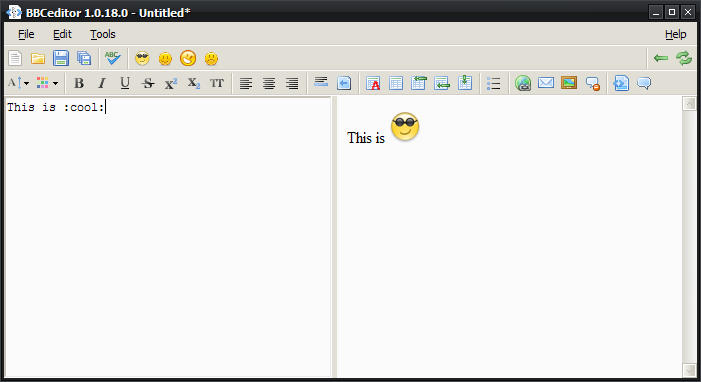
}Can you display the icons attached to the new 'single tag, simple text' in the preview pane?
@fenix: Thanks, you did say that way back at the beginning but, to be honest, I'd forgotten.That is why I've used "small reminder" phrase
 Debug.zip
(204.6 KB - downloaded 856 times.)
Debug.zip
(204.6 KB - downloaded 856 times.)1.0.19 is out!That's very welcome, it is a great improvement as far as I am concerned
SpellCheck dialogue can be resized now.
I have also fixed small bug with new lines in HTML code generated for Preview panel.I'd noticed noticed an occasional line break quirk but assumed it was something I'd caused... because it usually is
Original address: https://www.donationcoder.com/forum/index.php?topic=17623.0