


Repo: https://github.com/Kynlos/KynlosWebServer
- Kynlos Python Web Server with PHP Support
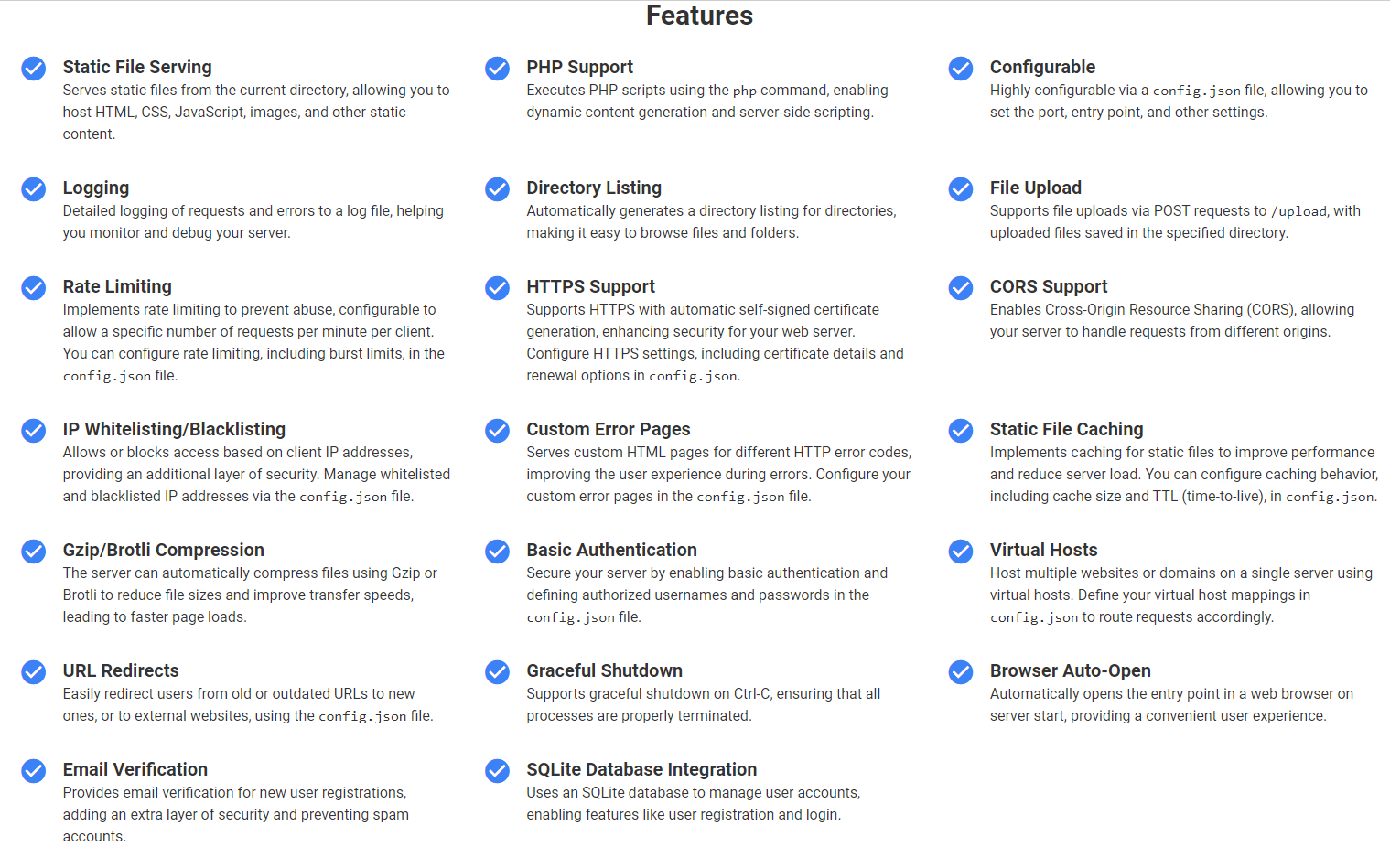
- This is a Python-based web server that supports serving static files, executing PHP scripts, file uploads, rate limiting, IP whitelisting/blacklisting, HTTPS using self-signed certificates, CORS support, custom error pages, static file caching, Gzip/Brotli compression, basic authentication, virtual hosts, URL redirects, graceful shutdown, browser auto-open, email verification, and SQLite database integration for user management. The server is highly configurable via a `config.json` file.
- Features
- Serves static files from the `htdocs` directory
- Executes PHP scripts using the `php` command
- Supports file uploads via POST requests to `/upload`, with uploaded files saved in the `htdocs/downloads` directory
- Provides a file download page at `htdocs/download.html` for accessing uploaded files
- Rate limiting to prevent abuse (configurable requests per minute and burst limits)
- IP whitelisting and blacklisting for access control
- HTTPS support using self-signed certificates with configurable certificate details and renewal options
- Cross-Origin Resource Sharing (CORS) support
- Serves custom HTML pages for different HTTP error codes (configurable via `config.json`)
- Implements caching for static files to improve performance (configurable cache size and TTL)
- Gzip and Brotli compression for improved transfer speeds
- Basic authentication with configurable authorized users
- Virtual hosts support for hosting multiple websites or domains
- URL redirects for redirecting users from old or outdated URLs to new ones or external websites
- Customizable entry point (default: `index.html`)
- Logging of requests to a log file
- Graceful shutdown on Ctrl-C
- Opens the entry point in a web browser on server start
- Email verification for new user registrations to prevent spam accounts
- SQLite database integration for managing user accounts and enabling user registration and login
- Requirements
- Python 3.x
- `php` command available in PATH (for PHP script execution)
- `OpenSSL` Python library (for HTTPS support)
- `sqlite3` Python library (for SQLite database integration)
- Configuration
- The server can be configured using a `config.json` file in the same directory as the script. The following options are available:
- `port`: The port number to run the server on (default: 80)
- `entry_point`: The default file to serve when accessing the root URL (default: `index.html`)
- `use_https`: Whether to enable HTTPS using a self-signed certificate (default: `false`)
- `certfile`: The path to the certificate file for HTTPS (default: `cert.pem`)
- `keyfile`: The path to the private key file for HTTPS (default: `key.pem`)
- `rate_limit`: The maximum number of requests per minute per IP (default: 10)
- `rate_limit_burst`: The maximum number of burst requests allowed (default: 5)
- `log_file`: The path to the log file for request logging (default: `server.log`)
- `whitelist`: A list of IP addresses that are allowed to access the server (default: [])
- `blacklist`: A list of IP addresses that are blocked from accessing the server (default: [])
- `htdocs_dir`: The directory to serve static files from (default: `htdocs`)
- `downloads_dir`: The directory to save uploaded files to (default: `htdocs/downloads`)
- `cert_config`: Configuration options for generating the self-signed certificate
- `key_size`: The size of the private key in bits (default: 2048)
- `subject`: The subject information for the certificate
- `C`: Country (default: US)
- `ST`: State (default: California)
- `L`: Locality (default: San Francisco)
- `O`: Organization (default: My Company)
- `OU`: Organizational Unit (default: My Organization)
- `CN`: Common Name (default: localhost)
- `serial_number`: Serial number (default: 1000)
- `valid_days`: Number of days the certificate is valid for (default: 3650)
- `signing_algorithm`: The signing algorithm to use (default: sha256)
- `cert_renewal_days`: The number of days before certificate expiration to renew (default: 30)
- `cache_max_size`: The maximum size of the static file cache in bytes (default: 10485760)
- `cache_ttl`: The time-to-live (TTL) for cached files in seconds (default: 60)
- `enable_gzip_compression`: Whether to enable Gzip compression (default: true)
- `enable_brotli_compression`: Whether to enable Brotli compression (default: true)
- `enable_basic_auth`: Whether to enable basic authentication (default: false)
- `auth_users`: A dictionary of authorized usernames and passwords for basic authentication
- `enable_virtual_hosts`: Whether to enable virtual hosts support (default: false)
- `virtual_hosts`: A dictionary of virtual host mappings, with each key representing a domain and the value specifying the `htdocs_dir` and `entry_point` for that domain
- `enable_custom_error_pages`: Whether to enable custom error pages (default: false)
- `error_pages`: A dictionary mapping HTTP error codes to custom HTML pages
- `redirects`: A dictionary of URL redirects, with each key representing the old URL and the value specifying the new URL or external website
- `enable_email_verification`: Whether to enable email verification for new user registrations (default: false)
- `smtp_config`: Configuration options for sending verification emails via SMTP
- `host`: SMTP server hostname
- `port`: SMTP server port
- `username`: SMTP username
- `password`: SMTP password
- `use_tls`: Whether to use TLS encryption (default: true)
- `from_email`: The email address to send verification emails from
- Usage
- Clone the repository or download the `main.py` file.
- Create a `config.json` file in the same directory as `main.py` with your desired configuration options.
- Place your static files and PHP scripts in the `htdocs` directory or subdirectories.
- Run the server using `python main.py`.
- Access the server in a web browser at `http://localhost` (or the configured port).
- Upload files via the `/upload` endpoint and access them from the `htdocs/download.html` page.
- Register new user accounts and verify email addresses to enable user-specific features.
- Contributing
- Contributions are welcome! If you find any issues or have suggestions for improvements, please open an issue or submit a pull request.
- License
- This project is open-source and available under the
- MIT License
- .
- Repo
- : https://github.com/Kynlos/KynlosWebServer
 You know, just because Munch would approve