Quote
Fixed the bug that was found by nitrix-ud. DCUpdate it up!
great ! ... i thought

still the same behavior for me



 Topic: New C# FARR Plugin: FARRAltTab (Read 216,100 times)

Fixed the bug that was found by nitrix-ud. DCUpdate it up!


QuoteFixed the bug that was found by nitrix-ud. DCUpdate it up!
great ! ... i thought
still the same behavior for me
(see attachment in previous post)
I can't install this plugin on Vista 64-bit
I have a folder \FindAndRunRobot\Plugins\FARRAltTab\ and 4 files in it

I can't install this plugin on Vista 64-bit
I have a folder \FindAndRunRobot\Plugins\FARRAltTab\ and 4 files in it
The file list looks fine. Anyone else has Vista 64 and has the plugin working or not working?
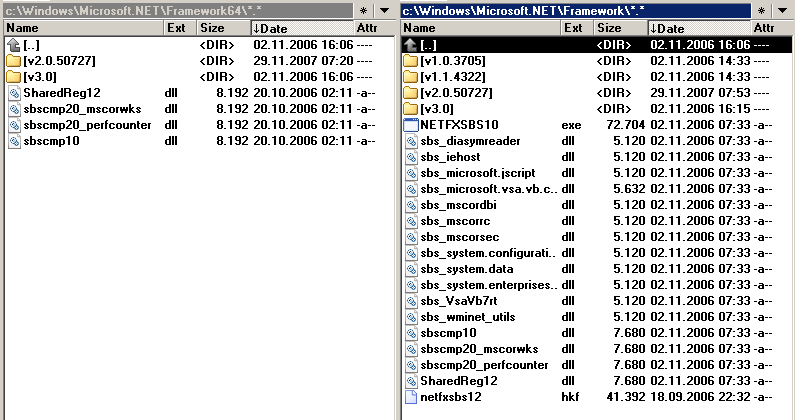
Could it be a .NET framework issue? How to check if you have .NET framework
Do you see inside of Framework directory a folder named v2.0.50727? Link to get .NET 2
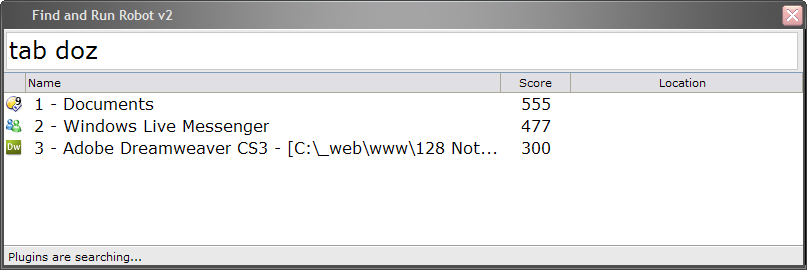
Do you get any error message boxes when you start FARR?
It sounds strange to me

 I have installed the plugin to another computer and it work fine. The only difference is that the computer which doesn't work is on network with domain (I'm logged as user with administrator privilegies) and the other doesn't.
 farralttab1.jpg
(10.6 KB, 633x64 - viewed 2049 times.)
farralttab1.jpg
(10.6 KB, 633x64 - viewed 2049 times.)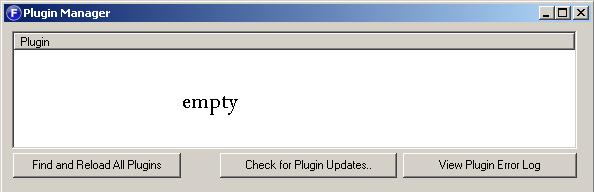 farralttab2.jpg
(16.4 KB, 594x192 - viewed 2059 times.)
farralttab2.jpg
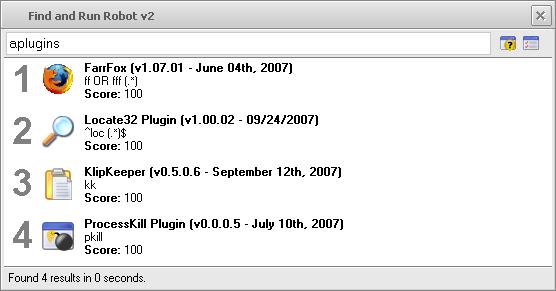
(16.4 KB, 594x192 - viewed 2059 times.)try installing other plugins .. do none of them show up?
that will help us know if its a general problem or only with farralttab

 farralttab3.jpg
(26.5 KB, 556x291 - viewed 2054 times.)
farralttab3.jpg
(26.5 KB, 556x291 - viewed 2054 times.)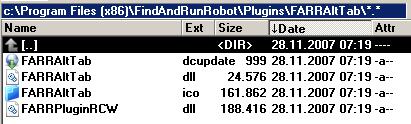 farralttab4.jpg
(19.7 KB, 411x124 - viewed 2074 times.)
farralttab4.jpg
(19.7 KB, 411x124 - viewed 2074 times.)Hmm. At work I have a computer connected to the network with a domain and still it works fine.
The other thing you say though - lack of administrator permissions. That could be the problem. I'll have to check it on another computer with regular user account.

zajc: What about .net security configuration?
In .NET you can restrict access of managed code to certain places.
Can you run .NET application under your computer? Is FARR on your local disc?
I wish I could remote debug over internet =\
 this plugin
 In XP it works very well
it doesn't work well in XP also (.net framework v2.0.50727_32).
Are there any event logs in the Application/Security log?
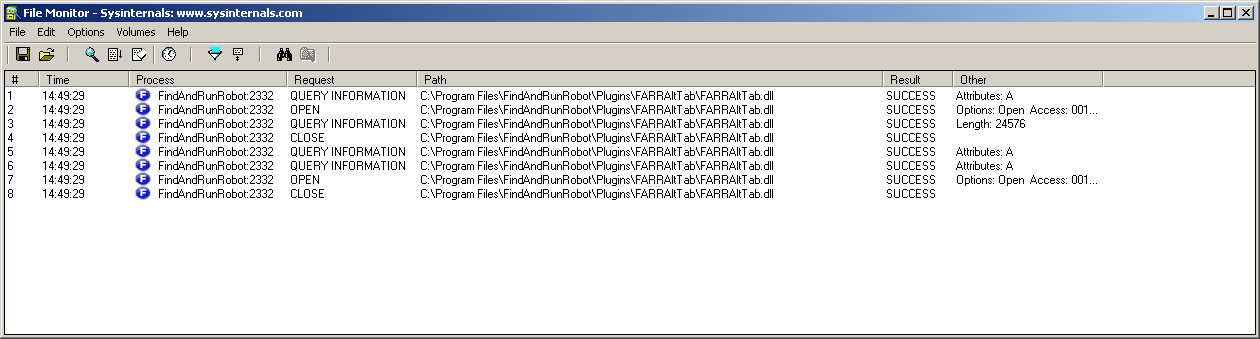 farr 01.png
(38.4 KB, 1260x339 - viewed 1736 times.)
farr 01.png
(38.4 KB, 1260x339 - viewed 1736 times.)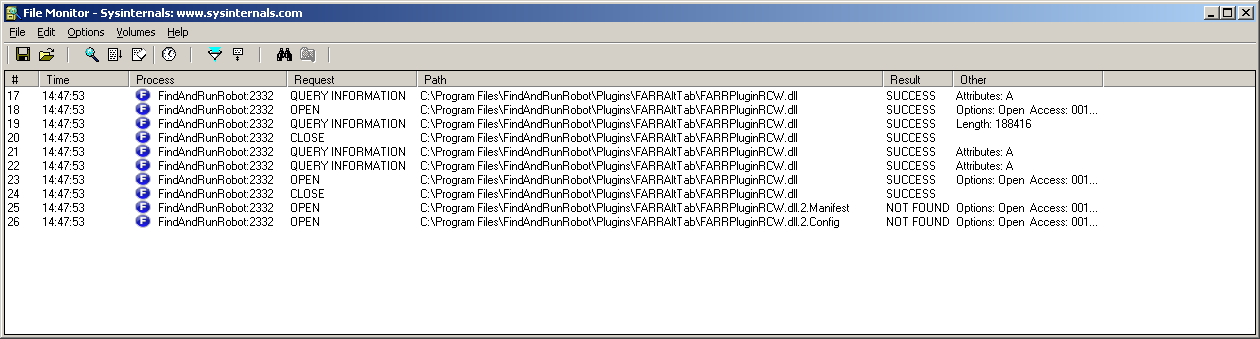 farr 02.png
(44.6 KB, 1260x339 - viewed 1806 times.)
farr 02.png
(44.6 KB, 1260x339 - viewed 1806 times.)Hmm. That sounds the right direction.Yep everything is working fine now. Forgot to add this is the other error in the event viewer that I had prior to installing the package: Generate Activation Context failed for D:\FindAndRunRobot\Plugins\FARRAltTab\FARRPluginRCW.dll. Reference error message: The operation completed successfully.
Did it help? Everything works now?

I have according to my Add/Remove Programs .Net 2 and .Net 3 installed on my computer on a freshly installed xp system, which was modified with nLite.
I had to install Microsoft Visual C++ 2005 SP1 Redistributable Package (x86) (http://www.microsoft.com/downloads/details.aspx?familyid=200B2FD9-AE1A-4A14-984D-389C36F85647&displaylang=en)says there:

Original address: https://www.donationcoder.com/forum/index.php?topic=10988.0