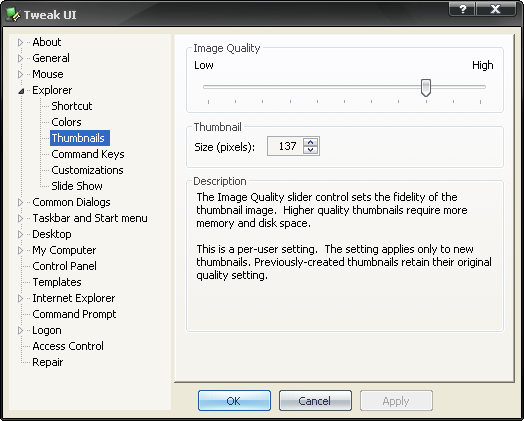
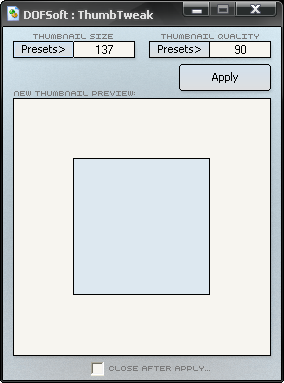
Xentient Thumbnails (Freeware)A utility for replacing the generic icons of image files with thumbnail icons of the actual image. [Windows 98/98SE/ME/2000/XP] xentient.com/products/thumbnails/
This is excellent! And the combination with QTTabBar's new thumbnail popups accellerates the pair to the absolute excellence, because now you don't have to 'search' for the right picture, but can see in a glance what might be the right one, and then just point at it, and up comes the BIG thumbnail from QT.
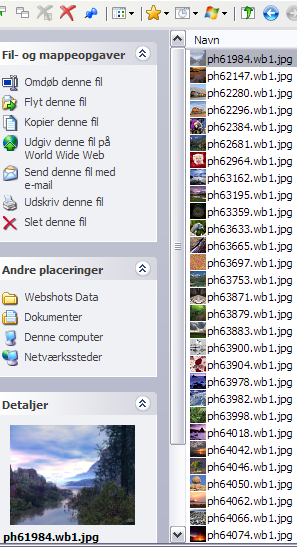
Sadly I cannot show you a screenshot of the QT thumbnail, but here is one (thumb) of the
Xentient picturized icon thumbnails. Even though they are small it is a lot easier this way to locate what you are looking for:
[attachthumb=#]
http://xentient.com/products/thumbnails/
In that case, can I come over too? Pilsners are the best, and so are blonds. :-)
Sometimes I really miss Germany, but Pittsburgh has a German certified brewer, so I am doing better than most. If you are ever this way, you MUST try Penn Pilsner and/or Penn Dark (the two best brews he puts out). They are just as good as the Euro-beers I had when living in Bitburg.
If you have easy access to Penn Pilsner you need not go anywhere...
- except for a blonde :-)
By the way; Carlsberg and Tuborg are by far the two most sold beers from Denmark,
but by far not the two best... How come marketing is so more important than quality?