Just a few things I have noticed with version 1.2.6
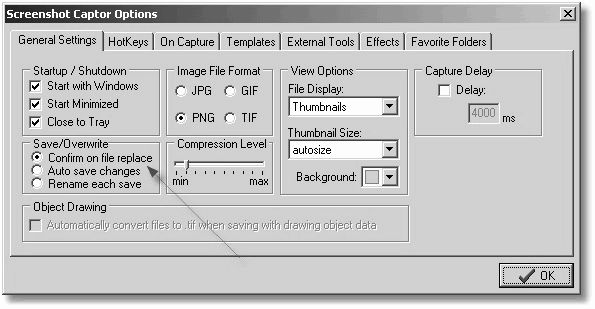
(1) The confirm save on change option doesn't work properly.
Try this:
Select a region in an image and dim outside.
Now select another image.
The new image is loaded but the changed image is stored in the list without confirmation.
If you go back to the modified image you can't undo the changes either.
(2) ^Z for undoing changes doesn't seem to have the same effect as Edit >Undo
Undoing from the menu undoes the last process, but ^Z seems to undo a little of the last step. Try dimming an outside region again, and using both methods to undo.
Suggestion:
Grey out the Undo & Redo options in the Edit menu when there is nothing to undo or redo
Cheers
(1) The confirm save on change option doesn't work properly.
Try this:
Select a region in an image and dim outside.
Now select another image.
The new image is loaded but the changed image is stored in the list without confirmation.
If you go back to the modified image you can't undo the changes either.
(2) ^Z for undoing changes doesn't seem to have the same effect as Edit >Undo
Undoing from the menu undoes the last process, but ^Z seems to undo a little of the last step. Try dimming an outside region again, and using both methods to undo.
Suggestion:
Grey out the Undo & Redo options in the Edit menu when there is nothing to undo or redo
Cheers