
Thanks for the updates! Keep 'em coming!
Re: Valve Announces Steam Deck: A Handheld PC
« Reply #75 on: July 16, 2022, 05:06 AM »


 Topic: Valve Announces Steam Deck: A Handheld PC (Read 574,643 times)




I have my delivery date
Maybe if you have a separate laptop around and just want to experiment with developing games, this might be for you, mouser

I've been using Wormhole GUI for my needs- https://github.com/agentOfChaos/WormholeGui
I've also been using Syncthing - https://syncthing.net/
That's still not quite the same since you'd probably want the actual hardware to test with. I imagine it would be hard to develop a game featuring gyro or dual trackpad controls when you can't test it. But it's a good way to get a feel for the Steam OS experience and might be great for a little HTPC connected to the TV.


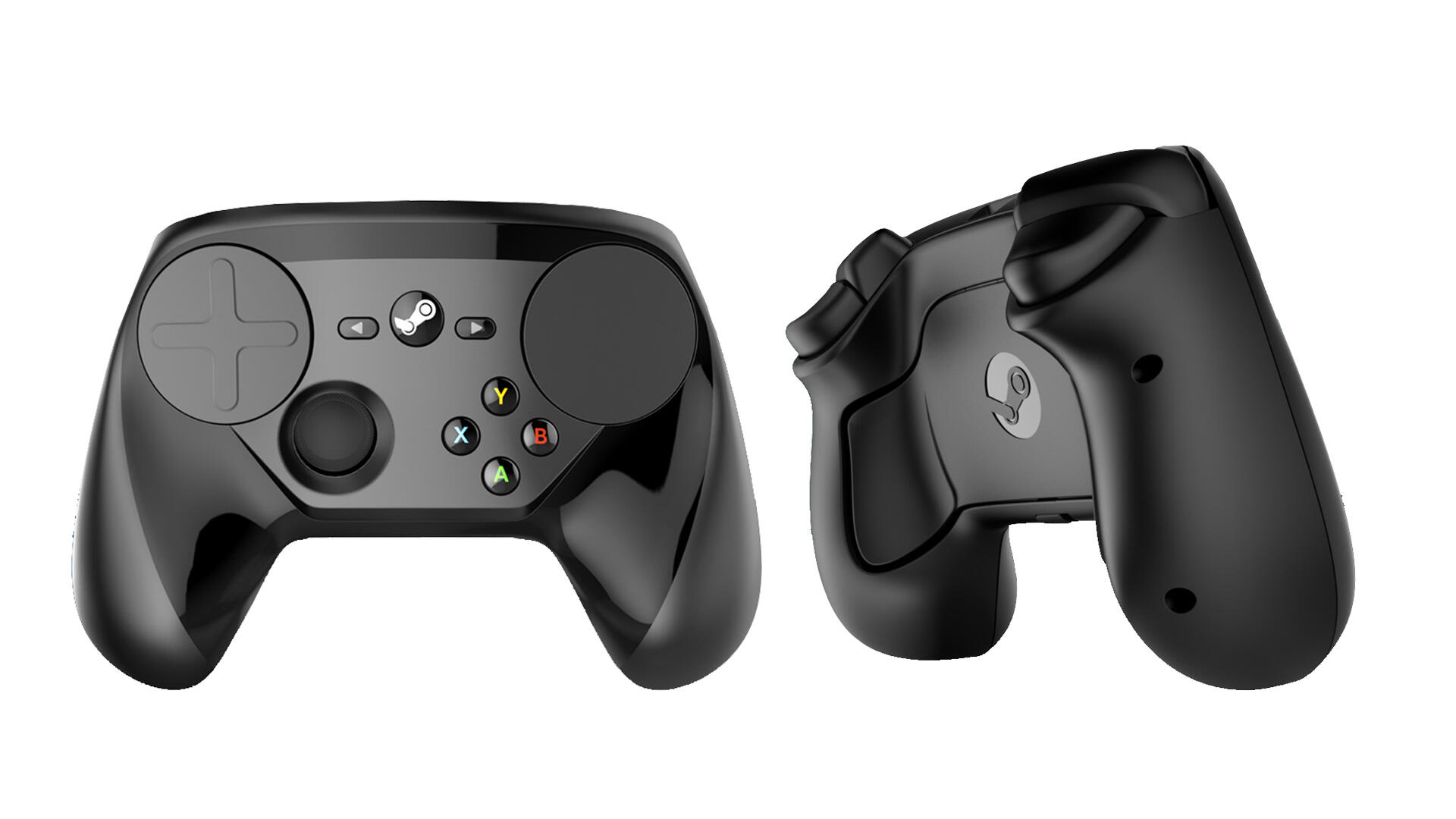
How similar do you think a Steam Controller is to the controls on the Deck?

Holy carp the email came today!


If I decide not to go through with my purchase, I assume there is no way for me to give my position in line to someone else?
I came to the conclusion a while ago that giveaways and things are just not fun for me to organize and deal with.. and as for my youtube channel, im just playing boardgames that I enjoy, I don't want to film stuff just to get viewers. I got in line for the stream desk on the chance that there might be some non-game use for the hardware at some point, or some vr gaming developments.


Holy carp the email came today!... and were your experiences good enough that you confirmed your purchase?
If I decide not to go through with my purchase, I assume there is no way for me to give my position in line to someone else?
I saw that it can be a gift when checking out... not sure what that entails.
It just arrived- I have installed a few games, and I didn't see the slowdown that you reported Deo.
I see an ! beside Settings > System, and it says there are software updates, but the beta notes says it's for the beta channel, which I am not going to opt in for. Do I still need to apply the update?
And if a game says unsupported, does that mean it's not tested? Or I shouldn't even try?
Woohoo! Good to know you're not seeing slowdown. I set the default install location to my microSD card. So maybe that's too slow. It's a Samsung EVO Select microSD XC I U3, which I thought was supposed to be pretty fast. But I haven't been following the latest advances in microSD technology. I'll try setting it back to internal storage to see if it runs any better during installs.
I have installed a few games, and I didn't see the slowdown that you reported Deo.
Here's something I found that may be useful if you have access to a 3D printer. It's a little carrying case for the power cord, and even includes a few microSD card slots. The 3D-printed case goes in the little cavity behind the elastic strap of the Deck Carrying Case.
https://www.thingiverse.com/thing:5356412
I set the default install location back to the eMMC drive and the UI is nice and speedy when downloading/installing games. So perhaps my microSD card just doesn't handle writes fast enough. I was under the impression that as long as the microSD card was at least UHS-I then it would be plenty fast enough. But maybe I conflated the fact that the Deck doesn't support UHS-III speeds with the idea that UHS-I speeds were all the same. I don't really know. As I said, I haven't been following all the latest advancements in microSD technology, so I'm not sure on the potential differences between them.

Original address: https://www.donationcoder.com/forum/index.php?topic=51571.0