
I always 'got along well' with Paint Shop Pro 7, and once I learned its basics, I did wonders with it (IMHO). Now, I 'wonder'; will it work with Windows 10 64-bit?
Paint Shop Pro 7
« on: November 29, 2019, 08:11 AM »


 Topic: Paint Shop Pro 7 (Read 37,306 times)





I have run it on 5 computers with Win10, so Paintshop Pro 7 will work, but there are a few quirks with it...Thanks, app103!
You could optionally choose to run it in compatibility mode, but that will only fix one issue, and introduce another. I choose not to run it in compatibility mode, as it prevents one from being able to make screenshots of the program UI.
First, you will see an error message that looks something like this, each time you run it. It happens once or twice, as soon as the program launches. Just dismiss them and proceed on to using the app. This has been an issue with PSP7, since WinXP. You might also see one when you try to close it. Same thing...ignore and close the messages. Running it in compatibility mode will get rid of the error messages, but you'll still have to click away a prompt to allow changes to your computer, every time you run it. So, all you'd be doing is trading one type of message to click away, for another.
[attach=1,msg435160]
The 2nd, more annoying quirk relates to the small pop-up windows for tool options, layer palette, overview, etc. Win10 won't show you the rollup buttons that should be on them, but they are still there, invisible. so you have to click next to the close (X) button to lock open or rollup, as shown on this screenshot.
[attachthumb=3,msg435160]
Otherwise, I'd recommend setting automatic rollup in preferences:
[attach=2,msg435160]
The 3rd, most annoying quirk is related to 3rd party filters and plugins. Some of them that used to work well under other versions of Windows, will not work on Win10, and there's nothing you can do about it, since all of them are no longer supported by their developers, and rarely would they ever offer any help to Paintshop Pro users even when they did support them, as they were written for use with old, outdated versions of Photoshop, not Paintshop Pro.
Other than that, it works perfectly fine and is still my favorite image editor.
 Any idea what's a safe place to download it from?
 Thanks, app103!


archive.org has an ISO for it. But I think it might be corrupted.
archive.org has an ISO for it. But I think it might be corrupted.
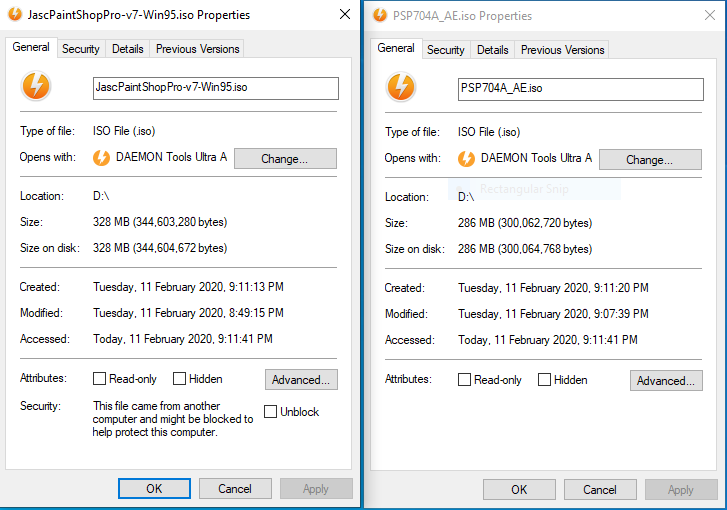
PSP 7 ISO downloaded, mounted (DaemonTools), and installed fine on Win10 x64 Pro.


As an aside, if anyone can recommend a good/trustworthy MDF -> ISO converter, it would be nice to get some of those older disc images I have into a more ubiquitous format.

Many thanks!
You could also mount these images and then use 'Folder2ISO' to create ISO files. Don't let the look from that page fool you, it is useful software if you are creating ISO files from any folder on your computer.
MDF to ISO - worked for me, might depend on what info was included into the MDF to start with.
No need to install it, the installer can be extracted, (use UniExtract), and the executable directly run.
archive.org has an ISO for it. But I think it might be corrupted.
Thank you, Deozaan.archive.org has an ISO for it. But I think it might be corrupted.
What makes you think it is corrupted while 4wd says it works?
The reason I ask is because I used MDF to ISO to convert my PSP8 MDF to an ISO and when I try to mount the ISO it says it is corrupt and can't be mounted. So I decided to bite the bullet and burn the MDF to a CD with ImgBurn and then rip that CD back into an ISO, and I can mount that one without issue.
I'm not sure what I'm using to try to mount it with. It's a context menu that shows up when I right-click an ISO file. It's been there so long I just assume it came with Windows 10. But maybe it comes with ImgBurn or some similar software I have installed.
But anyway, if anyone wants or needs the PSP8 or PSPX installation CDs, I suppose I can provide them.
I used to really like PaintShop Pro back in the day. But I didn't really like PSPX. These days I mostly use Paint.NET for most of my image manipulations.
What makes you think it is corrupted while 4wd says it works?
The reason I ask is because I used MDF to ISO to convert my PSP8 MDF to an ISO and when I try to mount the ISO it says it is corrupt and can't be mounted. So I decided to bite the bullet and burn the MDF to a CD with ImgBurn and then rip that CD back into an ISO, and I can mount that one without issue.
I'm not sure what I'm using to try to mount it with. It's a context menu that shows up when I right-click an ISO file. It's been there so long I just assume it came with Windows 10. But maybe it comes with ImgBurn or some similar software I have installed.


I still have the free PSPX installer from this offer, if anyone needs it. Read the whole thread before deciding if the fuss & bother is worth it, though.^It -this offer- is a major headache; I read most of the page and would avoid Corel's PSPX installer like the plague. I'm sticking with Jasc's PSP9, and thank you for the precautionary warning.
Personally, I'd just stick with Jasc's v7, 8, or 9, instead, and avoid any of the Corel versions.
I still have the free PSPX installer from this offer, if anyone needs it. Read the whole thread before deciding if the fuss & bother is worth it, though.
Maybe Windows 10 or 7-Zip, whichever is adding the option to mount the disc images, isn't quite as useful as DaemonTools, which 4wd says worked with it perfectly.
 spartan angel 1.jpg
(135.9 KB, 1366x768 - viewed 3397 times.)
spartan angel 1.jpg
(135.9 KB, 1366x768 - viewed 3397 times.)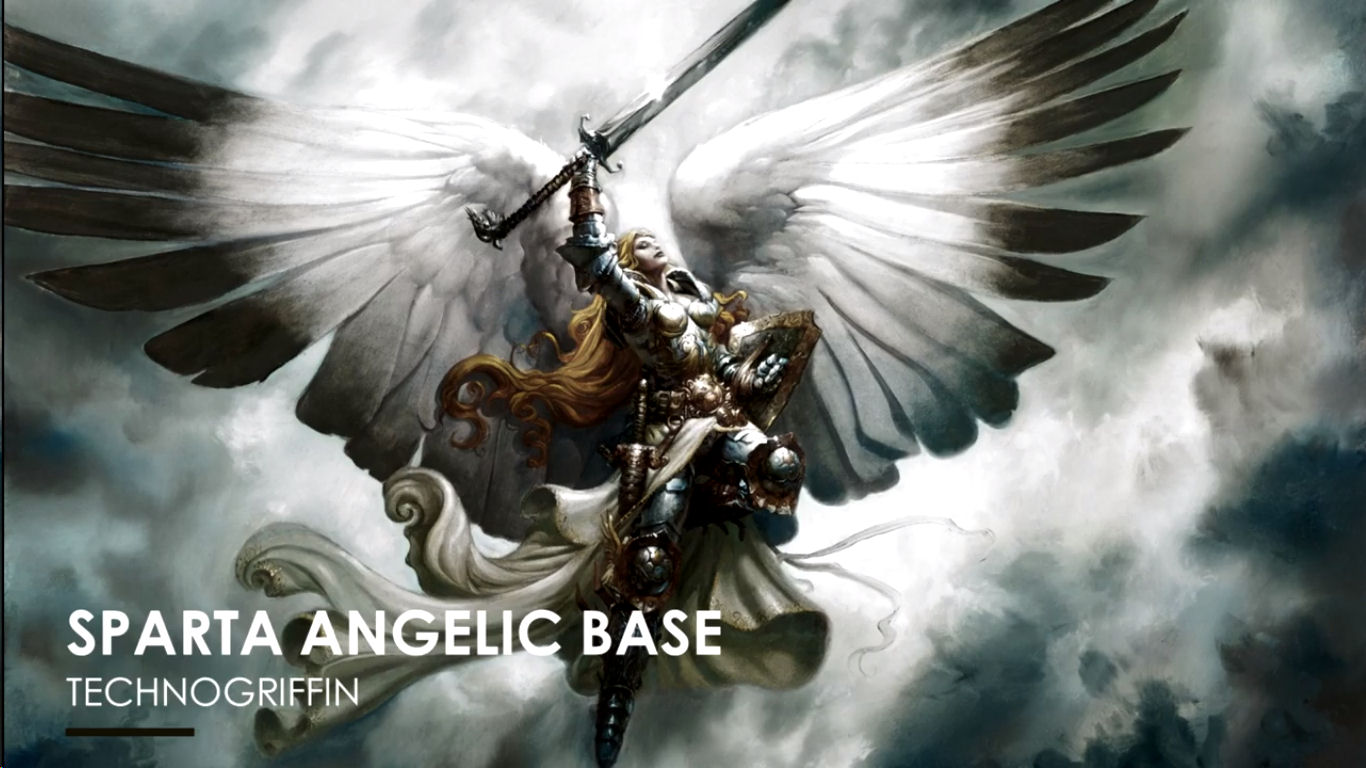 spartan angel 2.jpg
(149.3 KB, 1366x768 - viewed 3240 times.)
spartan angel 2.jpg
(149.3 KB, 1366x768 - viewed 3240 times.) spartan angel.jpg
(141.2 KB, 1366x768 - viewed 3019 times.)
spartan angel.jpg
(141.2 KB, 1366x768 - viewed 3019 times.)
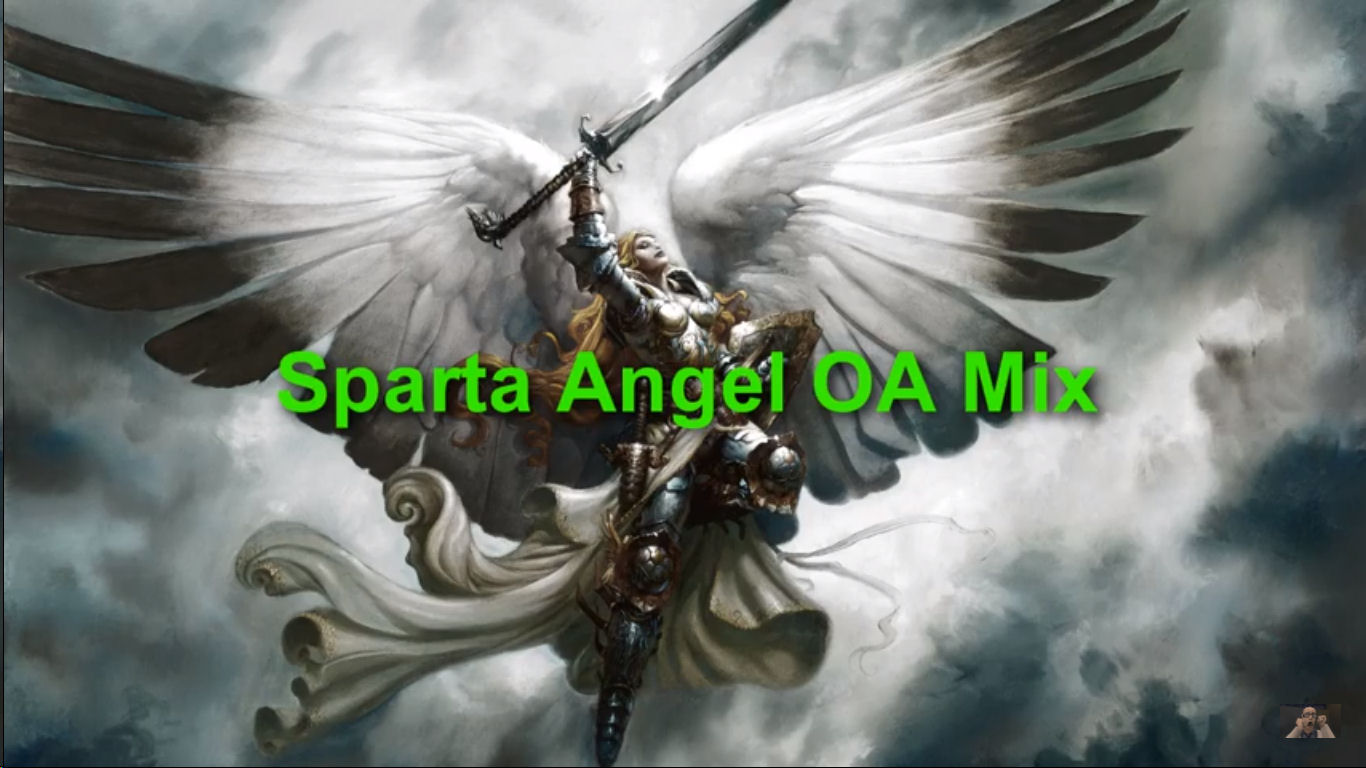
Which part of that is the clone brush?The top two pix, #1 & #2, were all that I could find on youtube; both had unwanted writings, but in different places.
All content used in my post belongs to their respective owners.giving a link to the original would seem like the right thing to do

Original address: https://www.donationcoder.com/forum/index.php?topic=49141.0