Hi,
on my work laptop running Windows 10 x64 I experience a strange behavior with FARR:
if my computer was either locked or in sleep mode (which also causes locking up) after I log in the FARR search window is shown and can't be closed using the X button. If I use the hotkey to bring up FARR the window gains the focus and when hitting the hotkey again it is hidden again. I changed the memory usage setting from Average to "stay in memory" today and after logging out and in again the Settings dialog was shown instead of the FARR search window, the behavior was the same and the window couldn't be closed using either the OK button nor the window's X button.
It is not a big bug as I know how to handle it but a fix would still be nice, though :-)
SOLUTION:
in my case I had to force FARR to run on the Nvidia graphics card rather than using the internal Intel graphics card.
on my work laptop running Windows 10 x64 I experience a strange behavior with FARR:
if my computer was either locked or in sleep mode (which also causes locking up) after I log in the FARR search window is shown and can't be closed using the X button. If I use the hotkey to bring up FARR the window gains the focus and when hitting the hotkey again it is hidden again. I changed the memory usage setting from Average to "stay in memory" today and after logging out and in again the Settings dialog was shown instead of the FARR search window, the behavior was the same and the window couldn't be closed using either the OK button nor the window's X button.
It is not a big bug as I know how to handle it but a fix would still be nice, though :-)
SOLUTION:
in my case I had to force FARR to run on the Nvidia graphics card rather than using the internal Intel graphics card.


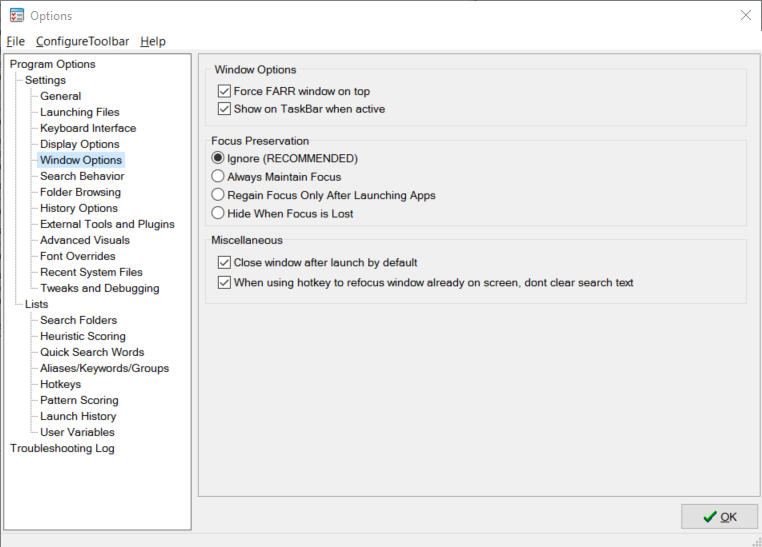
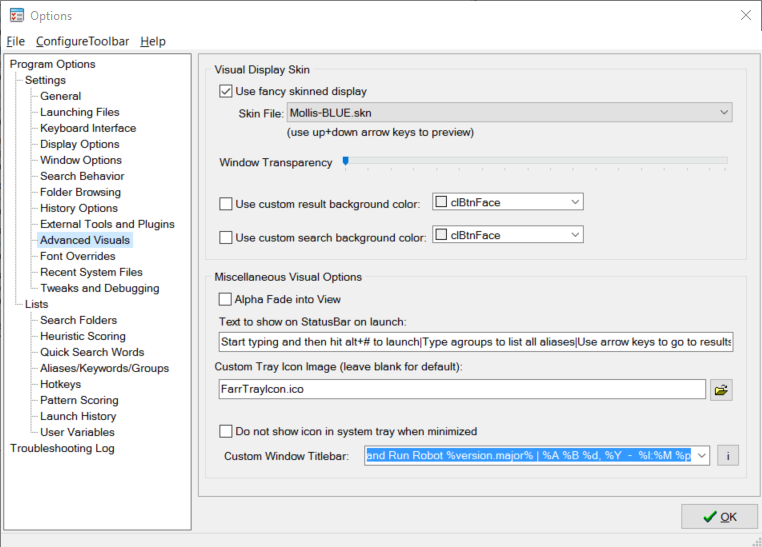
 . I can't remember if and which settings I had changed but please find attached the screenshots of the two asked windows. My laptop is connected totwo external monitors, one of the two is configured as Windows' Main Monitor.