
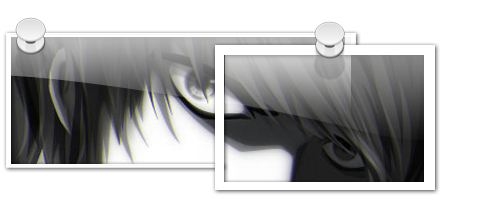
@ Dirhael, you simply HAVE to tell how you made this "teaser", wow, it is looking good!
[attachthumb=#]
[attachthumb=#]


 Topic: Whats on your desktop? (Read 212,563 times)


@ Dirhael, you simply HAVE to tell how you made this "teaser", wow, it is looking good!
(see attachment in previous post)


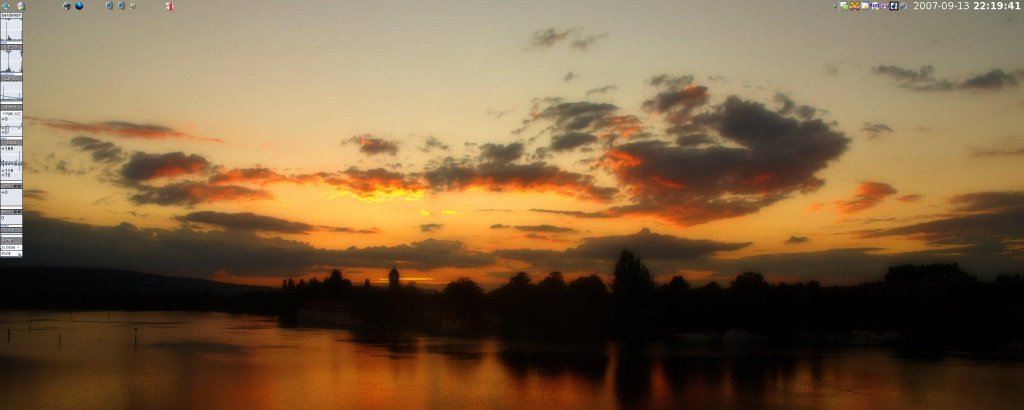
Put this image on the left monitor,


look ma, no icons!
i also prefer using my own photos as wallpapers since kinda hard to get dual-screen wallpapers i like


Curt, copy the links that nite_monkey posted and paste them in another tab or window. This way you'll avoid the hotlinking protection


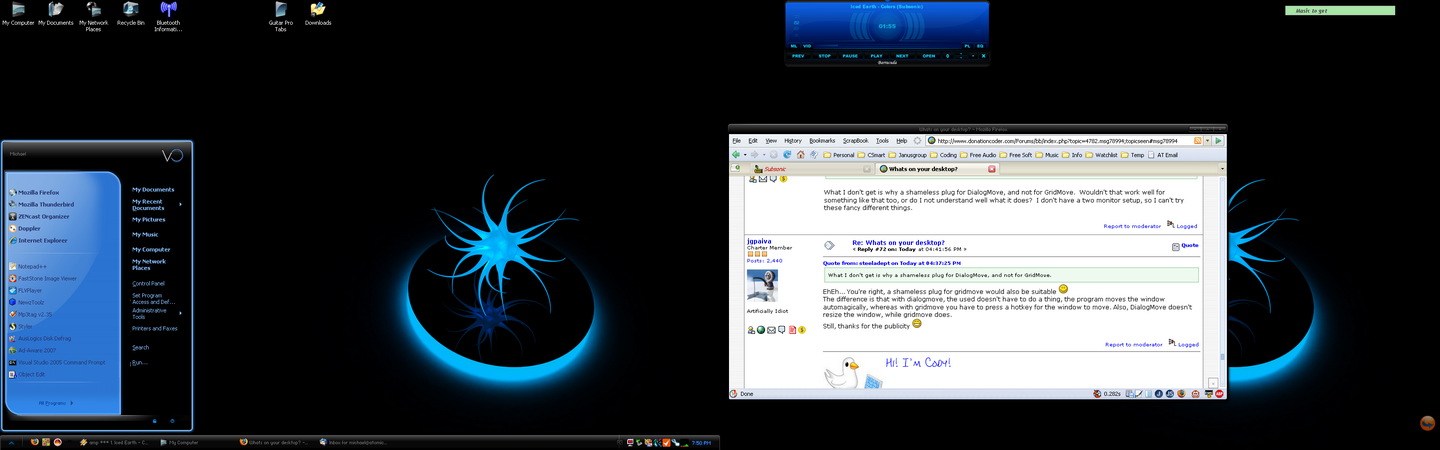
I dont like how dialogs that pop up centered are split between the displays, anyone know how to fix that?Hey if You find a way to fix that, let me know, I would like to know.
I dont like how dialogs that pop up centered are split between the displays, anyone know how to fix that?Hey if You find a way to fix that, let me know, I would like to know.



Depends on your graphics card(s) - ATI have a utility that is supposed to sort that out (its called hyper.... something or other I forget).
@ Dirhael, you simply HAVE to tell how you made this "teaser", wow, it is looking good!
(see attachment in previous post)
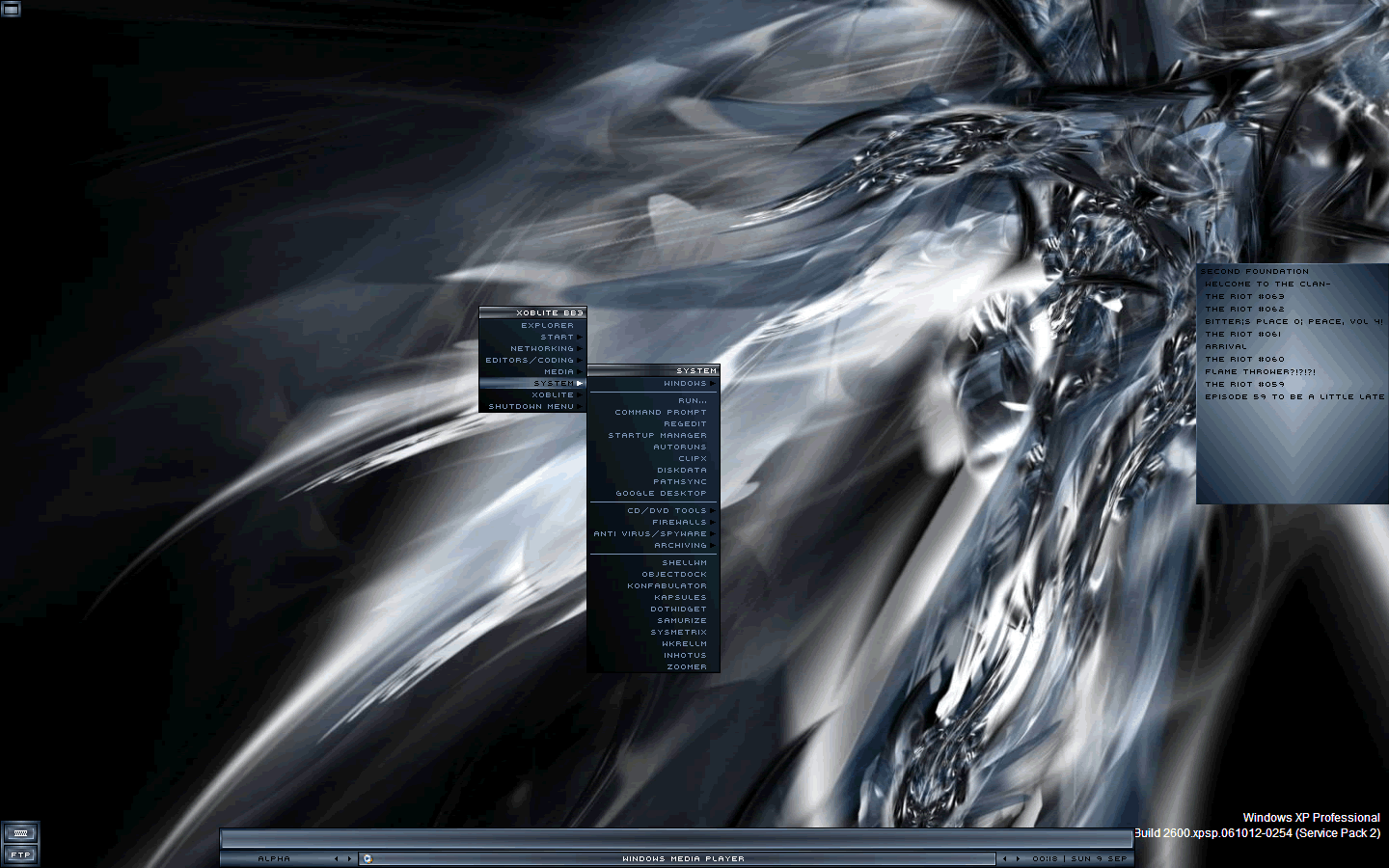
Sure, what I've used is a tiny freeware application called Rumshot.
Program: Download from Fileforum
Theme pack: Download from Shellscape
I think the project is abandoned by now, but it works just fine in both XP and Vista so it doesn't really matter. It even got a built-in "take screenshot and upload to FTP" function which is nice


I dont like how dialogs that pop up centered are split between the displays, anyone know how to fix that?How exactly are you splitting monitor signal?
I dont like how dialogs that pop up centered are split between the displays, anyone know how to fix that?How exactly are you splitting monitor signal?
If windows identifies your system as having 2 monitors, the taskbar should only be on the first mon and all windows would appear centered on the first monitor.

 - the only problem I have found is that some info windows which really shouldn't move, also are moving.
I use Dialog Move and is happy with it. No need to be a shameI'm glad you like it, curt!


Here's a solution:
<shaaaaameless plug>
Use DialogMove, which moves the new dialogs that come up to your mouse position
</shameless plug>
What I don't get is why a shameless plug for DialogMove, and not for GridMove.EhEh... You're right, a shameless plug for gridmove would also be suitable

... I don't have a two monitor setup, so I can't try these fancy different things.
I see, tekzel!
What i don't understand, tekzel, is what are the advantages of using the "span" mode.
Original address: https://www.donationcoder.com/forum/index.php?topic=4782.0




![[attach=#]](http://www.atomictomato.net/MyDesktop.png)