


NANY 2018 Release Information
| Application Name | Health Reader |
| Version | 1.2.0 build 5 |
| Short Description | Allows you to view exported xml of certain Apple IOS health data. (See features for data points.) |
| Supported OSes | Tested on Windows 10 64 bit. (Let me know which other windows it works on.) |
| Web Page | Health Reader |
| Download Link | Health Reader |
| License | USE/MISUSE AT YOUR OWN RISK! NO WARRANTY OF ANY KIND! Do not distribute! |
| System Requirements |
|
| Version History | "Version 1.x.x build x"
|
| Author | hamradio |
Description
Allows you to view exported xml of Apple IOS health data. (See features for data points list.)
Features
Portable enabled.
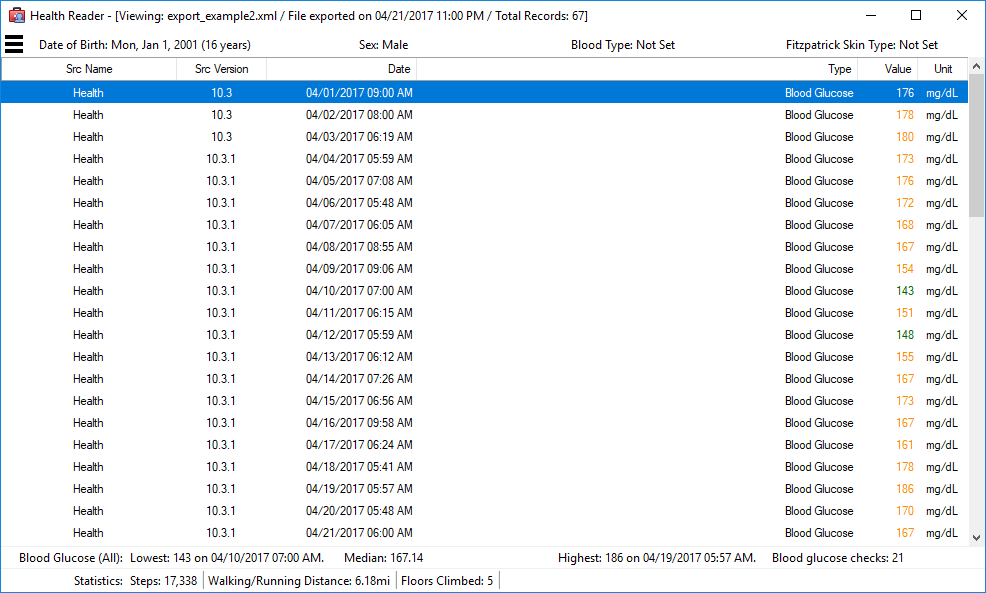
Displays blood glucose, steps, walking/running distance, flights climbed, height, body mass, heart rate, heart rate variability (w/ instantaneous beats per minute), resting heart rate, exercise minutes, active energy, resting energy, stand hours, and mindful minutes.
Note: Height, body mass, heart rate, heart rate variability, resting heart rate, exercise minutes, active energy and resting energy are new as of version 1.1.0 build 1.
Screenshots
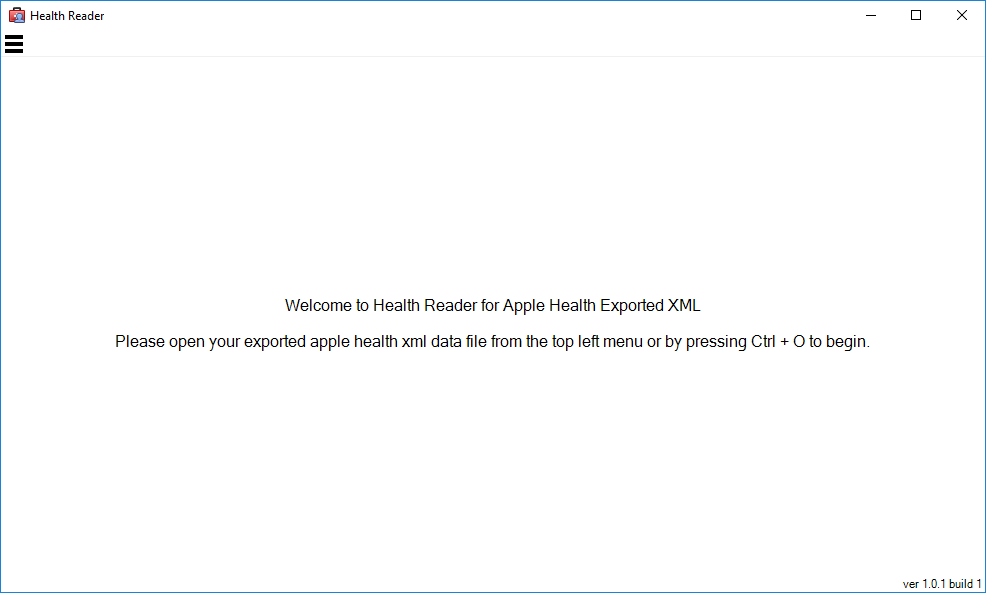
The main screen when launched...
The main screen when viewing Apple Health data...
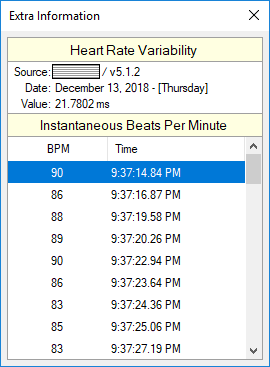
The extra information screen... (As used with heart rate variability.)
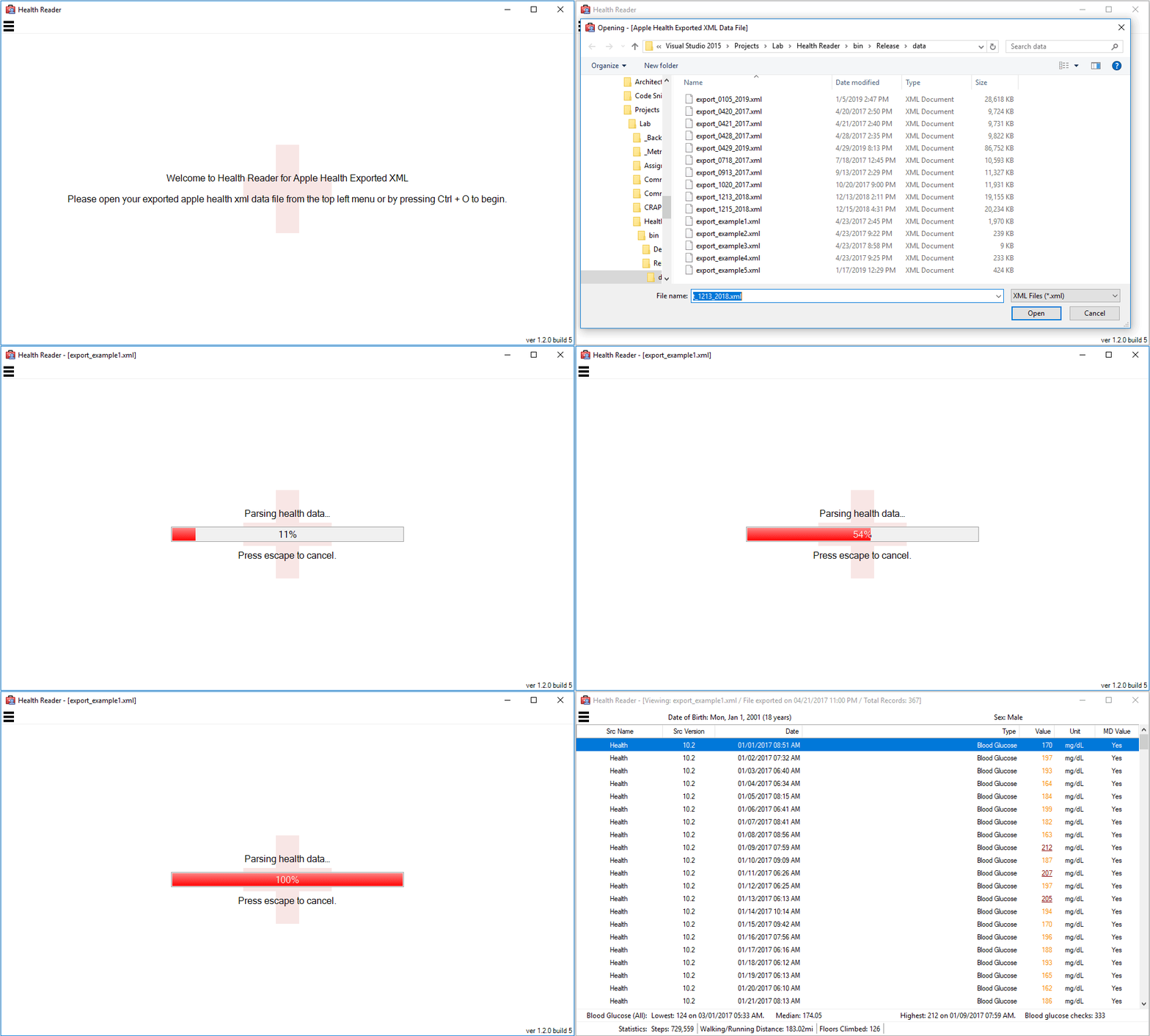
The new smoother open health data file experience...
Click thumb below for animated gif.
Usage
Installation
Extract to an application folder outside of the normal program files folder making sure to extract it with folder structure intact.
Using the Application
Launch the application and choose an exported Apple IOS Health xml file.
Uninstallation
Just delete the application folder.
Known Issues
Currently do not know of any.


