


When I moved my files to this computer (x64 Windows 10 Home), I accidentally & unfortunately used a program that has erased almost all original info and changed every jpg "Created Time". This is sad to me, because no matter how trigger happy I might be, I did not shoot 2150 pictures within a couple of minutes!
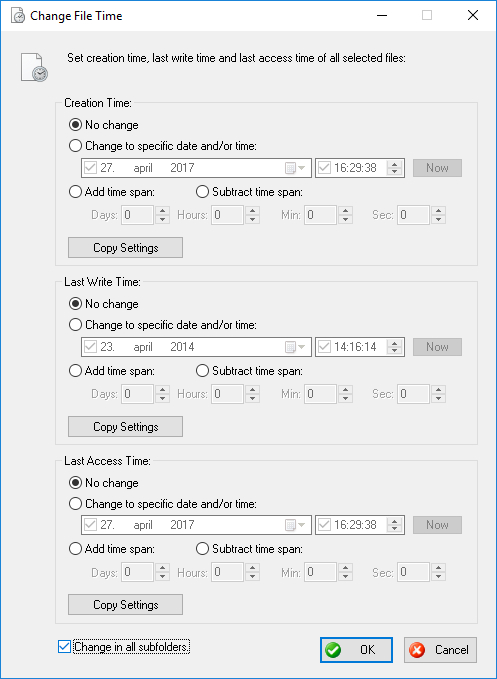
I realize I cannot recreate the original info or saved / created time, but I know I can copy each picture's "Last write"-time to also become its "Created"-time - and such a compromise is very okay in the situation (I don't care about camera info in general, other than when & where was the picture taken?) However, for now I can only do this one picture at a time - if I try to do it with more files, they have so far copied the same "time", or caused other problems. I need help to do this the proper batch way!
[attachthumb=#]
Do 'you' know of a program that can do this? Or can & will 'you' write a script to make it happen?
I realize I cannot recreate the original info or saved / created time, but I know I can copy each picture's "Last write"-time to also become its "Created"-time - and such a compromise is very okay in the situation (I don't care about camera info in general, other than when & where was the picture taken?) However, for now I can only do this one picture at a time - if I try to do it with more files, they have so far copied the same "time", or caused other problems. I need help to do this the proper batch way!
[attachthumb=#]
Do 'you' know of a program that can do this? Or can & will 'you' write a script to make it happen?


 )
)

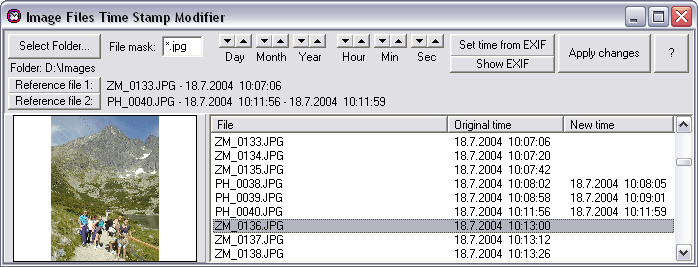
 Would have been a snap. It's built for such tasks. Pity I saw this too late.


