


NANY 2017 Entry Information
| Application Name | sPinger |
| Supported OSes | Windows 7 (Probably works, but not tested, on Windows XP/8/Vista/10) |
| Web Page | Website |
| Download Link | Download |
| Author | Jody Holmes (Skwire Empire) |
Description
If you’re up for it, some background is in order for this application so click the Spoiler button if interested. If not, skip to the TL;DR section below.
Spoiler (click to show/hide)
In a network operations environment, there was always a need to quickly ping large numbers of IP addresses. The best application, by far, that I found is an app called HELIUM PINGer. Even though it’s an older app, it is a truly multi-threaded, outstandingly fast application that works extremely well. It was indispensable when I worked in network operations several years ago and I still keep it in my network app toolbox. If you need such an app, look no further. Another application in this vein is the professionally done PingInfoView by the incomparable Nir Sofer. I keep that installed as well.
Now, on to sPinger. During my tenure in network operations (2000-2010), I wrote a suite of applications, in my spare time, that my group used. One of these was a mass pinger, like the above, with a few extra features that we used extensively.
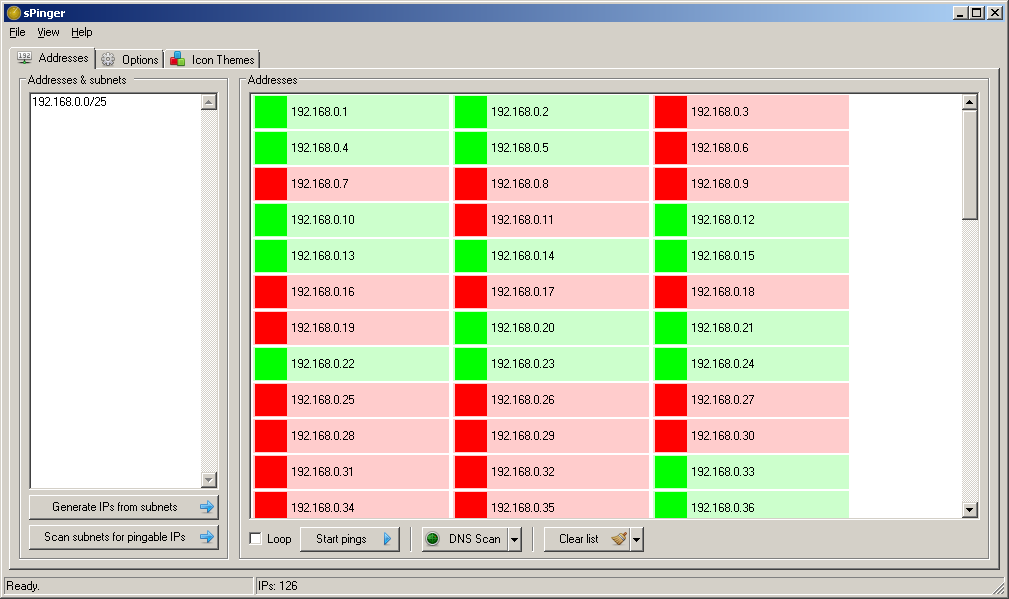
The first was the ability to quickly ping entire lists of subnets for only the reachable addresses. This allowed to you create a basic baseline of reachable customers and devices before, say, making a network change. You could easily see if your changes, in realtime, had any adverse affects in regards to reachability.
Another feature was in regards to IP subnet generation. Even though HELIUM PINGer has a subnet generator, you can only generate one subnet’s worth of addresses at a time. We needed the ability to simply paste in a list of subnets and quickly generate the addresses for all of them.
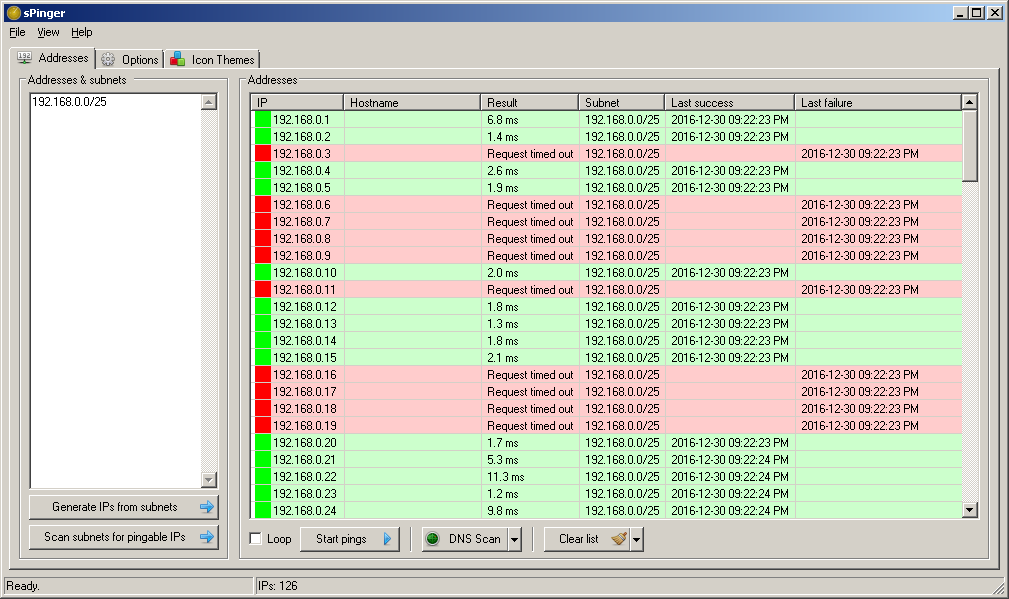
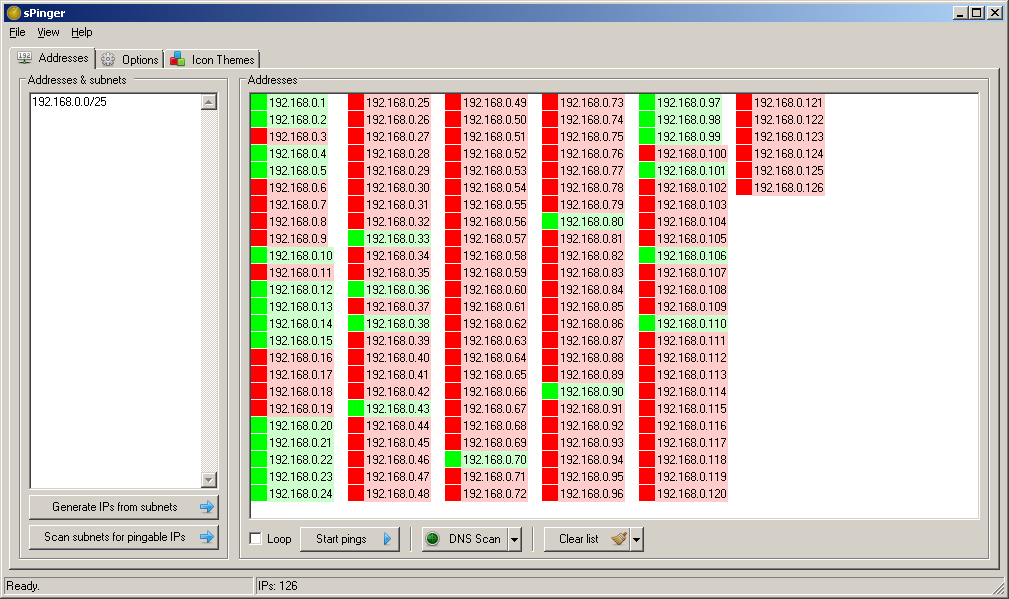
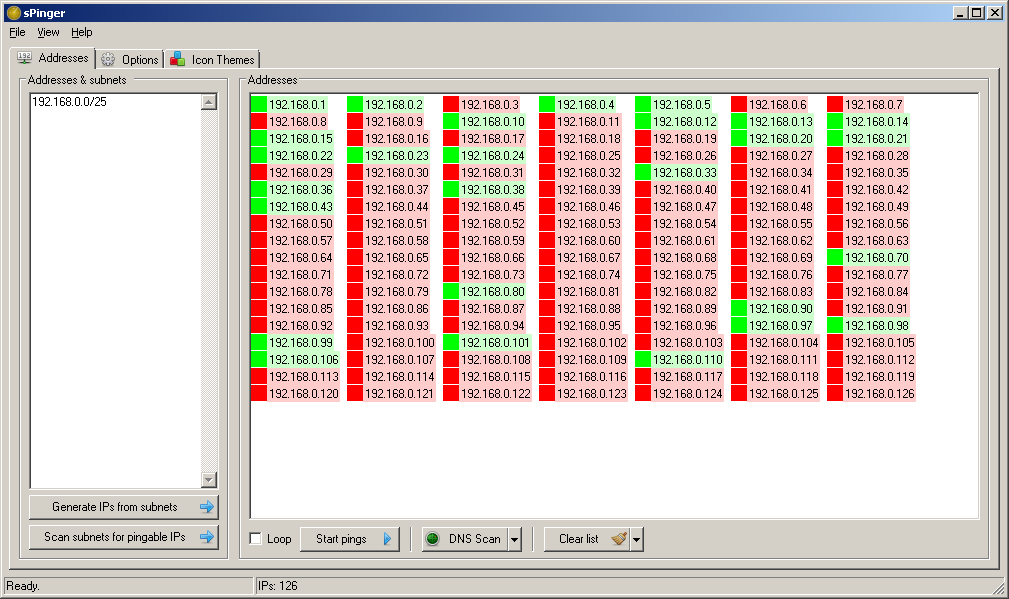
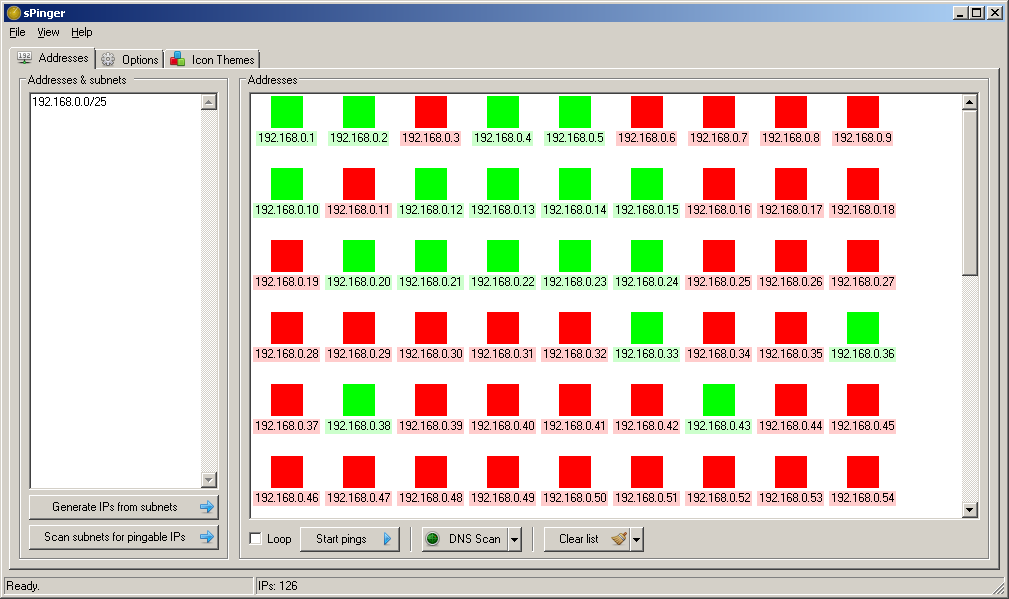
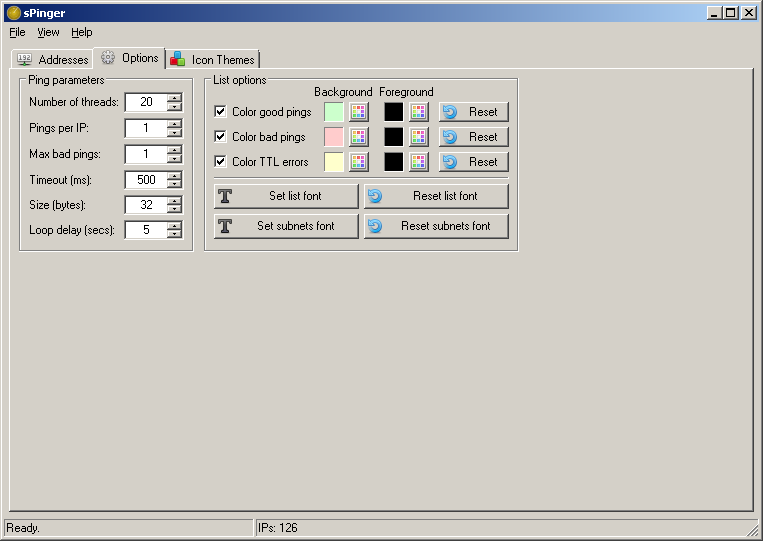
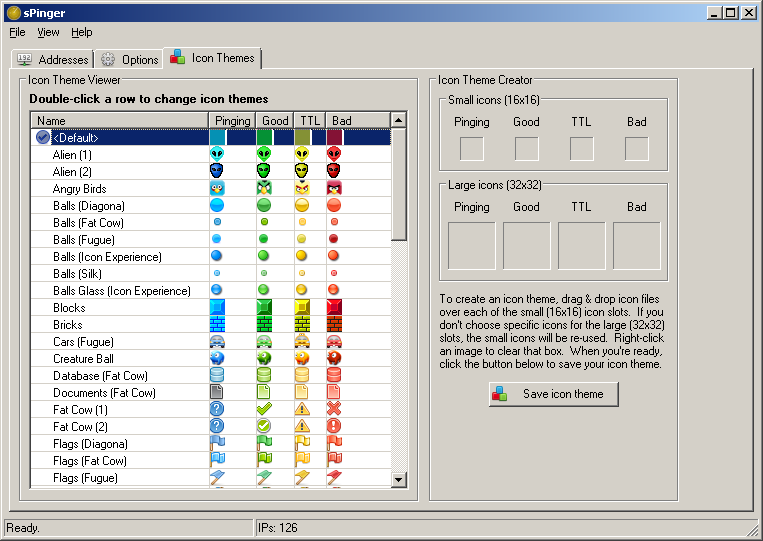
My applications are written in AutoHotkey so the main drawback of my original mass pinger app was that it was single-threaded because AutoHotkey itself is single-threaded. For DonationCoder’s NANY 2017 promotion, I wanted to see if I could rewrite that app with some pseudo-multi-threading and I’ve accomplished that. However, there is no way my app can compete with HELIUM PINGer when it comes to CPU usage when multiple threads are in use. Again, if you need an app like this for heavy-duty use, just get HELIUM PINGer already. That said, the multi-thread functionality is entirely configurable within sPinger, so you should be able to find a happy medium. As a final treat, I’ve made the list icons configurable and have included lots of fun themes I put together (see screenshot below).
Now, on to sPinger. During my tenure in network operations (2000-2010), I wrote a suite of applications, in my spare time, that my group used. One of these was a mass pinger, like the above, with a few extra features that we used extensively.
The first was the ability to quickly ping entire lists of subnets for only the reachable addresses. This allowed to you create a basic baseline of reachable customers and devices before, say, making a network change. You could easily see if your changes, in realtime, had any adverse affects in regards to reachability.
Another feature was in regards to IP subnet generation. Even though HELIUM PINGer has a subnet generator, you can only generate one subnet’s worth of addresses at a time. We needed the ability to simply paste in a list of subnets and quickly generate the addresses for all of them.
My applications are written in AutoHotkey so the main drawback of my original mass pinger app was that it was single-threaded because AutoHotkey itself is single-threaded. For DonationCoder’s NANY 2017 promotion, I wanted to see if I could rewrite that app with some pseudo-multi-threading and I’ve accomplished that. However, there is no way my app can compete with HELIUM PINGer when it comes to CPU usage when multiple threads are in use. Again, if you need an app like this for heavy-duty use, just get HELIUM PINGer already. That said, the multi-thread functionality is entirely configurable within sPinger, so you should be able to find a happy medium. As a final treat, I’ve made the list icons configurable and have included lots of fun themes I put together (see screenshot below).
TL;DR:
Ping multiple IP addresses and hostnames with fun icon themes. Features:
Pseudo multi-threaded.
Quickly generate lists of all addresses from a list of subnets.
Quickly generate lists of only pingable addresses from a list of subnets. This feature is not available on Windows 8 & Windows 10.
DNS scan mode to quickly retrieve hostnames from IP addresses.
Fun icon themes in the list to show good, bad, and expired pings.
Configurable list — colours, fonts, etc.
Screenshots
1.
 2.
2. 
3.
 4.
4. 
5.
 6.
6. 
7.
Usage
Installation
Download the zip file and extract its contents into a new folder. Run sPinger.exe to start the application.
Uninstallation
Exit the application and delete the folder you unzipped it to.



 )
)

