Note: Related post (closed, can't reply to it): http://www.donationcoder.com/forum/index.php?topic=42196.0
Recently I started seeing shadows when capturing an Active Window (like a dialog) in Windows 10. See attached.
[attachment 1 not found]
An option was added to SSC years ago to get around this which I have disabled. I see another option that I've never used and tried it but it didn't have an effect either. See attached.
[attachment 2 not found]
I suppose this is due to the fact that Microsoft appears to be bent on breaking fundamental architectural standards (their Microsoft Dynamics CRM app randomly shows a system modal dialog that says "I'm doing something" then automatically closes, preventing anything from being done in any app and when it's done the original keyboard focus is not restored so you have to go click the active app again). Okay, not going to rant, but
Not a show stopper, but I have to manually clean the dialog up by trimming the extra stuff off the edges.
I took a look at the message dialog box used in the first screen capture and here's what I'm seeing with respects to the parentage:
It's been a while since I snooped around in the OS, so... Using a window inspection tool I wrote years ago that does a system WindowFromPoint() call iirc, I think the OS has expanded the non-client region of the window for painting shadows. The NCR used to just consist of the window's border area.
Anyway, I dug through all the SSC options again and can't find anything that can resolve this.
Recently I started seeing shadows when capturing an Active Window (like a dialog) in Windows 10. See attached.
[attachment 1 not found]
An option was added to SSC years ago to get around this which I have disabled. I see another option that I've never used and tried it but it didn't have an effect either. See attached.
[attachment 2 not found]
I suppose this is due to the fact that Microsoft appears to be bent on breaking fundamental architectural standards (their Microsoft Dynamics CRM app randomly shows a system modal dialog that says "I'm doing something" then automatically closes, preventing anything from being done in any app and when it's done the original keyboard focus is not restored so you have to go click the active app again). Okay, not going to rant, but
Not a show stopper, but I have to manually clean the dialog up by trimming the extra stuff off the edges.
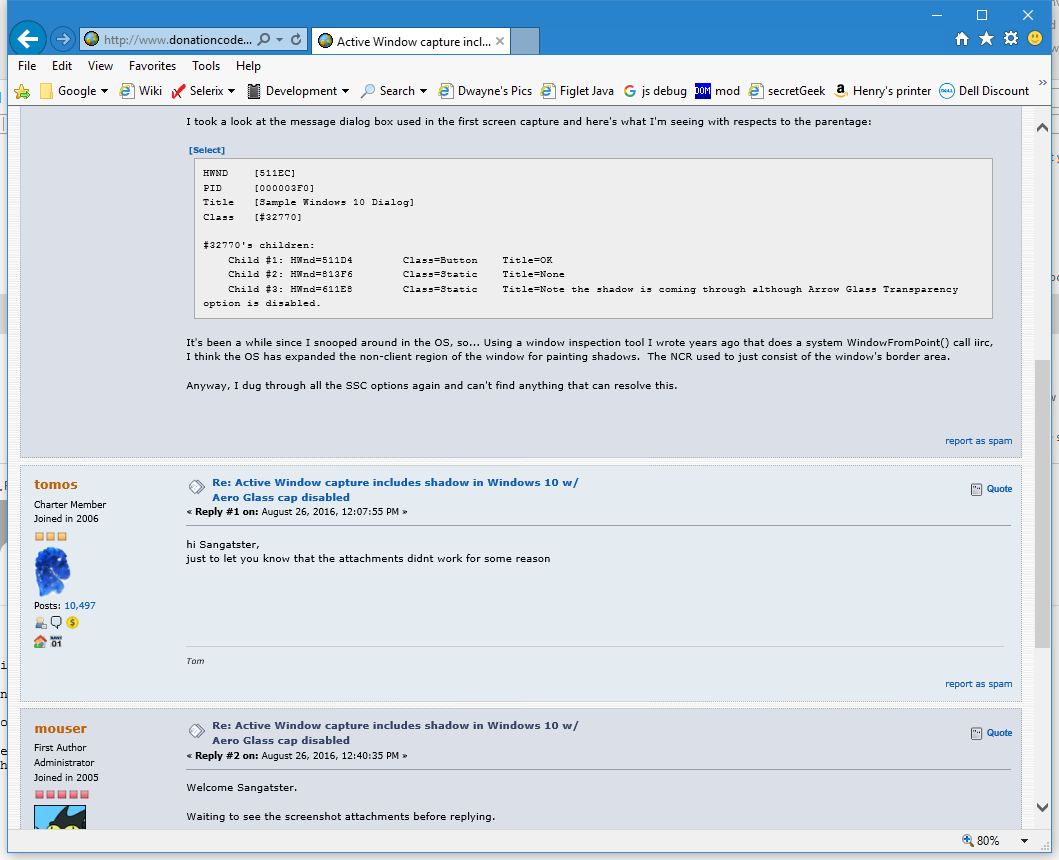
I took a look at the message dialog box used in the first screen capture and here's what I'm seeing with respects to the parentage:
Code
HWND	[511EC]
PID	[000003F0]
Title	[Sample Windows 10 Dialog]
Class	[#32770]

#32770's children:
    Child #1: HWnd=511D4	Class=Button	Title=OK
    Child #2: HWnd=813F6	Class=Static	Title=None
    Child #3: HWnd=611E8	Class=Static	Title=Note the shadow is coming through although Arrow Glass Transparency option is disabled.
It's been a while since I snooped around in the OS, so... Using a window inspection tool I wrote years ago that does a system WindowFromPoint() call iirc, I think the OS has expanded the non-client region of the window for painting shadows. The NCR used to just consist of the window's border area.
Anyway, I dug through all the SSC options again and can't find anything that can resolve this.