


NANY 2016 Entry Information
| Application Name | TextOverlayTool |
| Version | 1.0 |
| Short Description | Display transparent overlay of a Text file (plain text or markdown) |
| Supported OSes/Requirements | Any OS that supports .NET 4.5 |
| Download Link | http://bit.ly/TextOverlayTool |
CodeTRUCKER had a pretty simple list of requirements for a text based reference tool.
Quote
I have created a number of checklists for flight simulator. But, having another Notepad window open to read the text line (checklist item) is quite distracting and the white background of the window makes things difficult to see for night flights.
Okay, so this isn't a perfect world, so I will settle for a menu-less, border-less text editor with the capability to make the background black and the text white or green (sort of like Q10). It would have the ability to shrink it vertically to only see one line at a time.
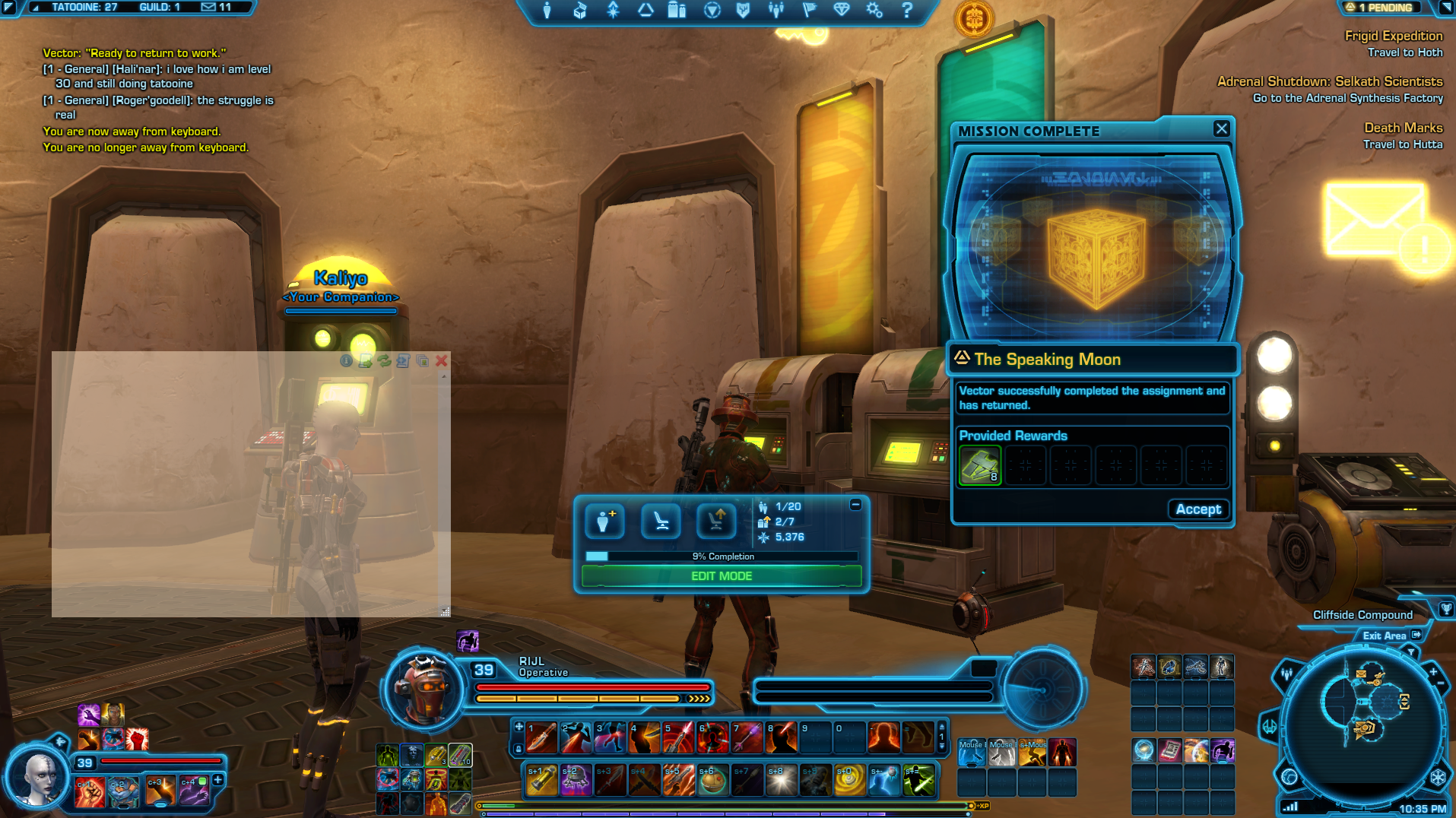
This app creates a transparent window that displays the contents of any text file. If it detects markdown, it will display it formatted in markdown. The one thing I've still not been able to solve is always on top on full screen (instead of full screen windowed) games.
 | 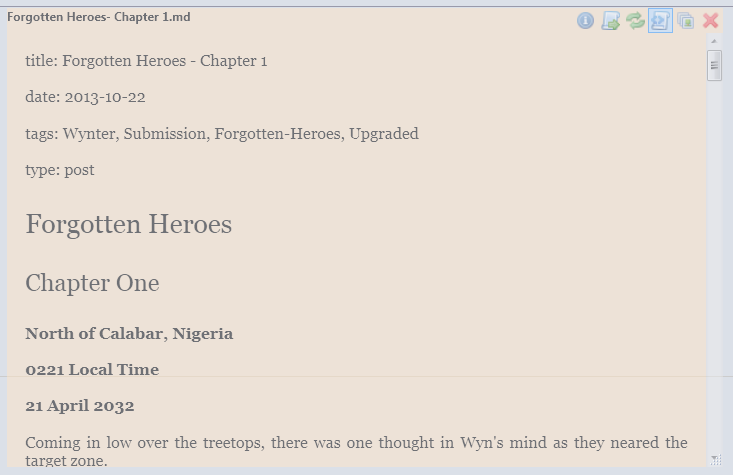 | 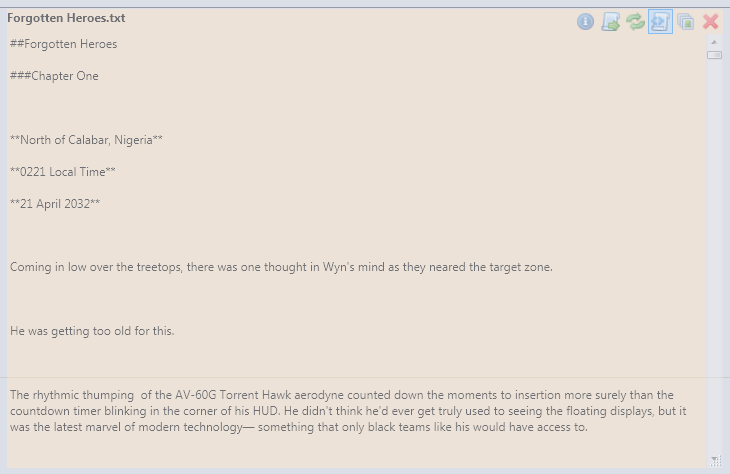 | 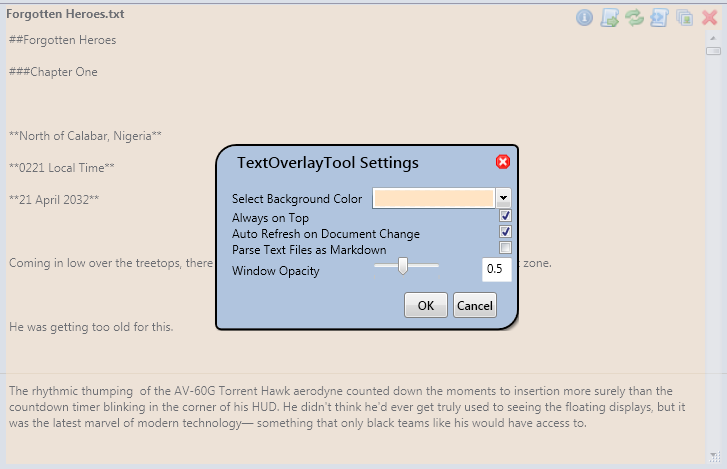 |
And one screenshot of it in use over a game:
Installation
With .NET 4.5 installed, unzip application to location and run.
Feature Map
Implemented
- Opens Text or Markdown files (if the file is formatted in markdown, it displays the markdown format)
- Allows the preview to be refreshed manually
- Specify an opacity of the window
- Allow the changing of the background of the window
- Can export to HTML or PDF (determines which one you want by filename used)
- Borderless, movable, resizable minimal interface
- Window background can be set.
- Can be set to always on top
- Watches chosen file for changes, and updates on the fly.
- Global Hotkey to enable control no matter where the cursor is
Planned
- Add Global Hotkey customization to the settings dialog.


 )
)