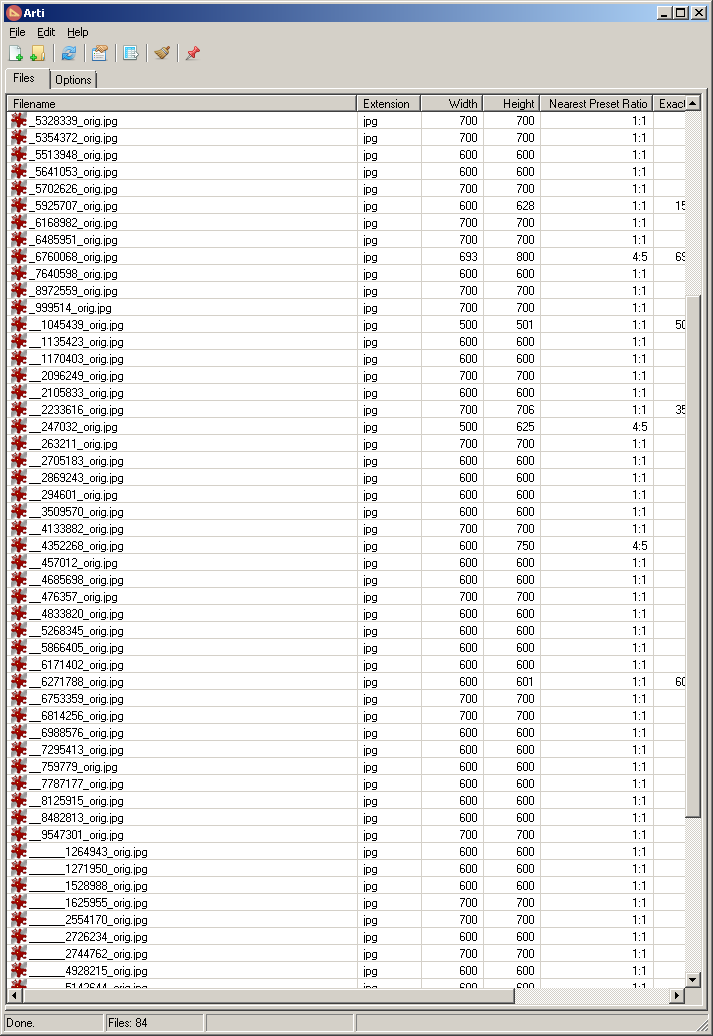
| Title | Arti (Aspect Ratio Tool for Images) |
| Description | Small application that lists aspect ratios for images. Exact ratios are listed in addition to a nearest match ratio based on a configurable preset list. |
| Supported OS | Windows 7. Probably works, but not tested, on Windows XP/Vista/8/10 |
| Website: | http://skwire.dcmembers.com/fp/?page=arti |
| History | Changelog |
| Download | Arti.zip |
| Screenshot |  |
Introduction
There really isn't much more to be said than the description above. This app was written on request from a photographer and its main focus is to quickly view the aspect ratio of images loaded into its interface. There are columns for exact ratio (determined by straight math) and nearest preset match which can help to see the nearest aspect ratio for files that aren't pixel perfect. The software comes preloaded with a large list of aspect ratios but this is entirely configurable. Of course, the more aspect ratios, the more accurate the nearest preset match is going to be.
Features
- Load images via the menu, toolbar, or simply by dragging and dropping files or folders.
- Standard listview interface (column widths and order are saved)
- Export to CSV function
- Always on top button
Installation
Download the zip file and extract its contents into a new folder. Run Arti.exe to start the application. Add some images and behold.




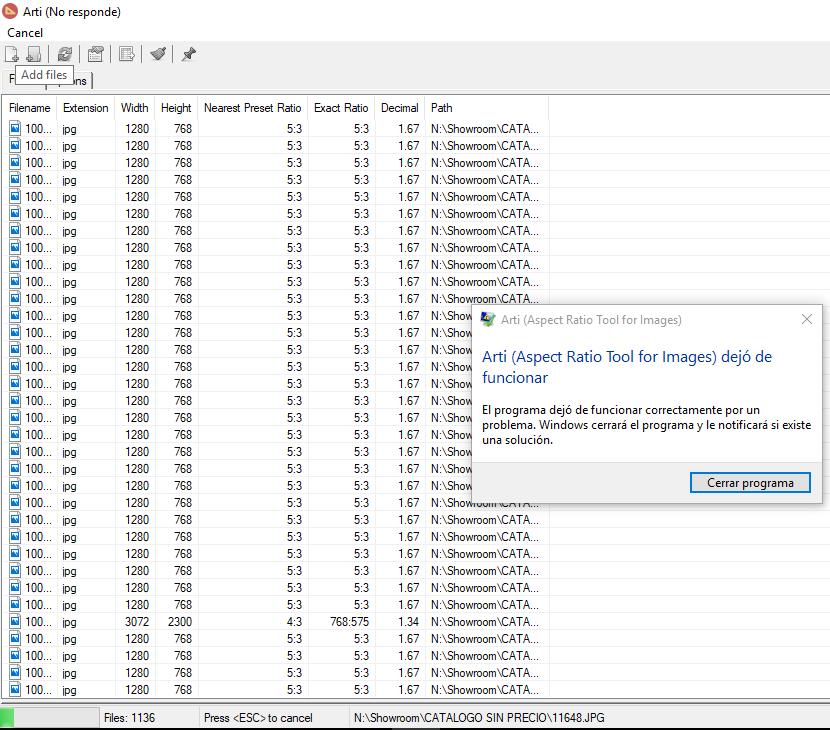
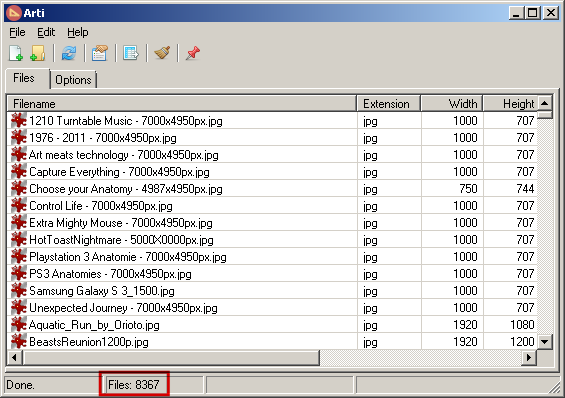

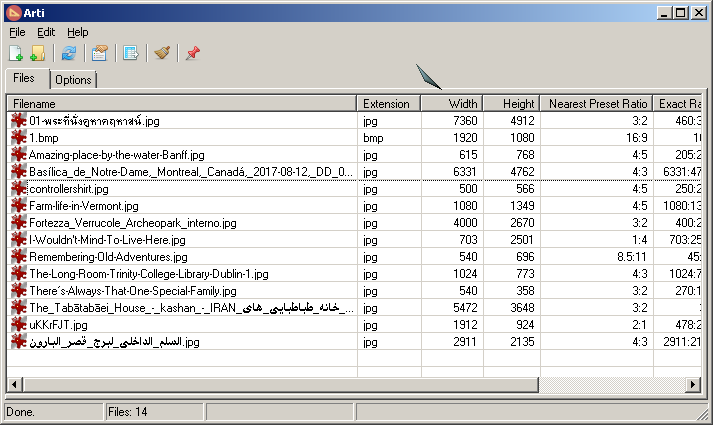
 :
: