
What happened to Notepad?I still have mine. Did yesterday anyway.
10 not 11 though.
I'm running Windows 10 Pro 64-bit, version 21H2 (OS Build 19044.1415).


 Topic: Windows 10 Announced (Read 1,207,036 times)


What happened to Notepad?I still have mine. Did yesterday anyway.
10 not 11 though.


Has Notepad disappeared for anyone else?
Has Notepad disappeared for anyone else?
I noticed a couple days ago that regular .txt files have started opening in LibreOffice, showing the icon for "Calc" which is the LibreOffice equivalent of Excel. When I go to Default Apps to change it back to Notepad, there's no listing for it. And also if I press the Start/Windows button and type Notepad to search for it, I don't get any matching results.
What happened to Notepad?


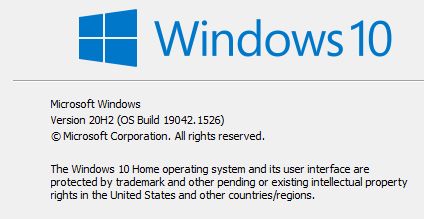 Win 10 update 02-10-22.jpg
(18.8 KB, 424x219 - viewed 2248 times.)
Win 10 update 02-10-22.jpg
(18.8 KB, 424x219 - viewed 2248 times.)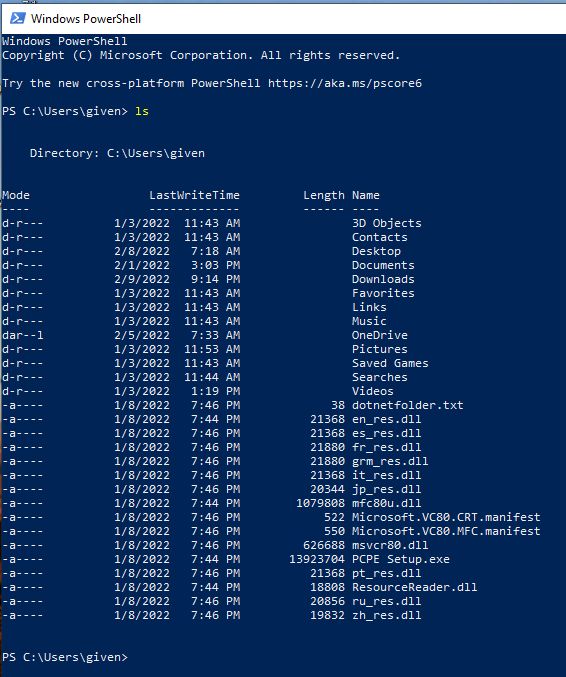 WSL directory list.jpg
(77.1 KB, 566x677 - viewed 2252 times.)
WSL directory list.jpg
(77.1 KB, 566x677 - viewed 2252 times.)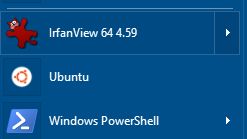 Start menu Ubuntu.jpg
(5.3 KB, 247x139 - viewed 2101 times.)
Start menu Ubuntu.jpg
(5.3 KB, 247x139 - viewed 2101 times.)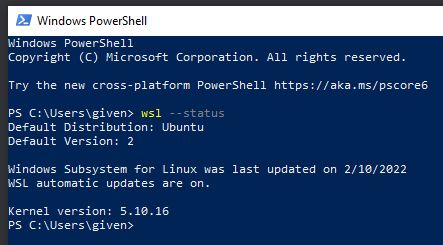 WSL status.jpg
(23.3 KB, 443x245 - viewed 1877 times.)
WSL status.jpg
(23.3 KB, 443x245 - viewed 1877 times.)
What makes you think there is such a thing as "WSL graphics"? As far as I'm aware there is no "display" connected to the WSL Linux VM. It's for terminal/console use only.
GWSL
What on Earth does this do? What is it for? How can it help me?
GWSL automates the process of running X on top of WSL and over SSH:
- It lets you easily run graphical Linux apps on Windows 10.
- It lets you run graphical apps located on remote Linux machines.
- It provides a simple UI for launching Linux apps, managing them graphically, and creating customized Windows shortcuts for them.
- All this at the click of a button! No memorization of commands necessary. Easy!
WSLg is short for Windows Subsystem for Linux GUI and the purpose of the project is to enable support for running Linux GUI applications (X11 and Wayland) on Windows in a fully integrated desktop experience.
WSLg provides an integrated experience for developers, scientists or enthusiasts that prefer or need to run Windows on their PC but also need the ability to run tools or applications which works best, or exclusively, in a Linux environment. While users can accomplish this today using a multiple system setup, with individual PC dedicated to Windows and Linux, virtual machine hosting either Windows or Linux, or an XServer running on Windows and projected into WSL, WSLg provides a more integrated, user friendly and productive alternative.
WSLg strives to make Linux GUI applications feel native and natural to use on Windows. From integration into the Start Menu for launch to appearing in the task bar, alt-tab experience to enabling cut/paste across Windows and Linux applications, WSLg enables a seamless desktop experience and workflow leveraging Windows and Linux applications.

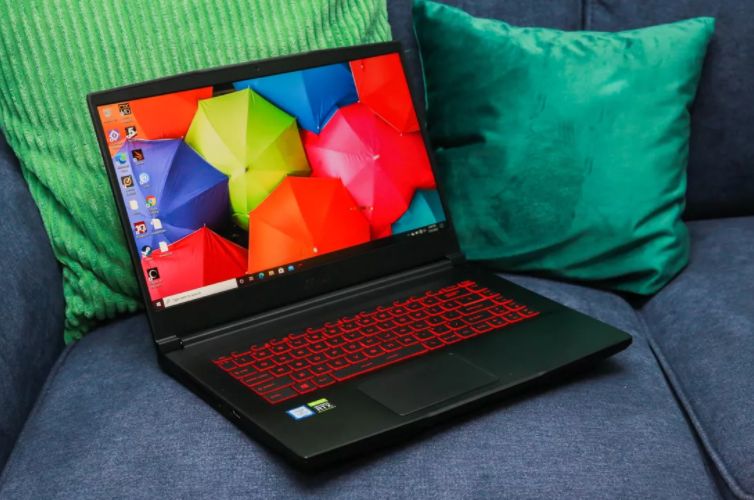 Windows 10 Settings You Need to Disable Now.jpg
(66.1 KB, 754x500 - viewed 1594 times.)
Windows 10 Settings You Need to Disable Now.jpg
(66.1 KB, 754x500 - viewed 1594 times.) The Best Built-in Browser Games; Play For Free Right in Your Browser.jpg
(42.7 KB, 696x339 - viewed 492 times.)
The Best Built-in Browser Games; Play For Free Right in Your Browser.jpg
(42.7 KB, 696x339 - viewed 492 times.) Google Docs crashes on seeing 'And. And. And. And. And.'.jpg
(164.0 KB, 1600x900 - viewed 467 times.)
Google Docs crashes on seeing 'And. And. And. And. And.'.jpg
(164.0 KB, 1600x900 - viewed 467 times.) How to Force Close a Program on Windows Without Task Manager.jpg
(41.6 KB, 768x384 - viewed 494 times.)
How to Force Close a Program on Windows Without Task Manager.jpg
(41.6 KB, 768x384 - viewed 494 times.) Old Python package comes back to life and delivers malicious payload.jpg
(152.0 KB, 1200x799 - viewed 508 times.)
Old Python package comes back to life and delivers malicious payload.jpg
(152.0 KB, 1200x799 - viewed 508 times.) Hackers are smuggling malware behind fake copyright infringement emails.jpg
(48.6 KB, 500x490 - viewed 587 times.)
Hackers are smuggling malware behind fake copyright infringement emails.jpg
(48.6 KB, 500x490 - viewed 587 times.)Original address: https://www.donationcoder.com/forum/index.php?topic=39119.0