[attachthumb=#] [attachthumb=#]
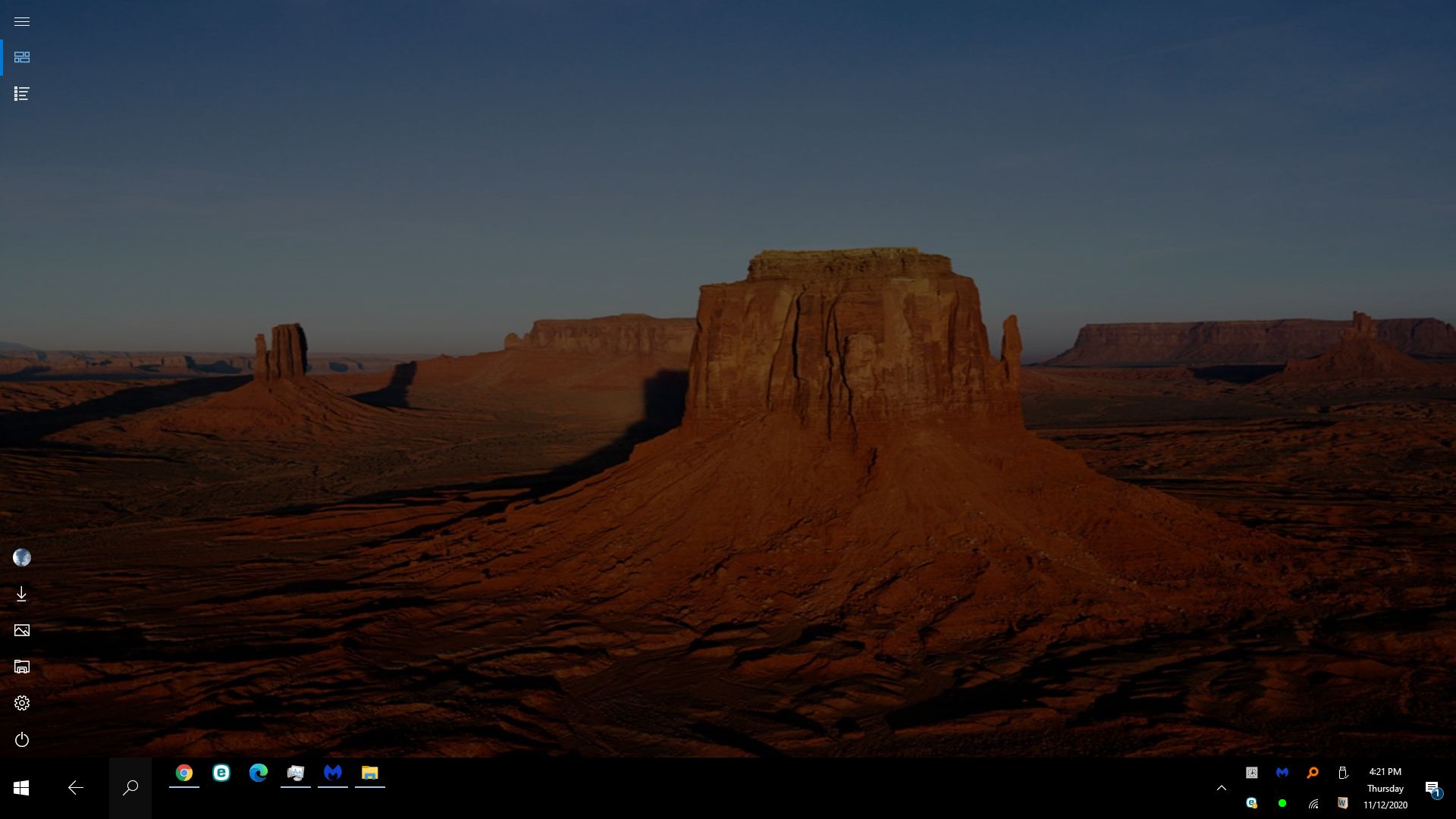
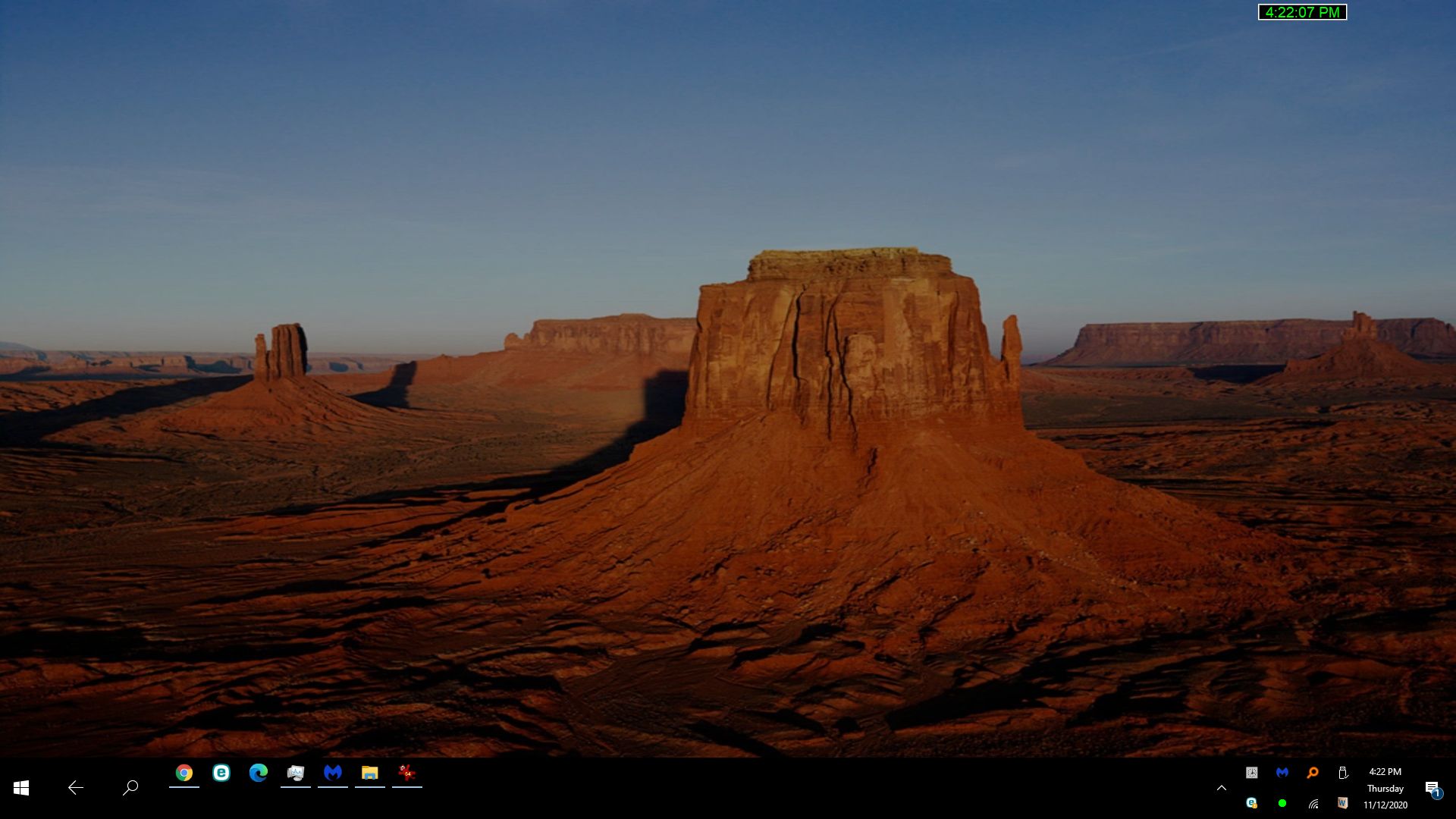
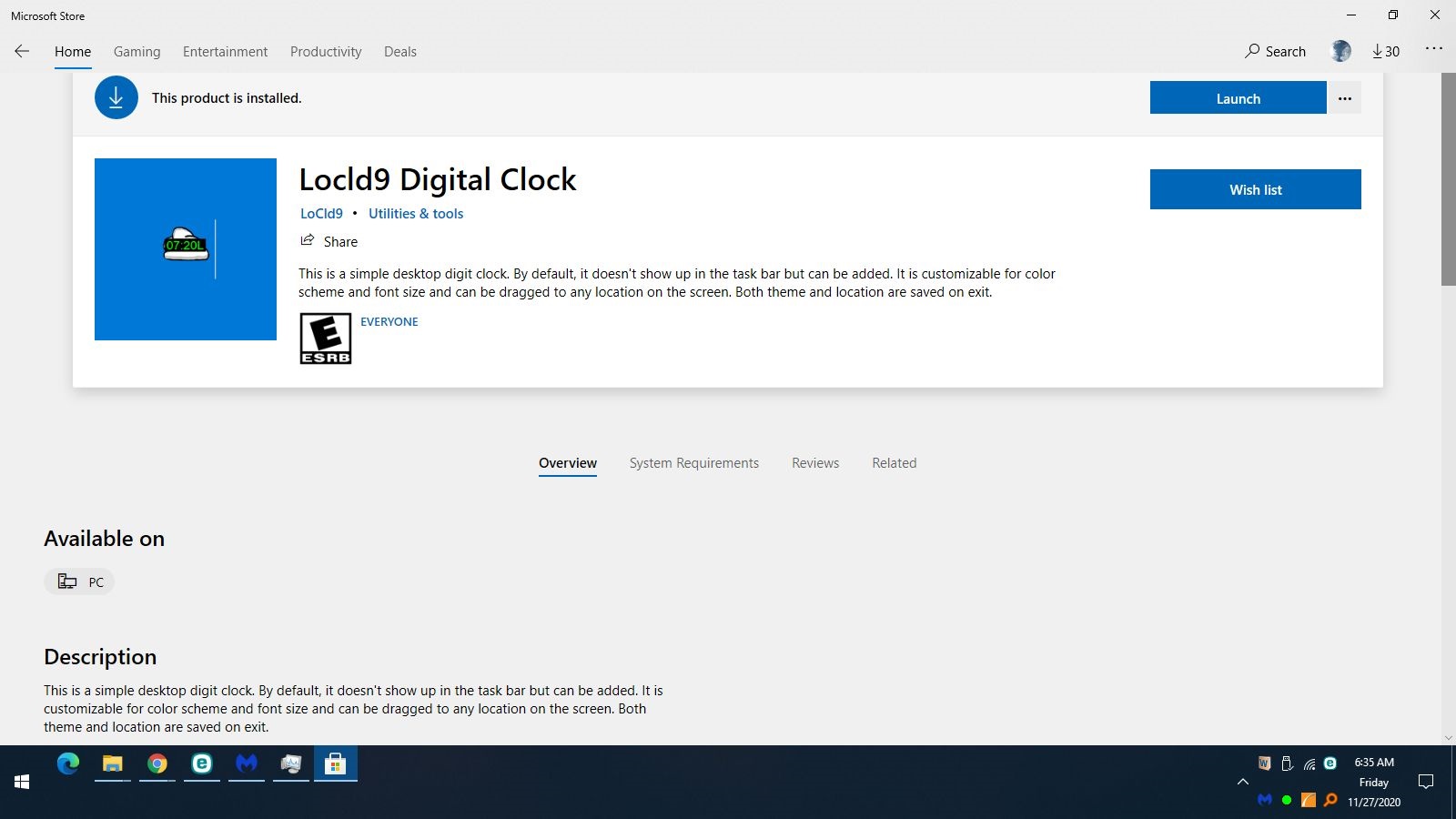
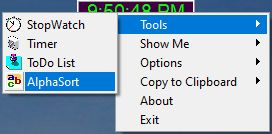
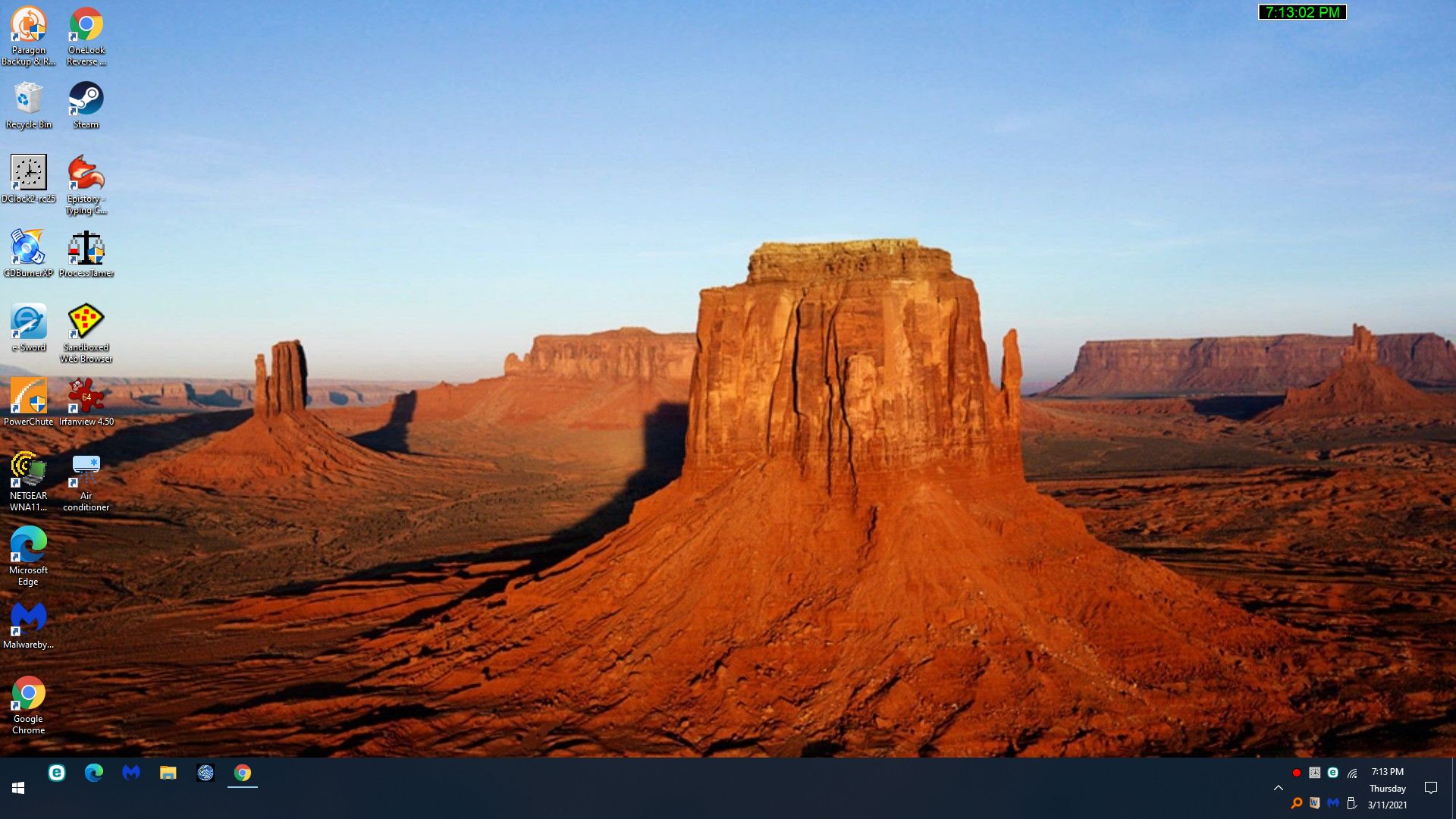
I normally have the the left screen as a default desktop on my Win 10 Gateway computer. When I click on the Dclock icon in the icon bar I get the right screen.
[attachthumb=#]
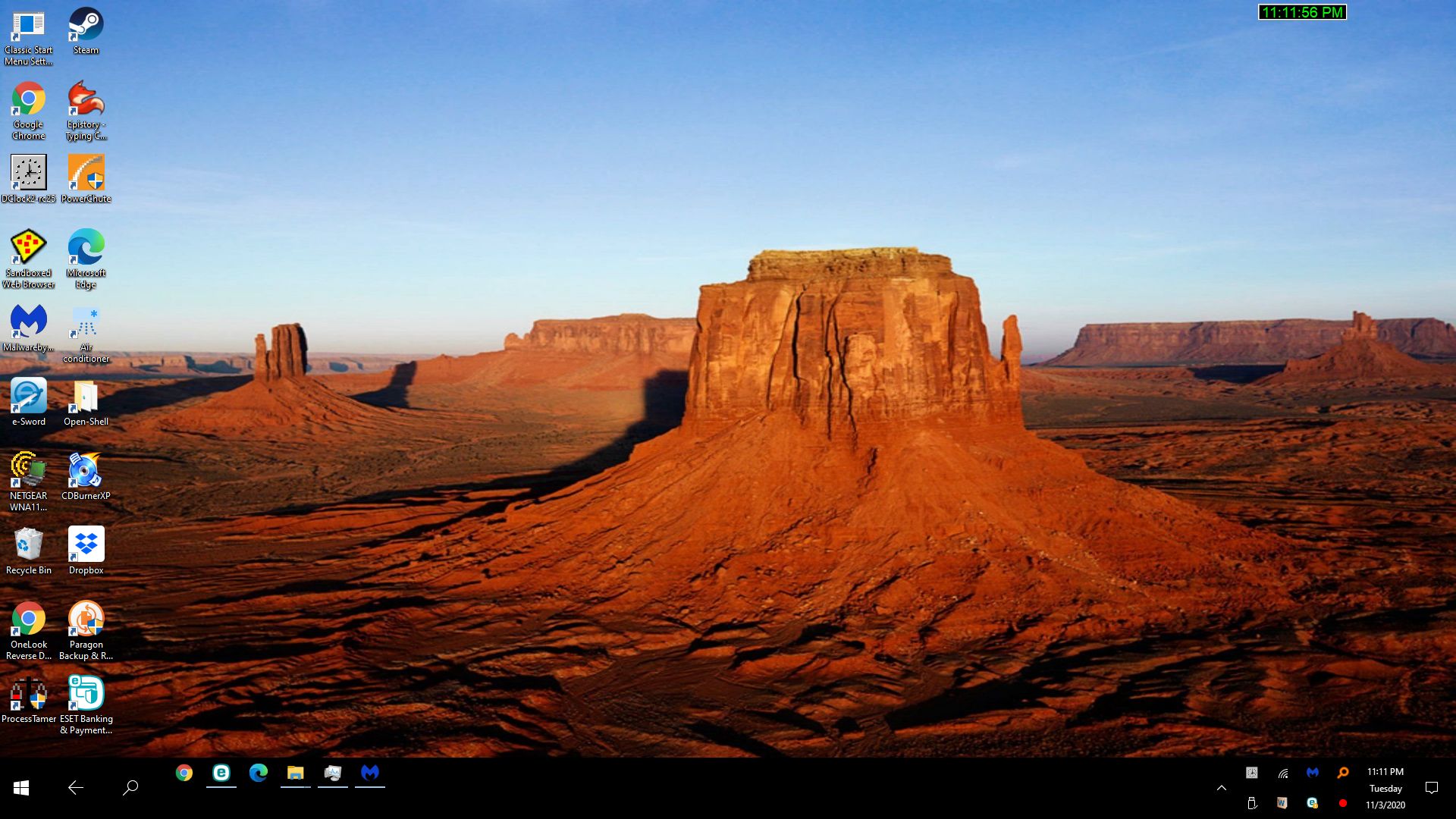
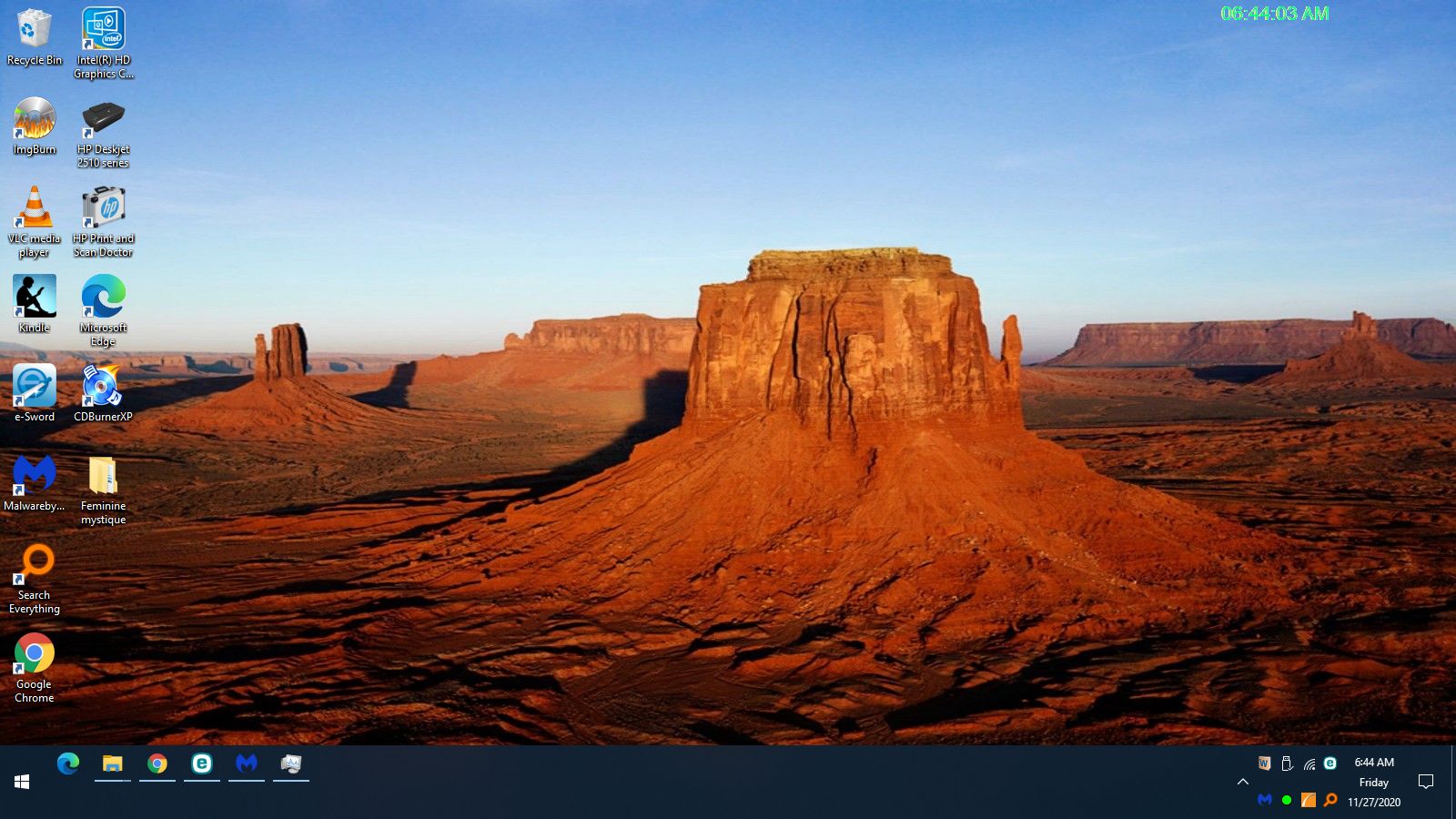
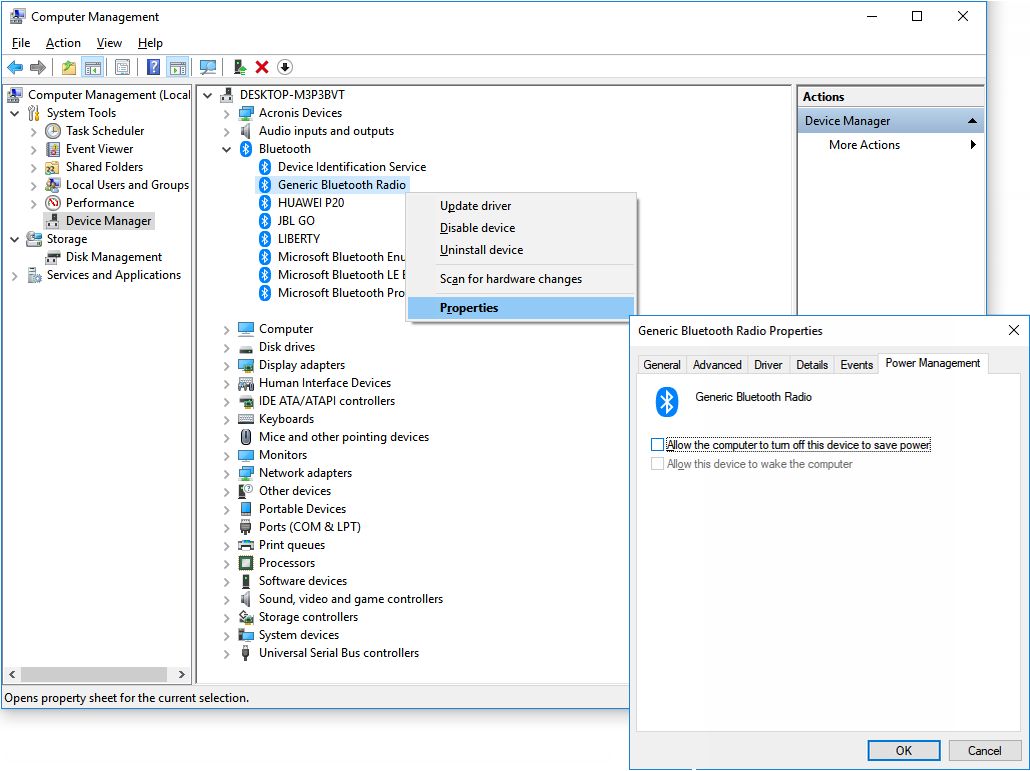
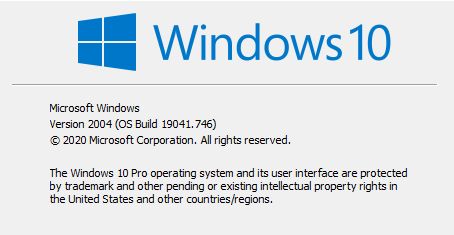
One time I got this screen on that computer. Clicking on the icons did nothing. I had to restart the computer later because of problems and this didn't reappear. The default desktop on my Win 10 Shinobee computer looks like this and the icons work when clicked. Does anyone here have something like this now or in the past with the latest Win 10?
I normally have the the left screen as a default desktop on my Win 10 Gateway computer. When I click on the Dclock icon in the icon bar I get the right screen.
[attachthumb=#]
One time I got this screen on that computer. Clicking on the icons did nothing. I had to restart the computer later because of problems and this didn't reappear. The default desktop on my Win 10 Shinobee computer looks like this and the icons work when clicked. Does anyone here have something like this now or in the past with the latest Win 10?