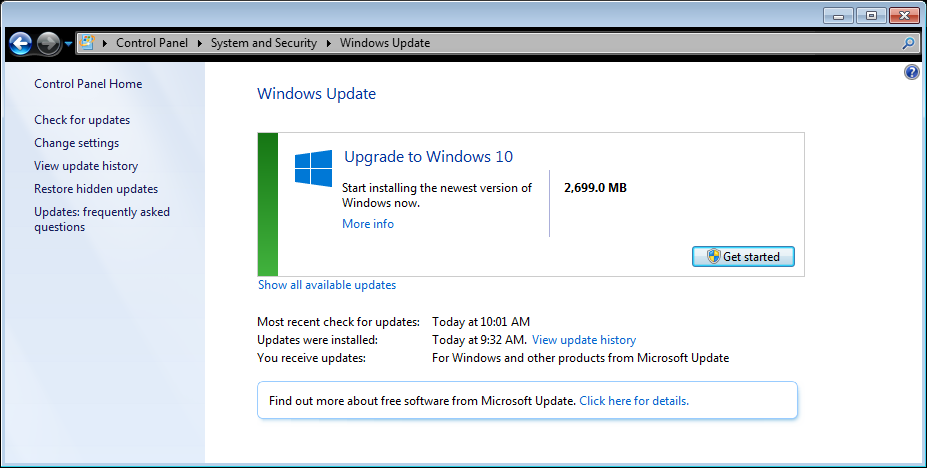
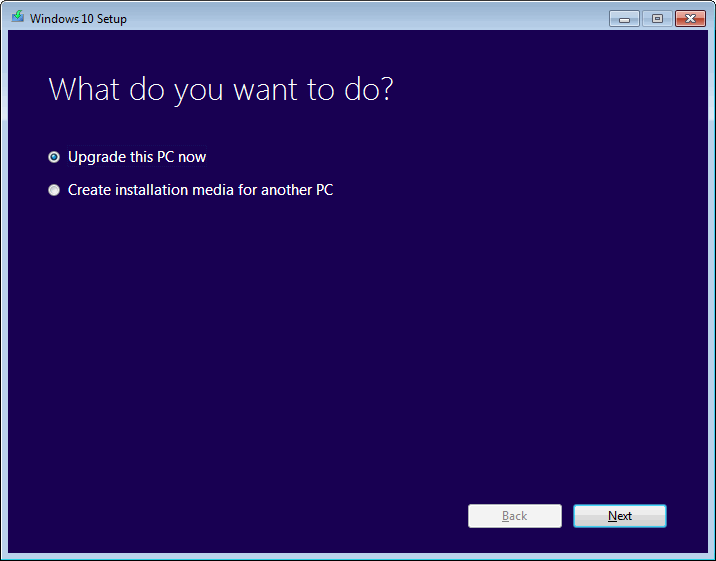
I just finished downloading both x64 and x86 ISOs of Windows 10 Pro (10240) and now Windows update is telling me I can upgrade to Windows 10...
[attachimg=#]
[attachimg=#]


 Topic: Windows 10 Announced (Read 1,207,036 times)


Just finished my installation on a second computer, and once again, File Explorer jump lists don't work, this time except for network shares.
Just finished my installation on a second computer, and once again, File Explorer jump lists don't work, this time except for network shares.
Do they appear and clicking them doesn't do anything, or do they not appear at all?
Are they customized (you manually added something to the jump list) or are they the ones that are automatically added to the jump list?
Has anyone successfully upgraded through Windows Update? I got over 75% of the way through the upgrade process (to the "configuring settings" part of it) and then my computer rebooted and said "restoring to your previous version of Windows" and now I'm on Windows 7 again.


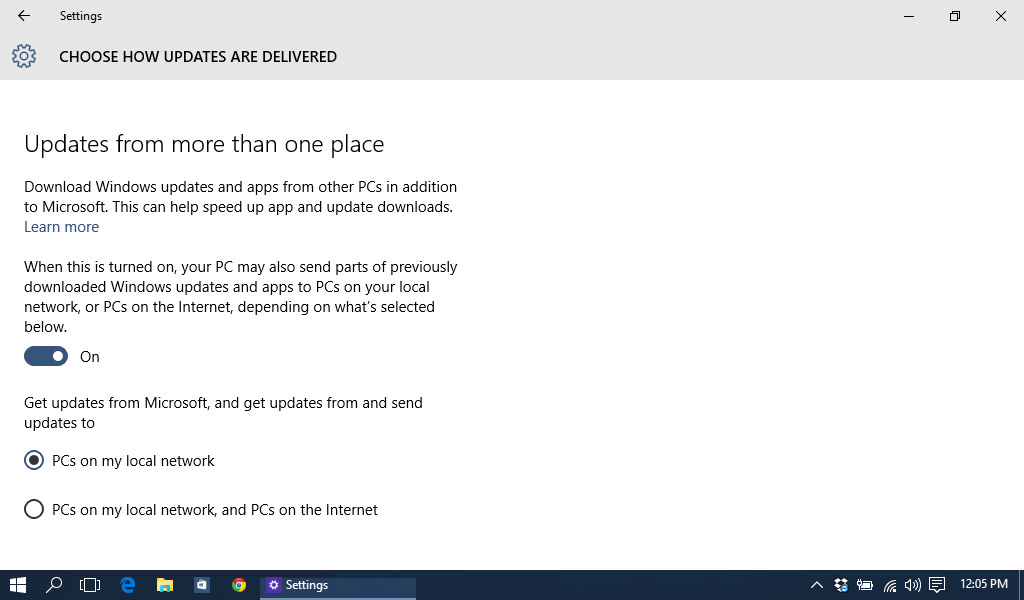
By the way, Windows 10 seems to come with P2P updates built in. I'm not sure if the default is to have you serve downloads for other users over the internet or if I changed the setting to over the network sometime when I didn't realize what it means, but...
By the way, Windows 10 seems to come with P2P updates built in. I'm not sure if the default is to have you serve downloads for other users over the internet or if I changed the setting to over the network sometime when I didn't realize what it means, but...
On my fresh upgrade, the final option ("PCs on my local network and PCs on the Internet") was selected.


With Win 10 there are incredible many boxes where I recommend to click the opposite of what is the default.


The first serious problem was that Windows wouldn't accept my bi-language Win 7 installation, so to speak. First it was English, then I installed a Danish version on top. It used to work fine, but Win 10 said that now I had chosen (rubbish; I was never given any choice!) to install a Danish Win 10 version and I would therefore loose all my third party programs. ALL of them!!!

Right now I envy Deozaan ("restoring to your previous version of Windows")!
... since Windows 7 won't really allow you to move your User directory to another drive, I did the Next Best ThingTM and moved as much as I could to another drive and then used SymLinks/Junctions...


By the way, Windows 10 seems to come with P2P updates built in. I'm not sure if the default is to have you serve downloads for other users over the internet or if I changed the setting to over the network sometime when I didn't realize what it means, but...
On my fresh upgrade, the final option ("PCs on my local network and PCs on the Internet") was selected.
That sounds like bad news for people who have data caps set by their ISPs.
It really is a weird feeling being unable to find AppData


It really is a weird feeling being unable to find AppData
Use either of these:
go to: C:\Users\[username]\AppData
or from anywhere just put %AppData% in the address bar, hit enter and you're there.
I typically use the first one for remote machines, and the second one locally.


You seem to already have forgotten that I was reduced to being a simple user, not in command.

Original address: https://www.donationcoder.com/forum/index.php?topic=39119.0