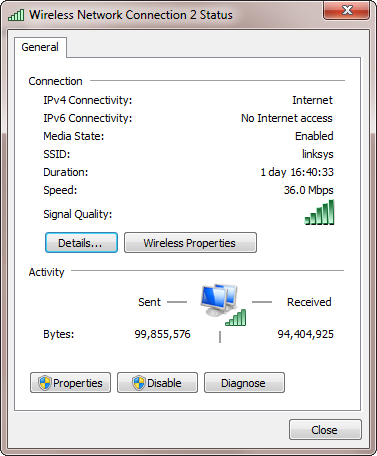
By the way, congrats Ian on achieving 150 Mbps... 
Well, I might not have got there, or so quickly, at least, without the comments/suggestions in this discussion. As above, the helpful comments by
@Carol Haynes and
@4wd got me thinking.
What I have been able to prove so far is that you
can get full performance to spec out of this type of wifi kit - so it's an achievable
potential performance spec, and
not just theoretical (as
@rgdot had suggested might be the case) - and the kit works
very well, given the suitable operational parameters and environment.
It also suggests that this (and probably most similar) wifi kit is likely to be out in the field, operating at
well below the potential performance spec, due to incorrect operational parameters - never mind the environment.
Where
@4wd wrote:
...I'd be tempted to try a cheap 802.11n USB adapter in the laptop, (to eliminate the Draft-n component).
FWIW, I've used this, this and this, (all of which are Realtek 8188/8192 chipsets), to connect a WDTV Live to my ASUS RT-N16 over 12-15m through two plasterboard walls, a 50cm CRT TV, a couch and a CD rack, they all connect at 150Mb/s.
After searching a bit, it seems to me that "802.11n Lite n" just means it's 150Mb/s as opposed to 300Mb/s - 600Mb/s, (ie. it's still full 802.11n compliant, just that because it's single antenna it's speed is limited).
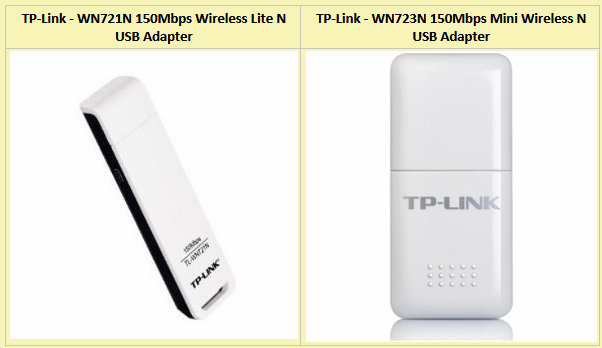
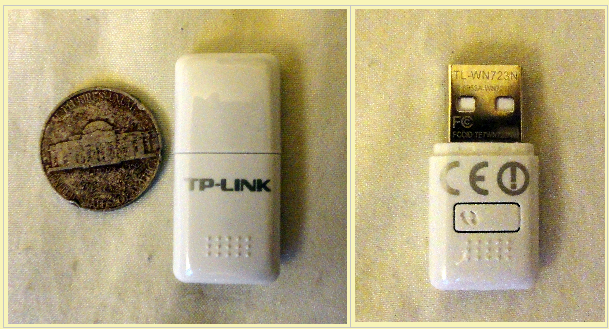
- it got me thinking that a cheap USB network adapter from the same TP-Link manufacturer, designed for 802.11n @ 150Mbps might be all that I would probably need to enable me to test what he and
@Carol Haynes had been suggesting.
So for approx US$17 and the time of some intermittent fiddling about and firmware/driver installs, I not only have discovered and learned some new things, but also have managed to get the Laptop<-->TP-Link wifi ADSL2+ router working
perfectly.

Though tempted, I have also been able to avoid expending the time/cost/effort of swapping the router for another router as suggested by
@40hz - kept the focus on the kit being used.
It just goes to confirm/remind that, if you aren't fully conversant with the technology being used, then it helps to be careful and methodical about analysing, defining and treating the causal problem rather than start trying to randomly fix it.
Having got it all working perfectly, my next step is to play about with the beercan reflector and add a 2nd can's height to the existing single-can reflector, because the first can did
seem to make a perceptible difference in reducing the variability of the signal speed/quality (strength). I would like to see whether it is possible to get up to 150Mbps at the location 2 rooms away from the wifi router.


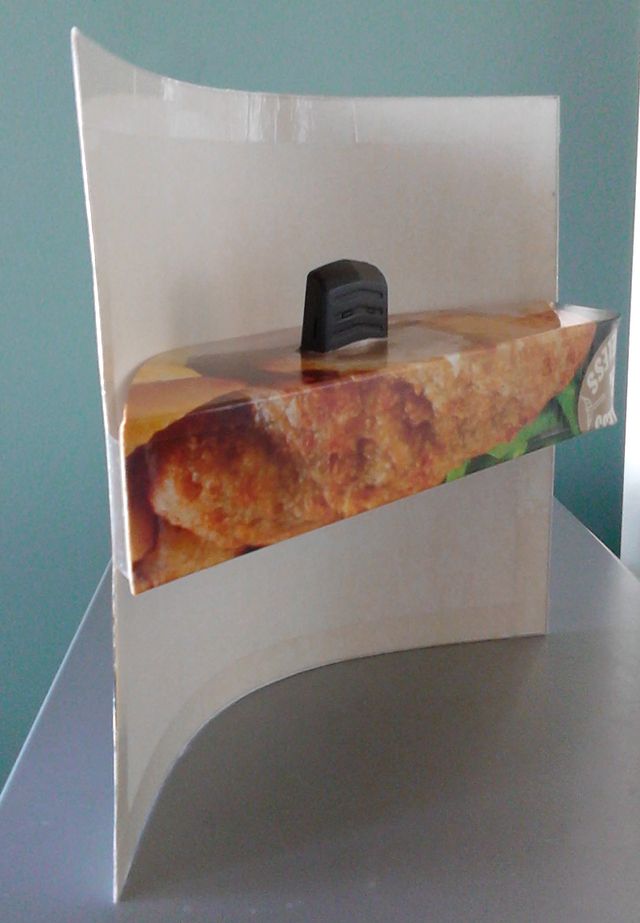
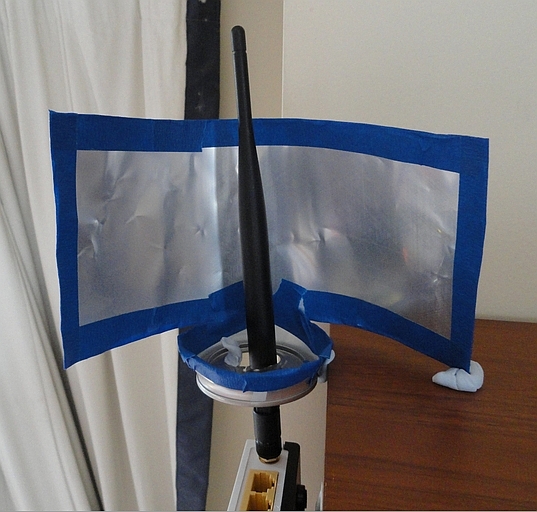





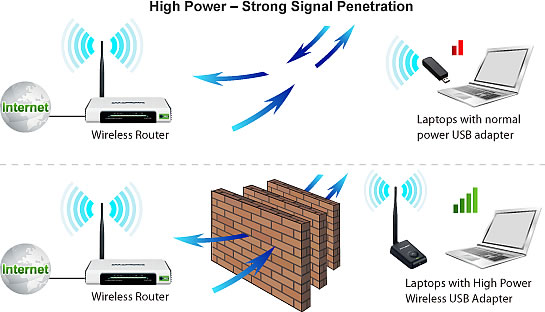

 reflector "dish" (made from an opened-out beer can) around the router's vertical antenna. This would beam more of the radiated signal in the laptop's direction.


.png)