


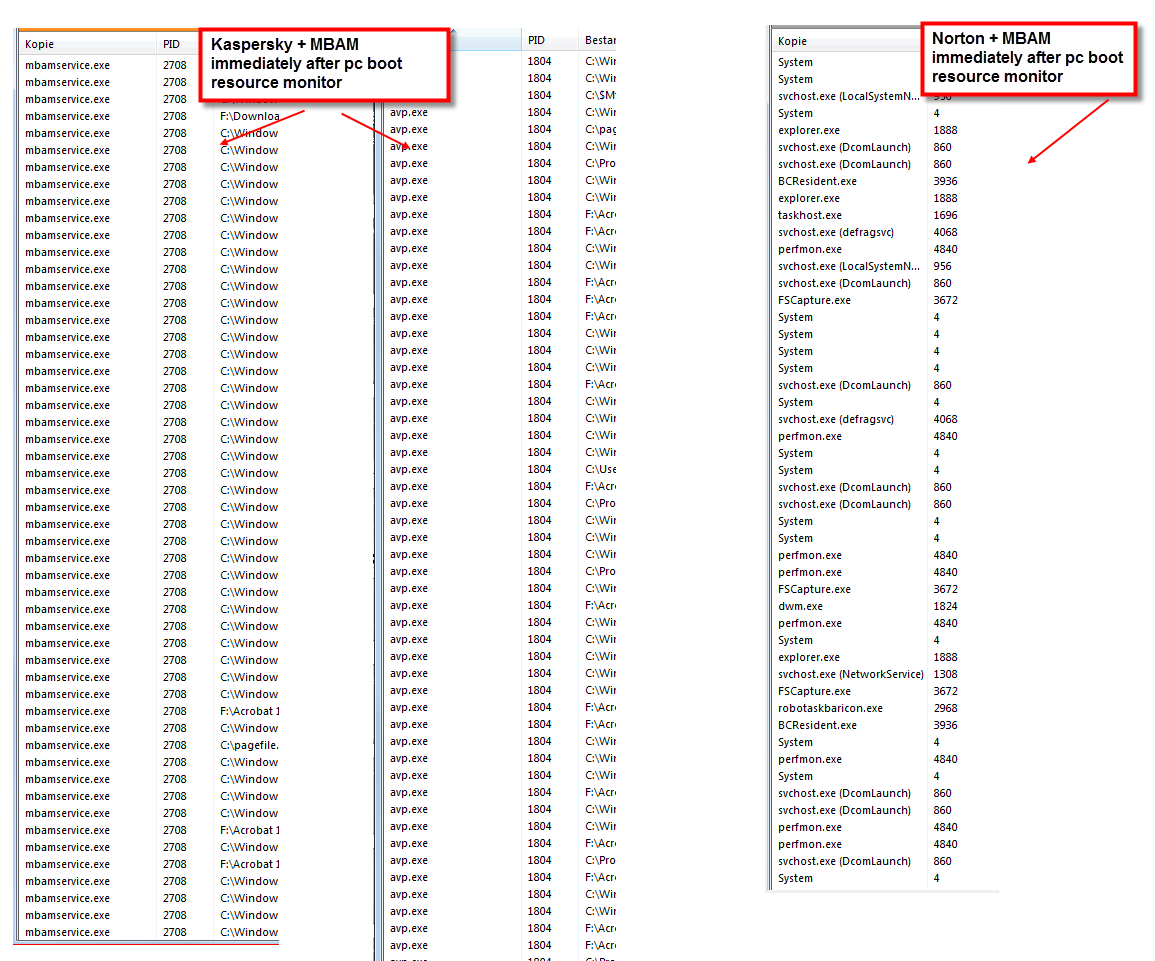
Due to this sluggish behaviour I removed KIS again. Used the safe boot way (in the past, when removing KIS I never used the safe boot mode, wasn't aware of it)
After uninstalling KIS (kavremove.exe) and rebooting in normal mode, all services were stopped, personal theme/settings were greyed out, no network, etc.etc.
Spent hours on trying to fix this, but ended up installing WIndows... (could not do a systemrestore, it was disabled, one way or the other)
Great!
Everybody will say this shouldn't be happening and that I am one out of millions and (of course) nobody heard about such issues before...
But fact is, it did
I followed the exact steps as per Kaspersky's support website.
Installed NIS and MBAM and they work fine!
=
[attachthumb=#]
=
After uninstalling KIS (kavremove.exe) and rebooting in normal mode, all services were stopped, personal theme/settings were greyed out, no network, etc.etc.
Spent hours on trying to fix this, but ended up installing WIndows... (could not do a systemrestore, it was disabled, one way or the other)
Great!
Everybody will say this shouldn't be happening and that I am one out of millions and (of course) nobody heard about such issues before...
But fact is, it did
I followed the exact steps as per Kaspersky's support website.
Installed NIS and MBAM and they work fine!
=
[attachthumb=#]
=


 This newest MBAM version is totally different anyway so it's image may look out of place.


