


Some screencast videos demostrating how to use the new Object Capture and Scrolling Window Capture tools in Screenshot Captor v3:
Using object capture (multiple objects, capturing all children):

http://www.donationcoder.com/screencasts/dc/3ds/sc19/sc19.html
Basic scrolling window capture:

http://www.donationcoder.com/screencasts/dc/3ds/sc20/sc20.html
Another scrolling window capture:

http://www.donationcoder.com/screencasts/dc/3ds/sc21/sc21.html
A more troublesome scrolling window capture (ms word):

http://www.donationcoder.com/screencasts/dc/3ds/sc22/sc22.html
Performing a scrolling window capture and adjusting settings manually:

http://www.donationcoder.com/screencasts/dc/3ds/sc23/sc23.html
When you need to scroll the contents MANUALLY yourself (new):

http://www.donationcoder.com/screencasts/dc/3ds/sc29/sc29.html
Using object capture (multiple objects, capturing all children):

http://www.donationcoder.com/screencasts/dc/3ds/sc19/sc19.html
Basic scrolling window capture:
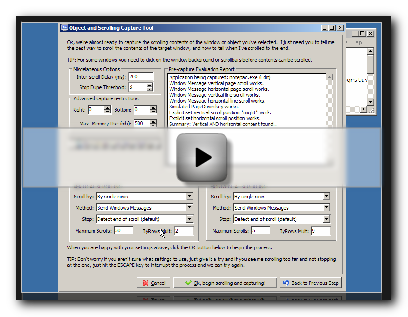
http://www.donationcoder.com/screencasts/dc/3ds/sc20/sc20.html
Another scrolling window capture:

http://www.donationcoder.com/screencasts/dc/3ds/sc21/sc21.html
A more troublesome scrolling window capture (ms word):

http://www.donationcoder.com/screencasts/dc/3ds/sc22/sc22.html
Performing a scrolling window capture and adjusting settings manually:

http://www.donationcoder.com/screencasts/dc/3ds/sc23/sc23.html
When you need to scroll the contents MANUALLY yourself (new):

http://www.donationcoder.com/screencasts/dc/3ds/sc29/sc29.html


 , though I've not yet scroll-captured any Word stuff yet, I'm quite sure I'll have to, sooner or later.





