
Hmm, that's unfortunate. 
I suppose we shouldn't be surprised that SnagIt does a good job.
I suppose we shouldn't be surprised that SnagIt does a good job.


 Topic: Scrolling Capture Deluxe Thread (Read 67,337 times)


SnagIt does a good job.Take heart… only on some things
So will we also be able to save the uncombined pages as individual files?

So will we also be able to save the uncombined pages as individual files?


QuoteSo will we also be able to save the uncombined pages as individual files?
can someone shed some light on a scenario where that would be useful?


Quote from: mousercan someone shed some light on a scenario where that would be useful?[...]
Can't paste the combined image into another document/cms/blog, but the parts would fit just about right (MS Word anyone?)

 )
)


 )
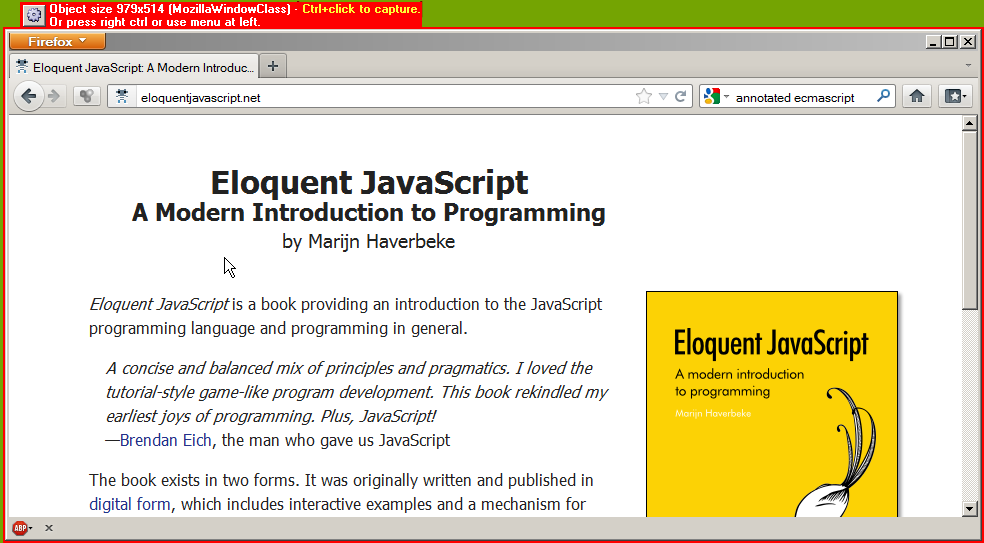
)Ctrl-Click is apparently caught by IE to select text. Solution (by mouser) is to use the gear button, but that's kinda out of reach with a maximized window
QuoteCtrl-Click is apparently caught by IE to select text. Solution (by mouser) is to use the gear button, but that's kinda out of reach with a maximized window
the new beta should show the button even on maximized window now doesn't it?
But the dialog didn't advance,

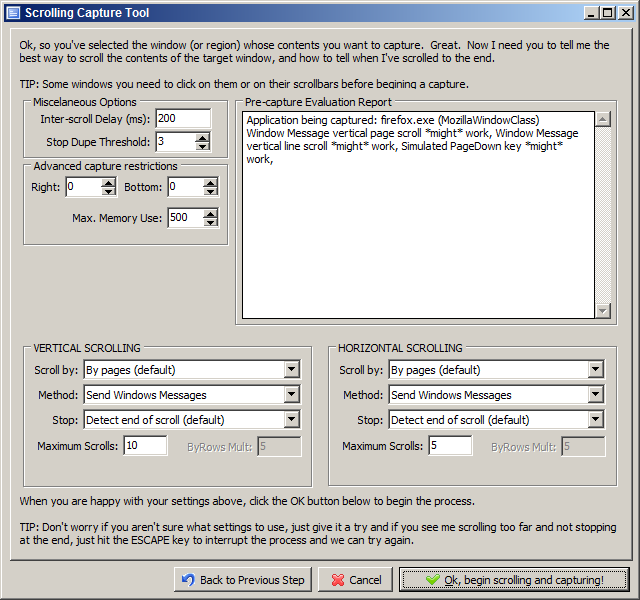
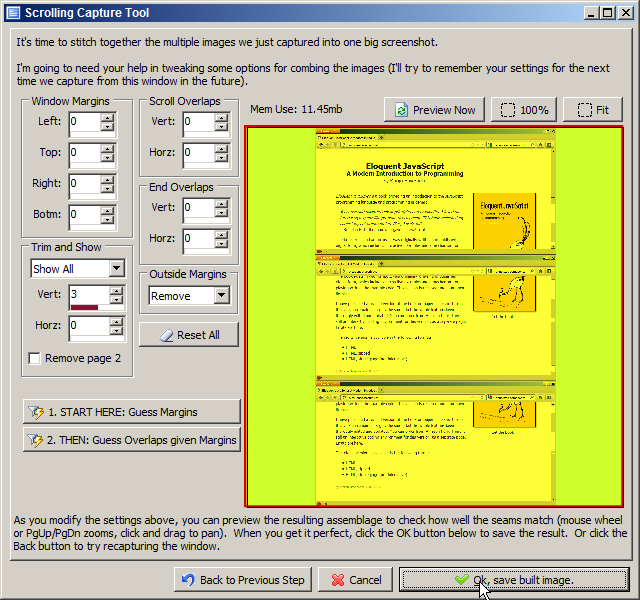
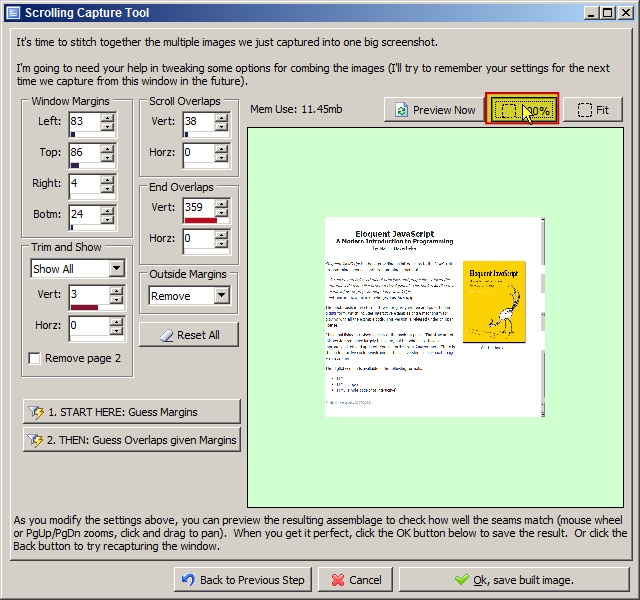
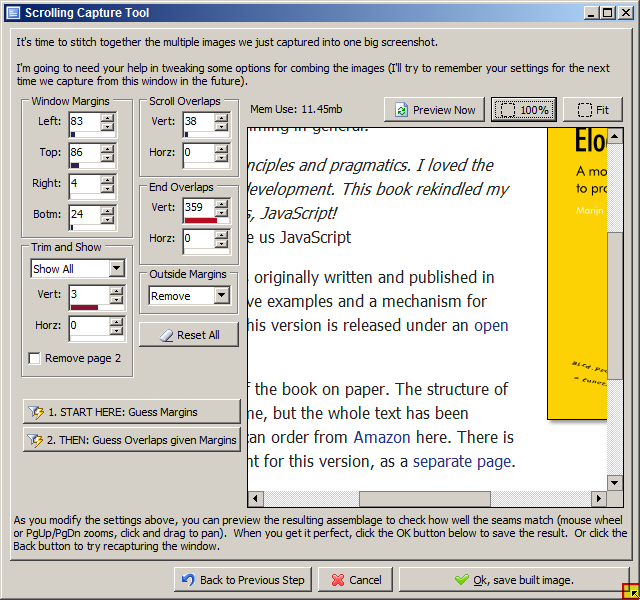
 The capture is (9.53MB) 6190 x 8470, and just repeats the bottom section for the full height of the page...five pages wide.
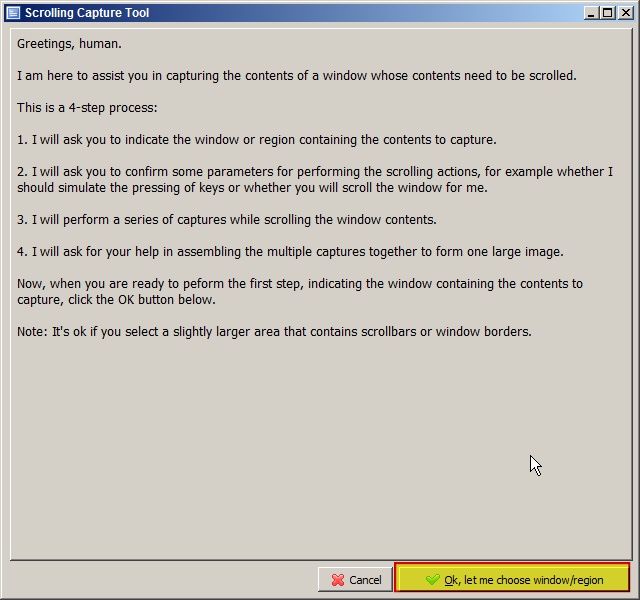
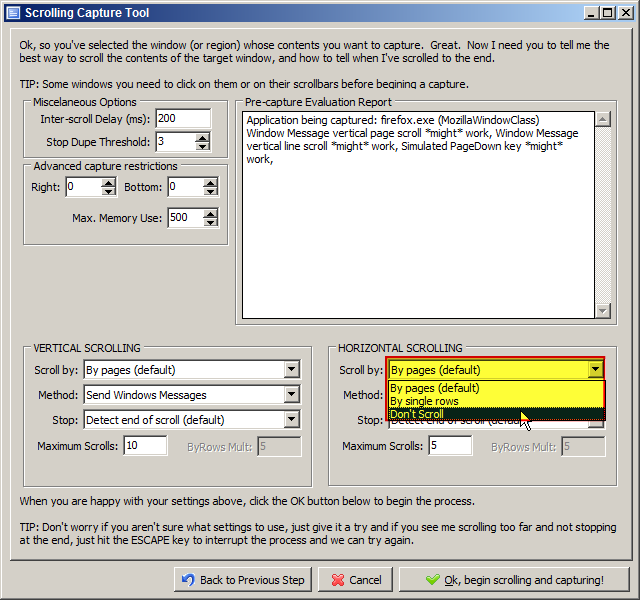
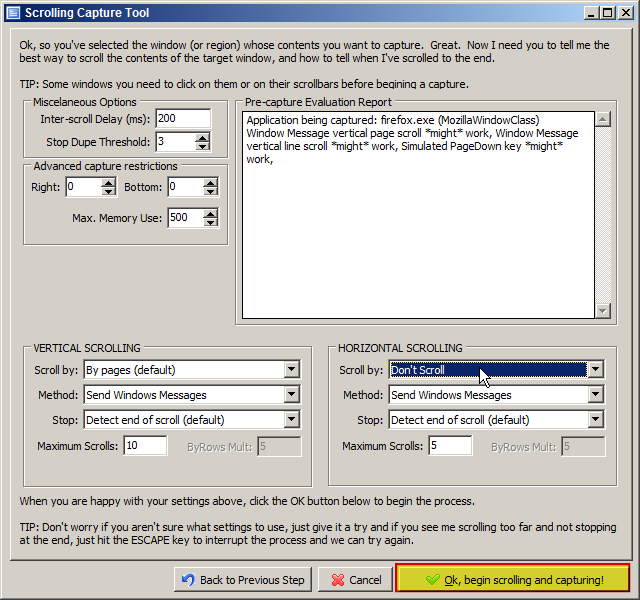
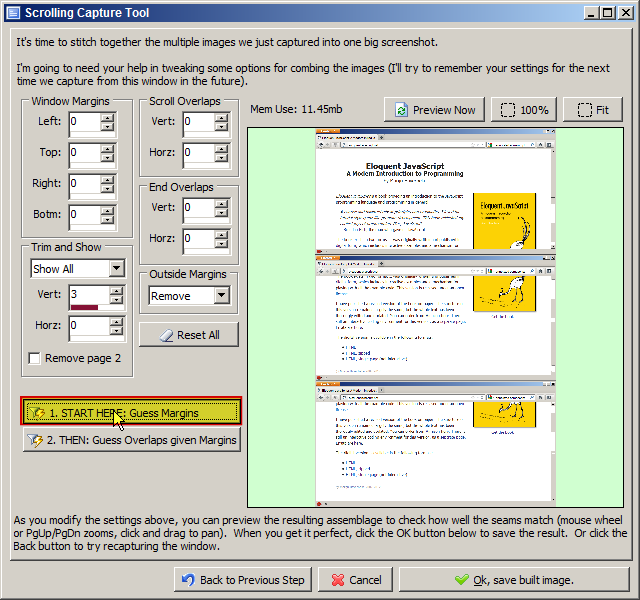
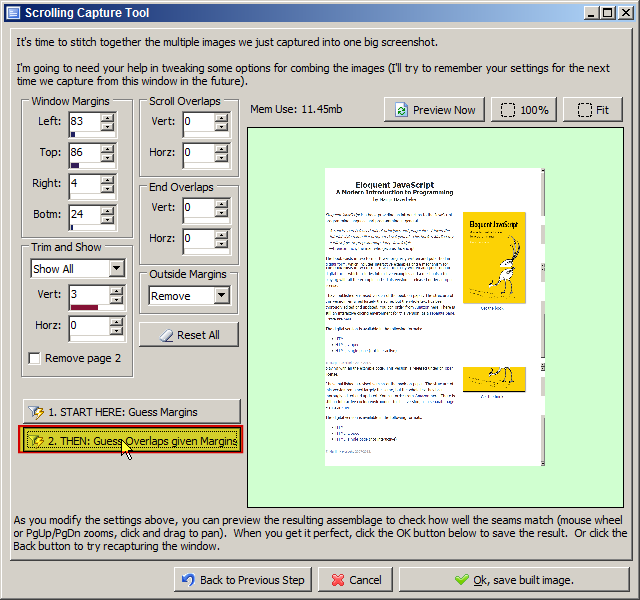
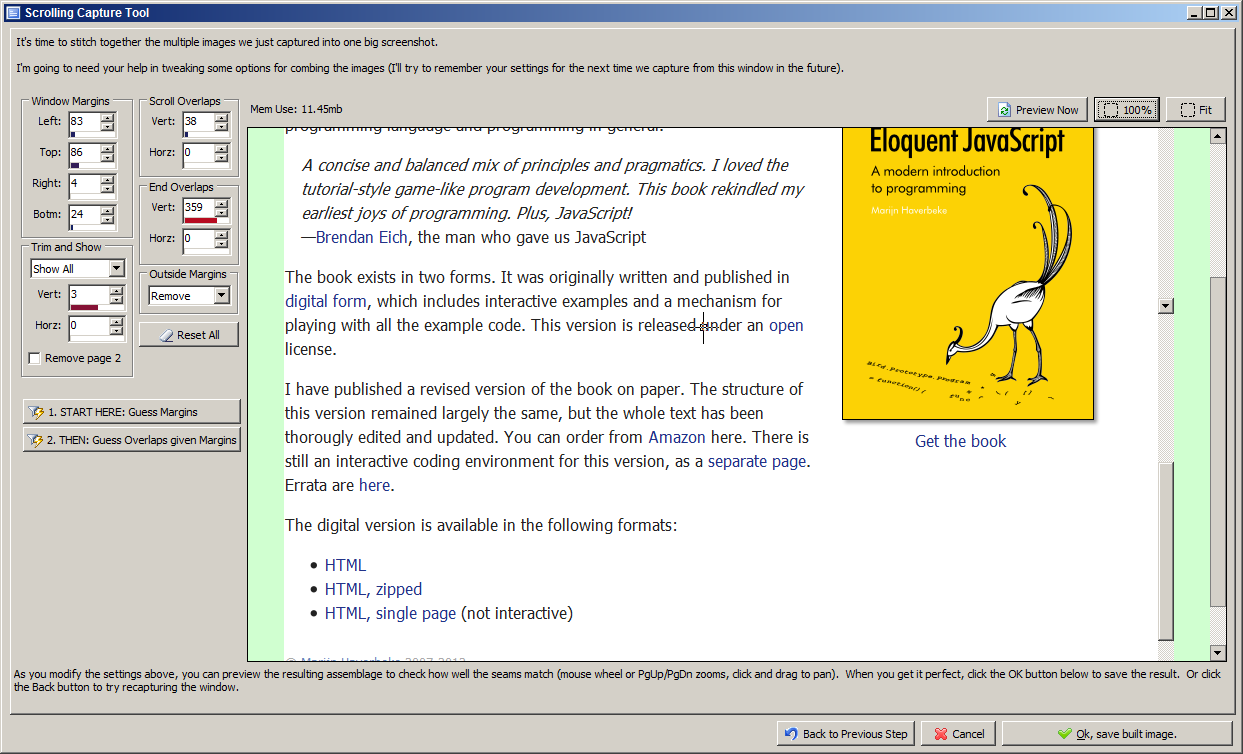
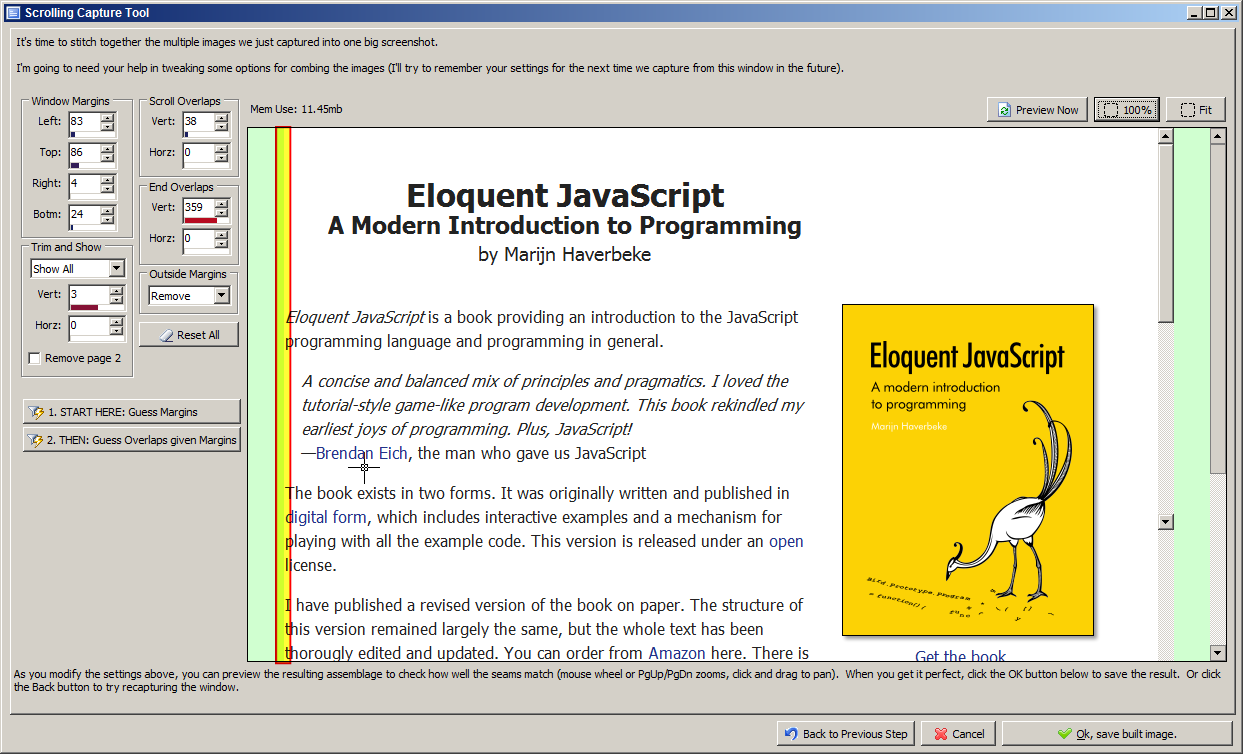
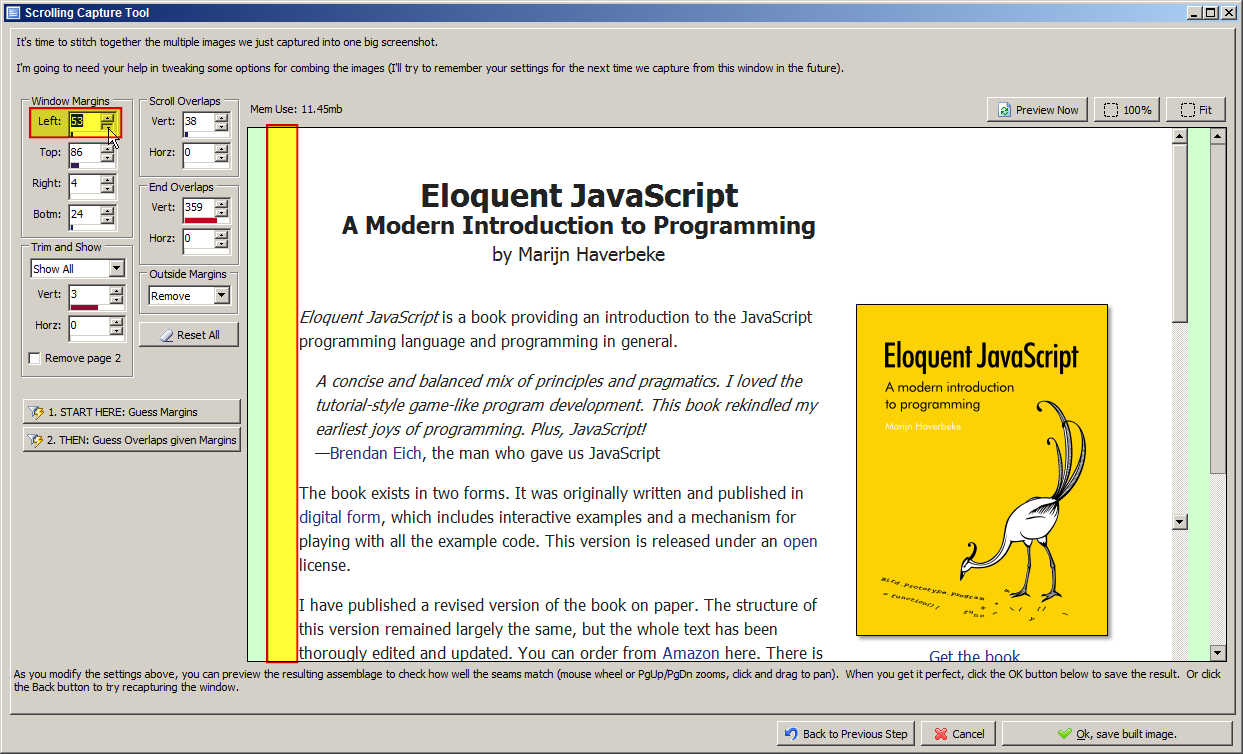
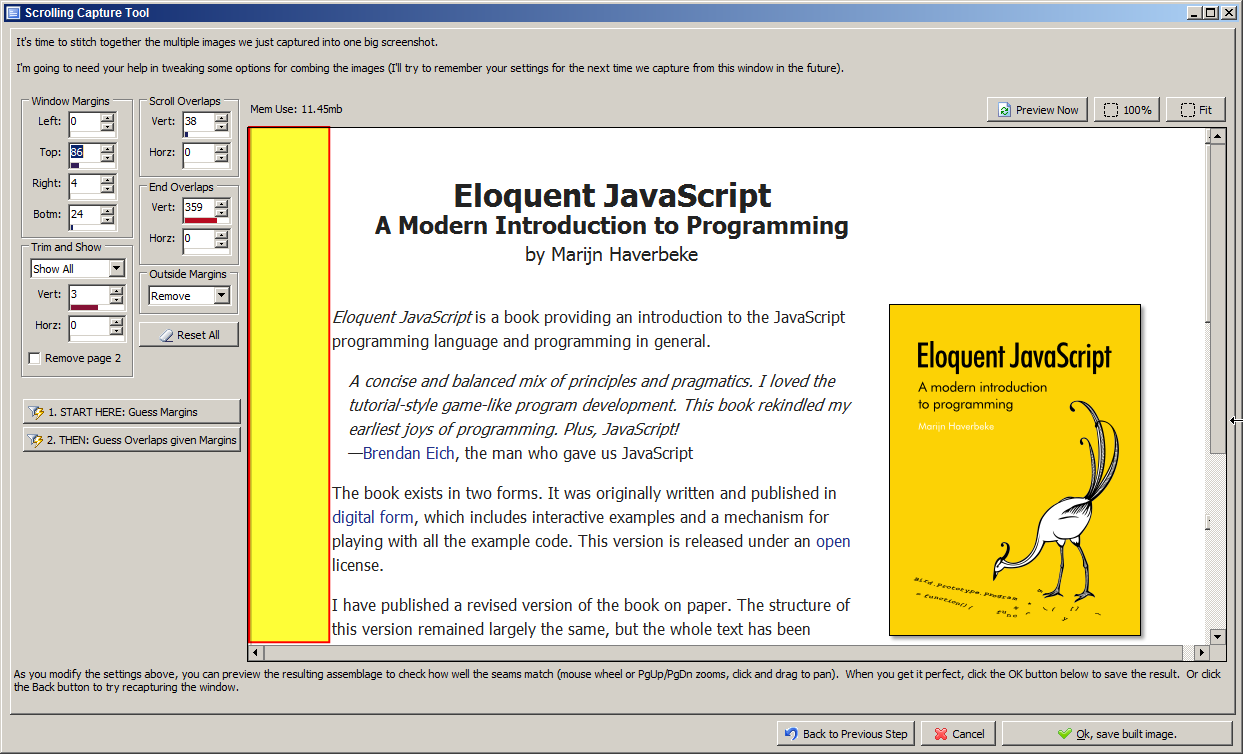
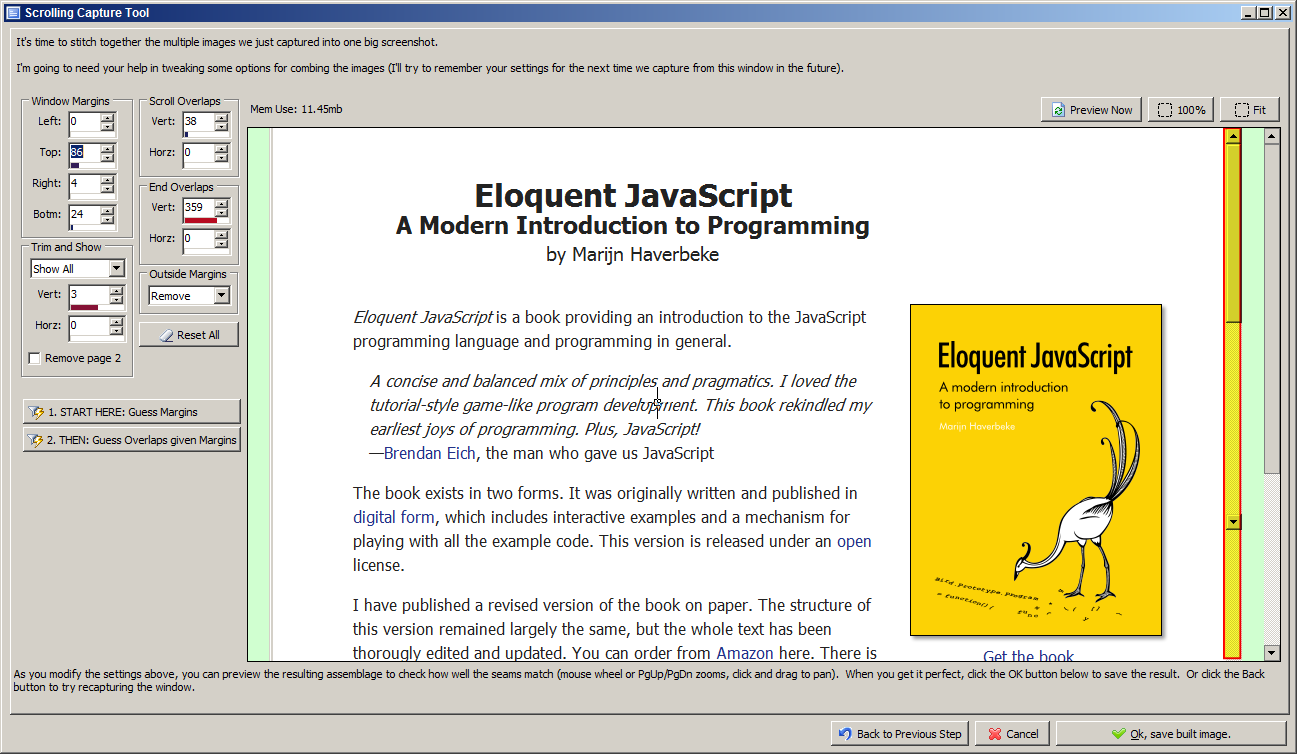
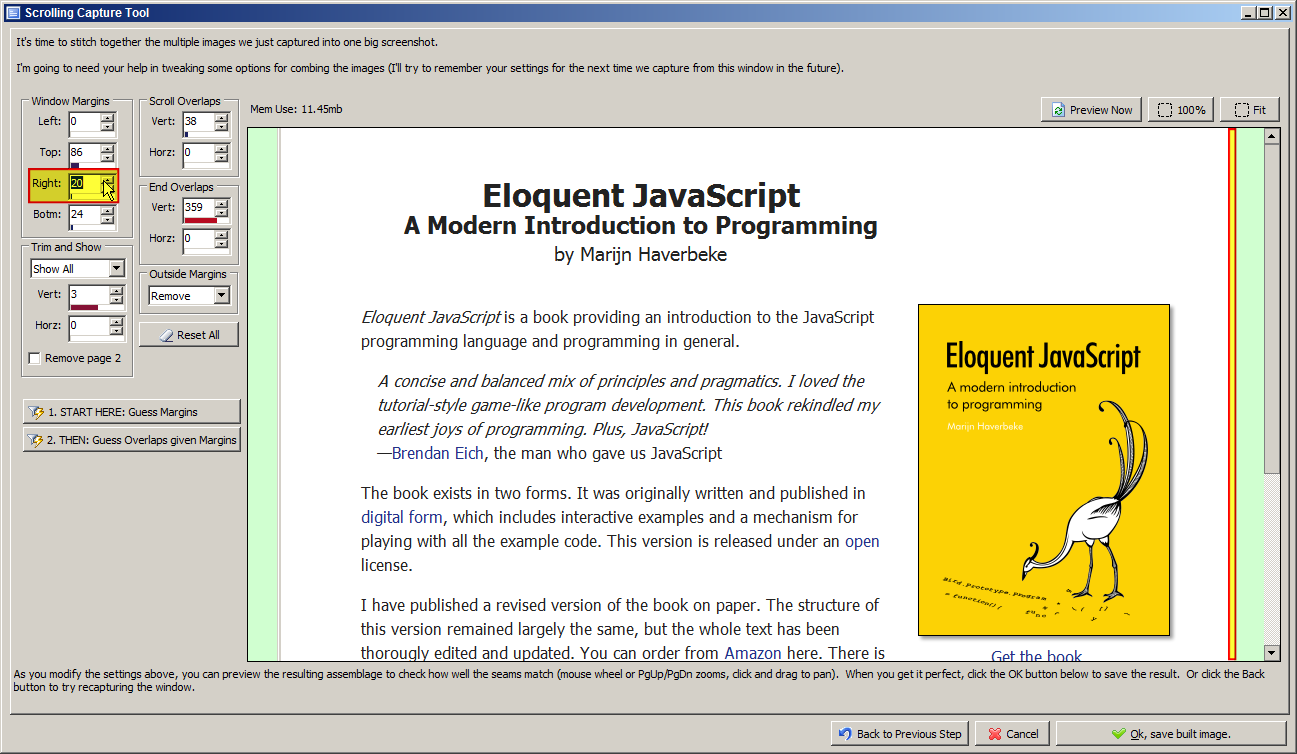
When I click on the gear, and select "Capture Now", it does the scroll (and presumably the capture), and then pops open the define capture settings dialog. The dialog only has an "Ok, begin scrolling capture" button.
Holy crap did it just do a weird capture while I was playing with it just now. It appears to be a full scroll of the page ... But it's five pages wide..!?!
But it's five pages wide..!?!I, too, had this.


QuoteSo will we also be able to save the uncombined pages as individual files?
can someone shed some light on a scenario where that would be useful?
Original address: https://www.donationcoder.com/forum/index.php?topic=29550.0