PS Tray Factory, M8 Free Clipboard, FastStone Capture and Sysinternals Process Explorer
- is all that I 'must-have' visible, except for the Windows Desktop Search 3.01 -bar:
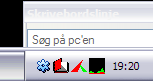
PS Tray Factory will hide the rest until they are needed: "Hide icon when inactive" (= show icon when active). The sudden movement when the bar 'grows' from 4 to 5 icons, are enough to catch the eye. 32 out of 36 icons are not needed all the time, only some time. You can even hide the PS Tray Factory icon!
---
Ooops! Looking at the image suddenly made me realize Skype has failed to open!
Thanks for causing my attention!
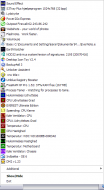
- is all that I 'must-have' visible, except for the Windows Desktop Search 3.01 -bar:
PS Tray Factory will hide the rest until they are needed: "Hide icon when inactive" (= show icon when active). The sudden movement when the bar 'grows' from 4 to 5 icons, are enough to catch the eye. 32 out of 36 icons are not needed all the time, only some time. You can even hide the PS Tray Factory icon!
---
Ooops! Looking at the image suddenly made me realize Skype has failed to open!
Thanks for causing my attention!
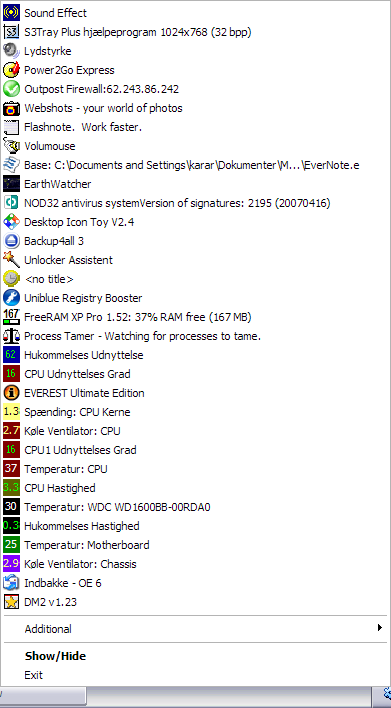


 Same for calendars, timers, counters etc. I saved about 40Mb. They are javascript, so very little CPU/memory overhead!

 - carpe noctem







 i can sense a Farr alias coming up..
  Seriously, though, they run from oodles of free and opensource offerings through a range of shareware products that seem to run between $10 and $30 (but I'm sure you can pay much more).