I usually just reset permissions on the .ini file
So I could have the EXE create the INI file while the EXE resides, say, on my desktop. Then, copy both EXE and INI to a Program Files subdirectory, perhaps?
Sure, or just create a text file in the program directory named GotSpace.ini ... The key is the give yourself (and therefore GS) write access to the file. That way you can update it later without running into nagging permissions errors.
I'll still see what I can do about an AppData .ini Just to see if I can do it without breaking the programs intended behavior. But the idea was to be able to (semi-transparently) let the app have two independent sets of settings; home base (stored in registry), and portable (stored in the .ini) file.
At work I keep it in the top right hand corner if a 22" WS monitor.
At home I keep it in the top right hand corner of the right monitor (dual 17" monitors).
In the field I like it to use the default behavior of jumping to center screen so I can find it while dealing with random client equipment.
All of which I can do with the same ThumbDrive copy and its .ini because the registry super-cedes the .ini file.
-------------------------------------------------------------------------------------------------------------------------------------------
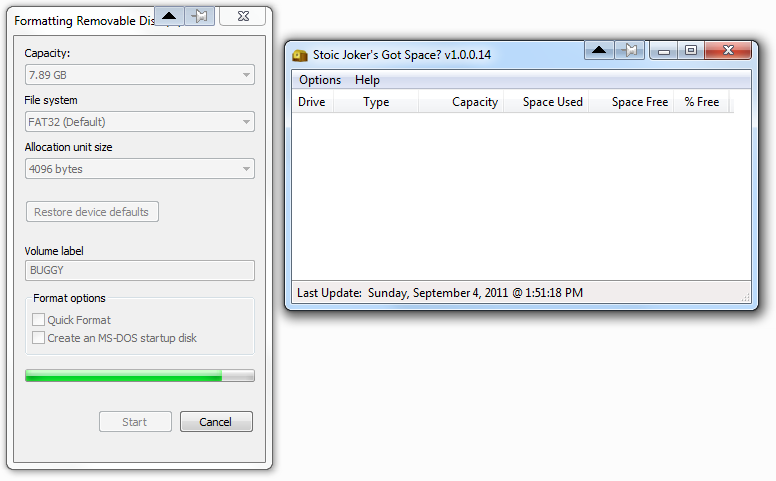
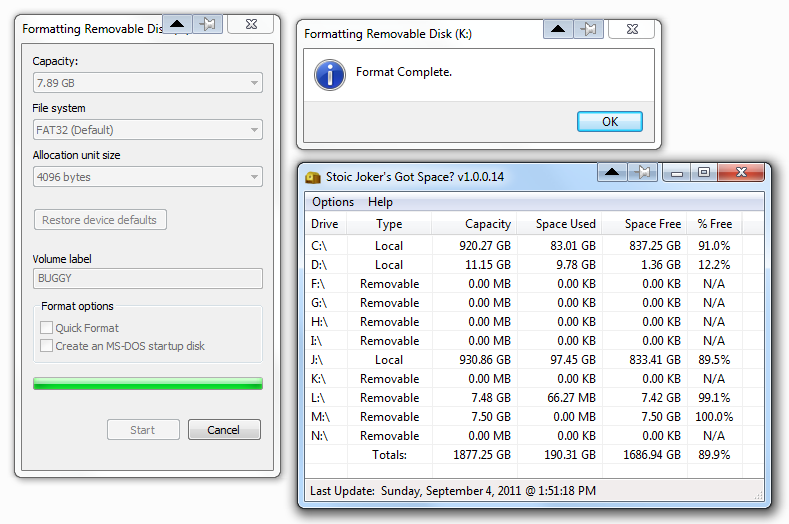
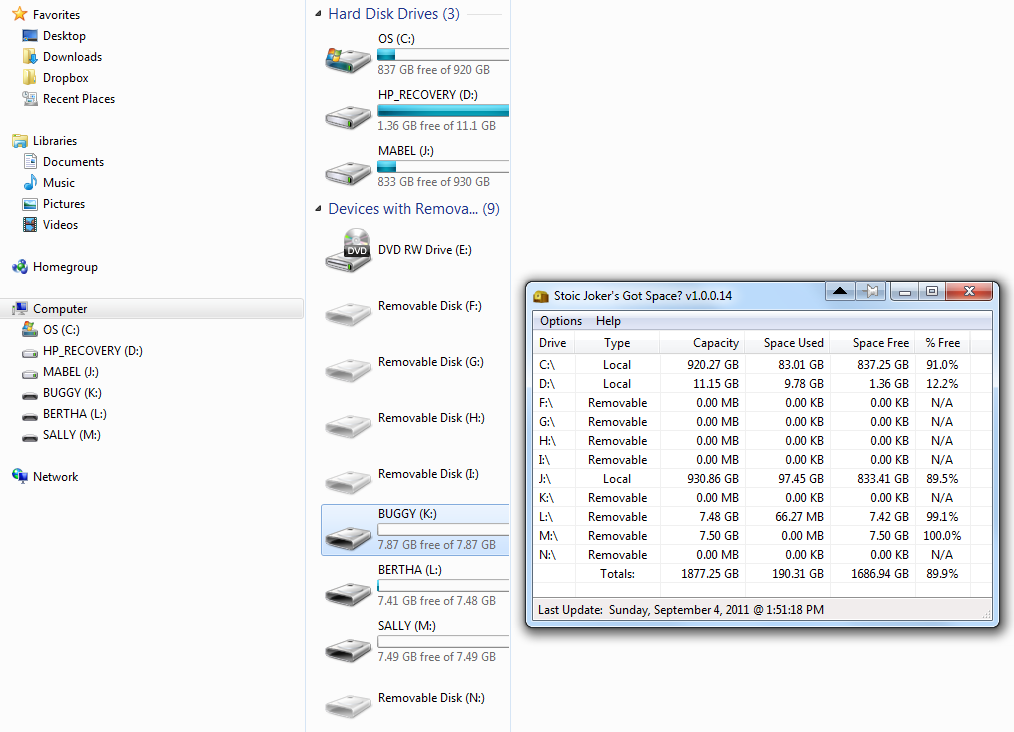
On the other front, I'm having zero luck trying to get this damn thing to hang (how's that for an odd complaint...). I set the auto update to 1 sec, and then left it running while running a series of formats on an old ThumbDrive. Added some extra test code to flag/catch a stumble ... Then sat there watching the statusbar update timestamp to see if it would freeze at any point.
Can you reproduce the behavior?? or is/was this a one-in-a-million fluke type bugg?
I wanna fix it, but I can't find the little mother

er.