I'm trying to focus more on my writing as of late and I find I get distracted when I'm on a pc that is capable of getting online. So I'm switching to a laptop for a while that has no way of accessing the internet. Any software(Preferably open source but I'm not opposed to paying for good software.) all the software must be able to run without an active internet connection though.
some software that could come in handy would be an offline dictionary, and a rhyming dictionary if possible(I haven't had much luck finding an offline version.)
I currently have Storybook for planning stories and such. Mobysaurus Thesaurus(it works but on my main machine its sluggish so I'm not sure if the laptop will be able to handle it)
and I have Abiword and Notepad++
Any more must have applications that I need to add ? any and all recommendations are welcome and appreciated.
Try ........
http://www.storylite.com/
Story Lite Productivity Software for writing and editing <
http://www.storylite.com>;
Unique software, free, easy to use, maximize productivity, make your work and play easier
From Majorgeeks:
http://www.majorgeeks.com/Story_Lite_d6970.html
----------
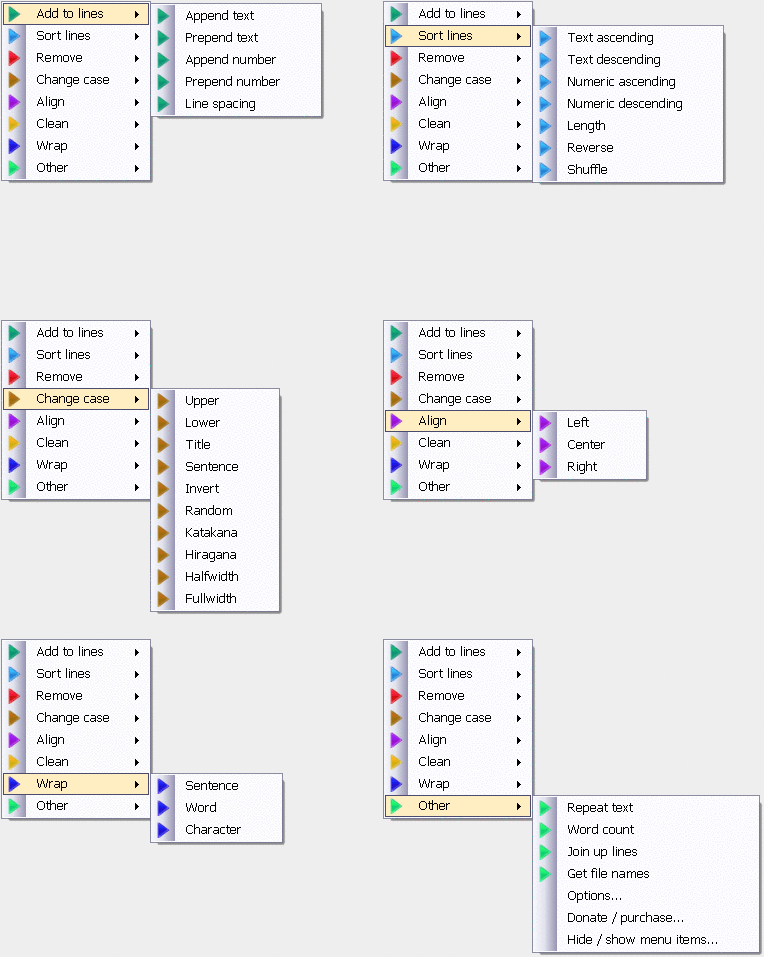
Dolphin Text Editor Menu 1.9 Dolphin Text Editor Menu expands the functionality of any text editor. It doesn\'t replace your current text editors -- it makes them better. Dolphin Text Editor Menu will work with any software where you can type
http://www.majorgeeks.com/Dolphin_Text_Editor_Menu_d6957.html
=============
http://www.majorgeeks.com/PhraseExpress_d6912.html
No more typing common phrases again!
And more





 Perhaps if I was doing proper writing in a distraction-free environment, though, I wouldn't want the other 7 desktops with all their lures and temptations so I wouldn't mind -- but a bug that can kill something normally so reliable might do other nasty things too.