
Wow, thanks, that helps the eyes and mind for sure.
Re: What Android Apps Do You Use?
« Reply #100 on: December 10, 2012, 12:37 AM »


 Topic: What Android Apps Do You Use? (Read 296,451 times)


My Installed Android Apps
....


Powerful collection of electronics tools and reference.A must for any enthusiast
ElectroDroid is a simple and powerful collection of electronics tools and reference


| Aldiko | a reader - finally it can remember the zoom settings while navigating |
| aLogcat | logcat viewer - only useful up through Android 4.1? |
| Barcode Scanner | QR and other barcode reader |
| Camera | |
| EBookDroid | reader with support for PDF (and other formats), auto-crop, per-book settings, and lots more |
| ES File Explorer | multi-feature file explorer |
| F-Droid | discovering potential apps with source available |
| File Expert | nice for quick file-sharing |
| Firefox | has support for some add-ons and OpenSearch |
| Gallery | |
| Hacker's Keyboard | hurray, arrow keys and friends! |
| Kitchen Timer | |
| MX Player | video player |
| OI ShoppingList | for managing various lists (not just shopping) |
| Opera Mobile | helps for downloading |
| Quickdroid | a bit like QuickSilver and/or FARR |
| Settings | |
| Terminal Emulator | |
| TubeMate |
 ebookdroid-allow-negative-pageoffsets.patch.txt
(2.0 KB - downloaded 660 times.)
ebookdroid-allow-negative-pageoffsets.patch.txt
(2.0 KB - downloaded 660 times.)

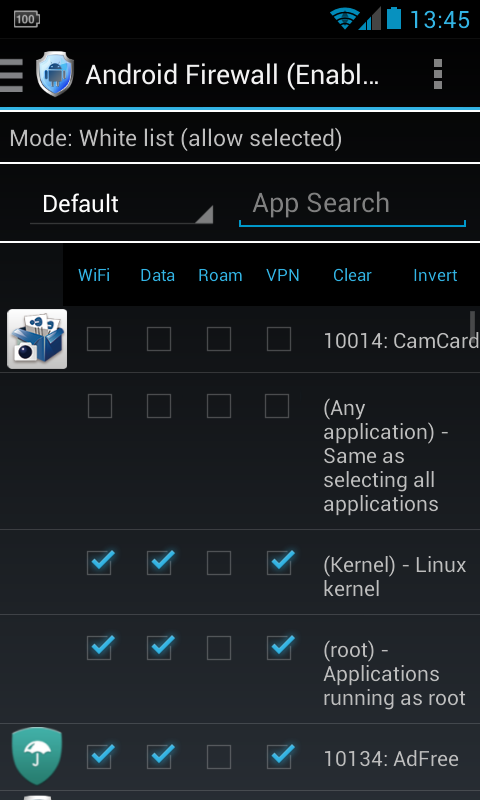 You can allow/block based on the network, eg. LAN, VPN, Roaming, Data (2G/3G/4G), and WiFi. NOTE: Needs root access.


New phone, so a couple of new apps:
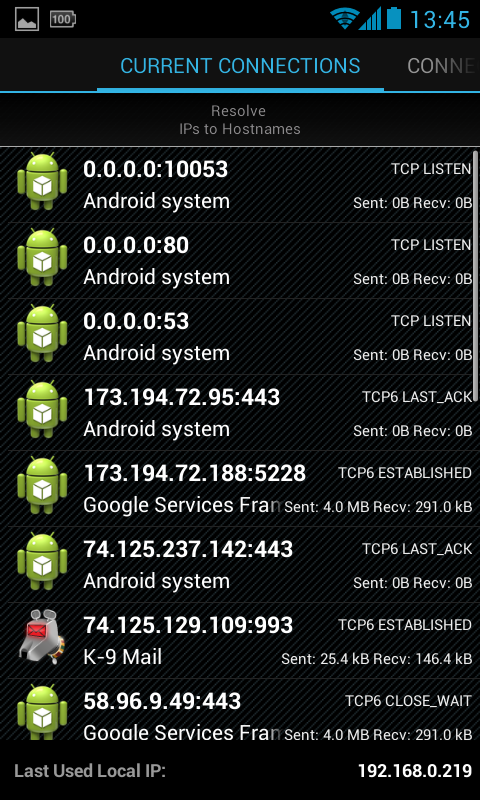
(see attachment in previous post)Network Connections - Powerful tool that displays and monitors (tracks) all inbound and outbound connection from and to your Android device. The unlock key to enable all features is available ->free<- for a limited time, (until 20131019), here. After that the normal unlock key will be ~$2.
(see attachment in previous post)Android Firewall - It's a firewall
Unfortunately, it seems I can't use Android Firewall as it requires root access and I've failed to root my device - spent a couple days on it and failed due to some bizarre scrolling issue that I couldn't resolve. Maybe I'll try again sometime when I have time.


Unfortunately, it seems I can't use Android Firewall as it requires root access and I've failed to root my device - spent a couple days on it and failed due to some bizarre scrolling issue that I couldn't resolve. Maybe I'll try again sometime when I have time.
Well that's what happens when you get older, I meant to mention it needed root but then 30 seconds passed and .... what was I saying?
 And my, oh my, oh my...


 )
)
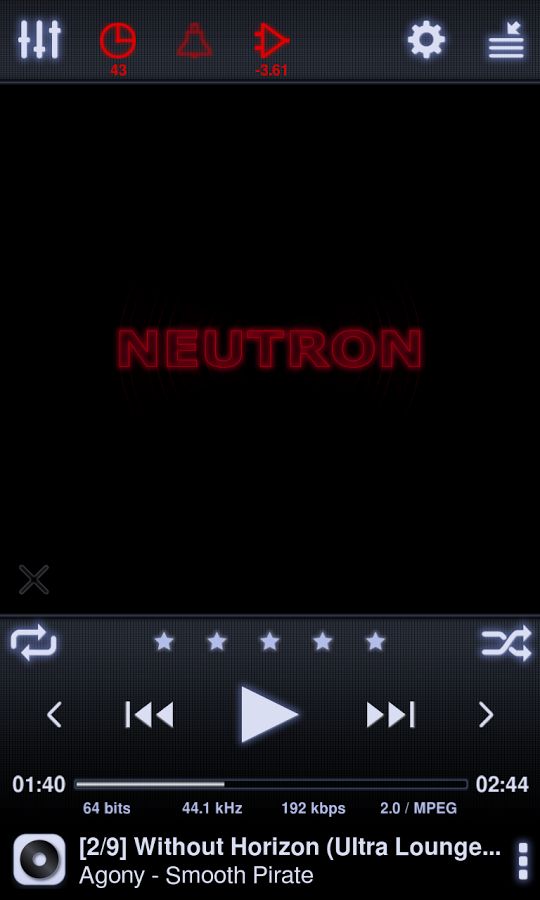
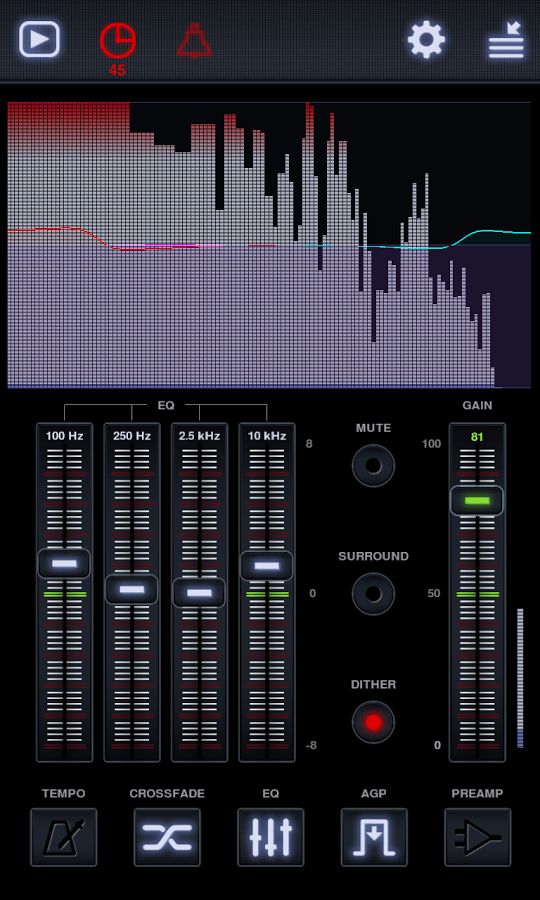
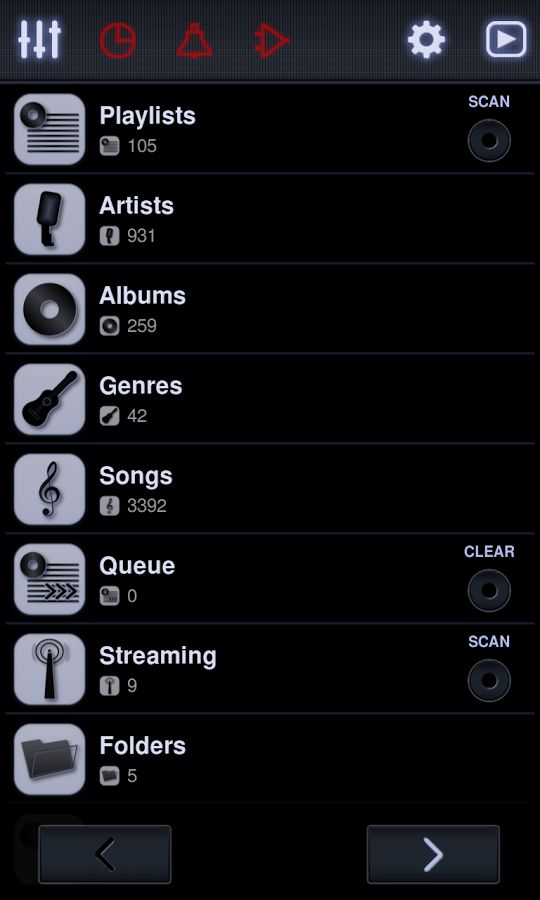
The official application of Uptodown for Android operating systems. With this app, you can quickly access descriptions, screenshots, and of course, complete apps. In addition, it allows you to always have the latest updates and versions of every app.
Every Content. Limitless apps, betting apps, multimedia apps, and competitors from any sector or area.
Every Country. Completely free and global access without region restriction, like political or business limitations.
Every Device. You don’t need Google Play services, in fact you can download and install any app just from your browser.
Every User. No google registration required, no email, account, credit card or payments. Just you.
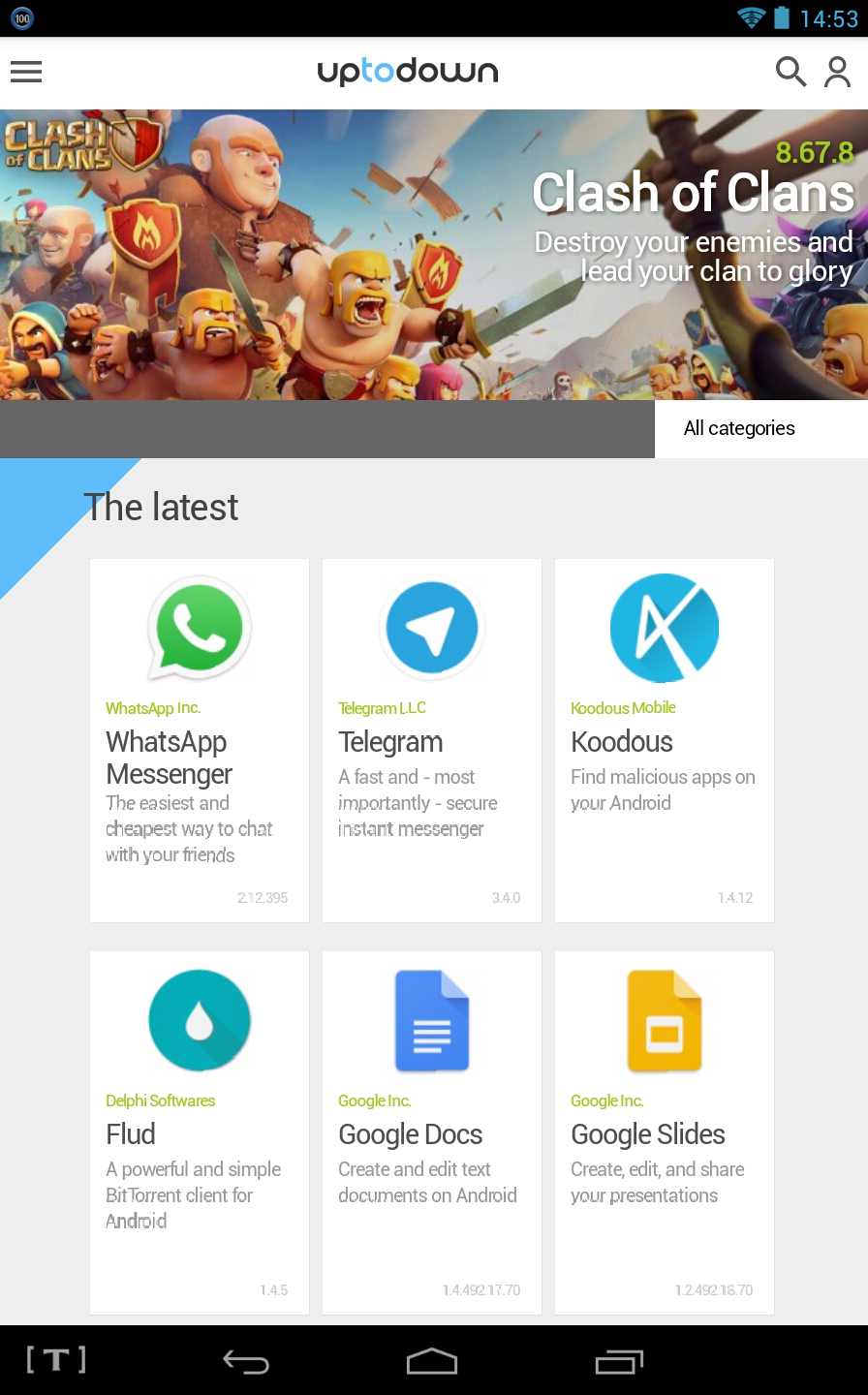
From the main interface of Uptodown Android, you can see the app of the day and all important news, including new apps and updates. Also, below the image of the app of the day, you can find a dropdown menu with direct access to all of the Android categories: video games, messenger apps, video players, office software… if you’re looking for any app, it is going to be here.
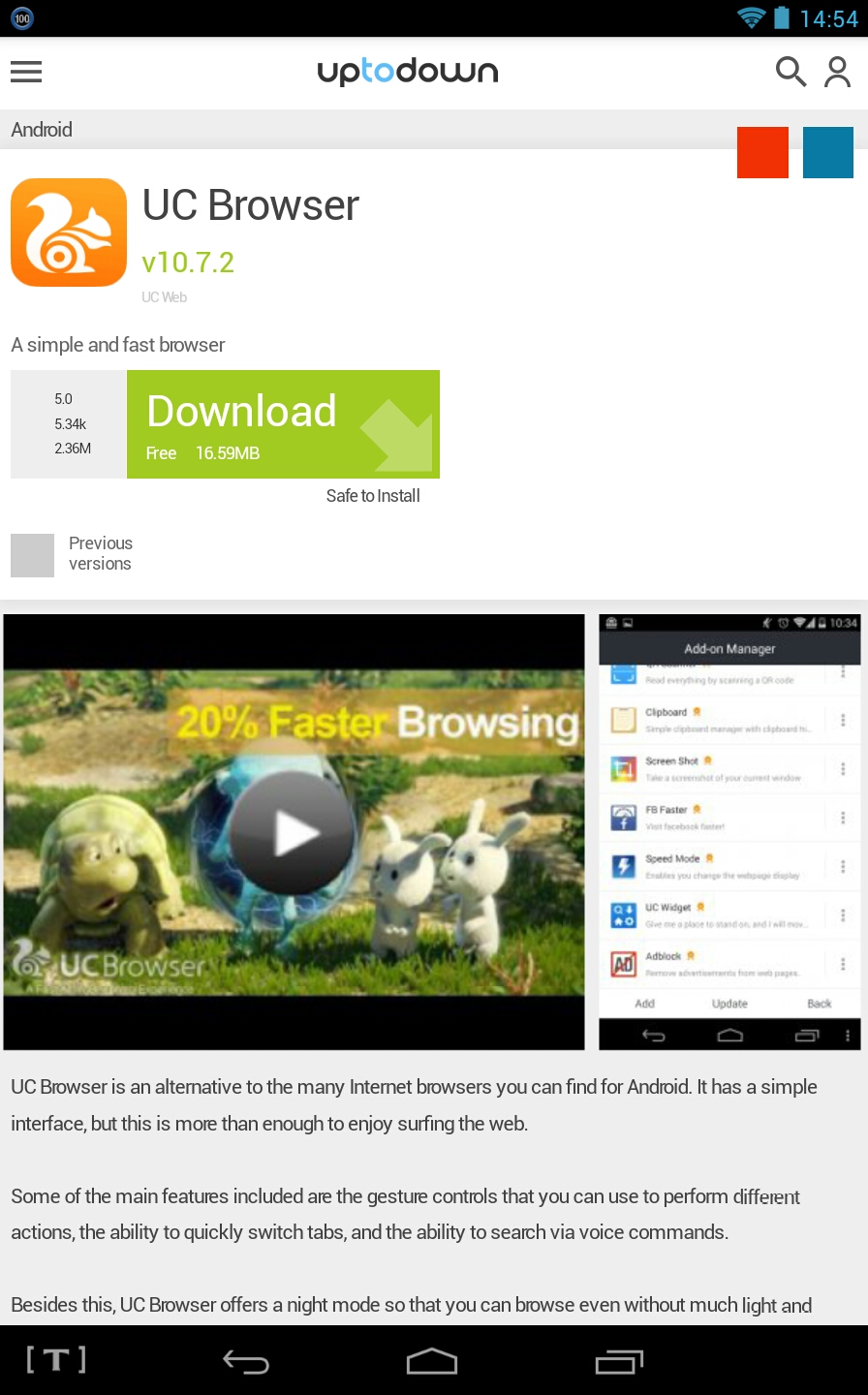
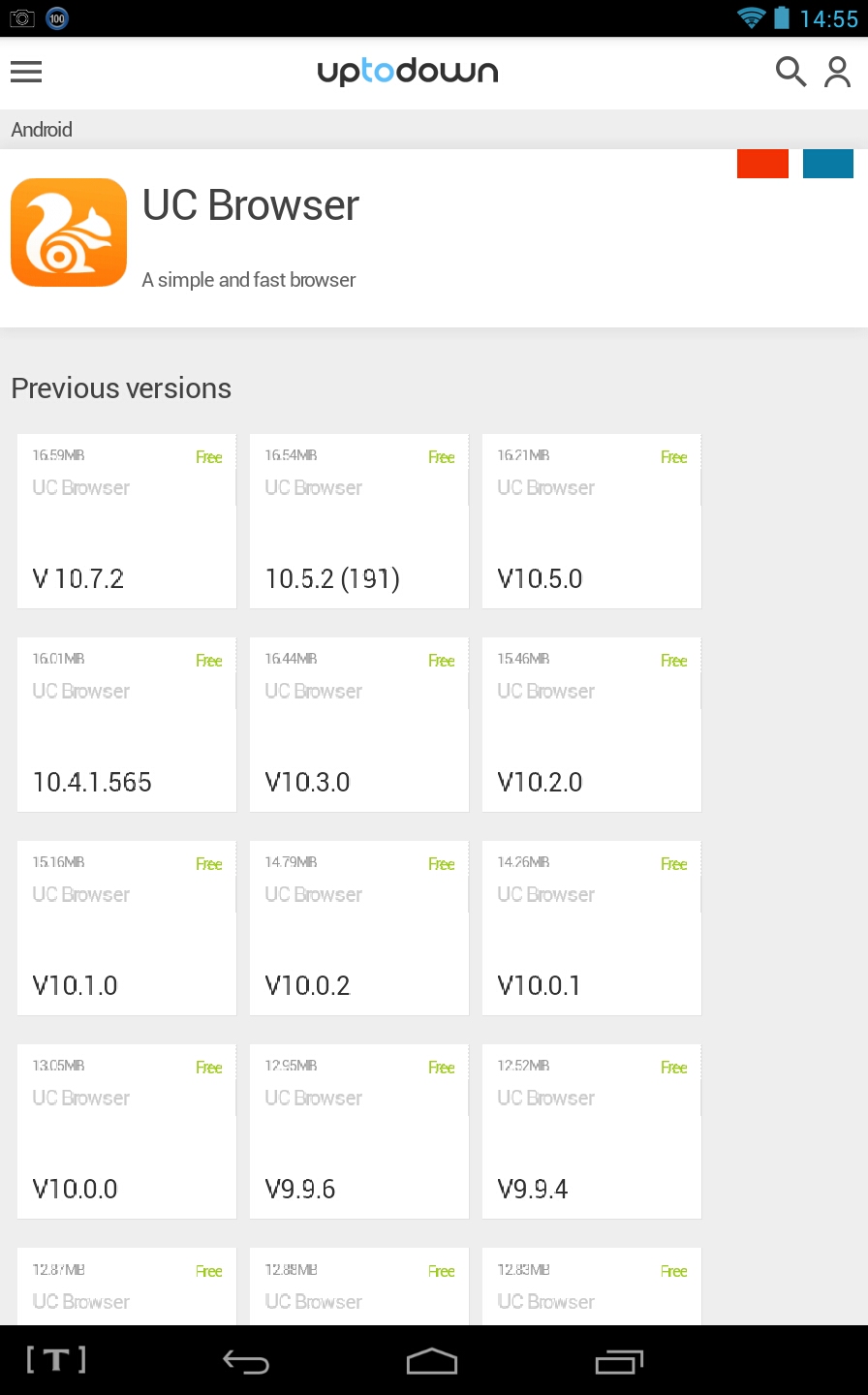
Because Uptodown stores more than a thousand different APKs, the app gives you the possibility to access both older versions of some apps and others that are not available on Google Play. This means that you have the option to install older (and possibly more stable) versions of practically any app. You just have to scroll down to the bottom of a file to see all of the versions available.
Thanks to this feature, Uptodown Android offers the possibility to do a ‘rollback’ of any app. For example, let’s say you updated Twitter to the latest version and you don’t like it. No problem. You simply download the previous version from its file in Uptodown and problem solved.
Uptodown Android is an interesting alternative to other application download services like Google Play because it not only lets you download thousands of different apps, but also older versions of the same apps. In addition, Uptodown displays ‘neutral screenshots’ instead of the traditional screenshots offered by many developers. Thanks to this, users always know what they’re downloading with just a glance.


Anyway, a browser I've been using for a while: FrostAccording to Google Play, Frost was last updated in November 2014. That's more than a year ago. A very long time for a browser.
Has a password protected vault for your bookmarks and any saved images, unlocked by entering a pin/password as you would a web address, ie. if your pin is 1234 you just enter that as the web address in a tab, the vaults become unlocked and any previous session tabs can be restored.
When you exit, all history is removed and the vaults lock.
Anyway, a browser I've been using for a while: FrostAccording to Google Play, Frost was last updated in November 2014. That's more than a year ago. A very long time for a browser.
Has a password protected vault for your bookmarks and any saved images, unlocked by entering a pin/password as you would a web address, ie. if your pin is 1234 you just enter that as the web address in a tab, the vaults become unlocked and any previous session tabs can be restored.
When you exit, all history is removed and the vaults lock.
Original address: https://www.donationcoder.com/forum/index.php?topic=26168.0
 Online TrID file identifier
 SeqBox