@ Mboxer511: You're probably having the same problem that I had (the underlying IE library used to connect to the TimezoneDB site doesn't support the required SSL protocol) so you'd have to untick 'Use https' in the configurations panel to get it work. But first, please go into your Internet Explorer advanced options and make sure TLS 1.2 is enabled (if available); that might get it work properly. IE8 (in my case) doesn't have such option available but disabling HTTPS in sWeather worked.
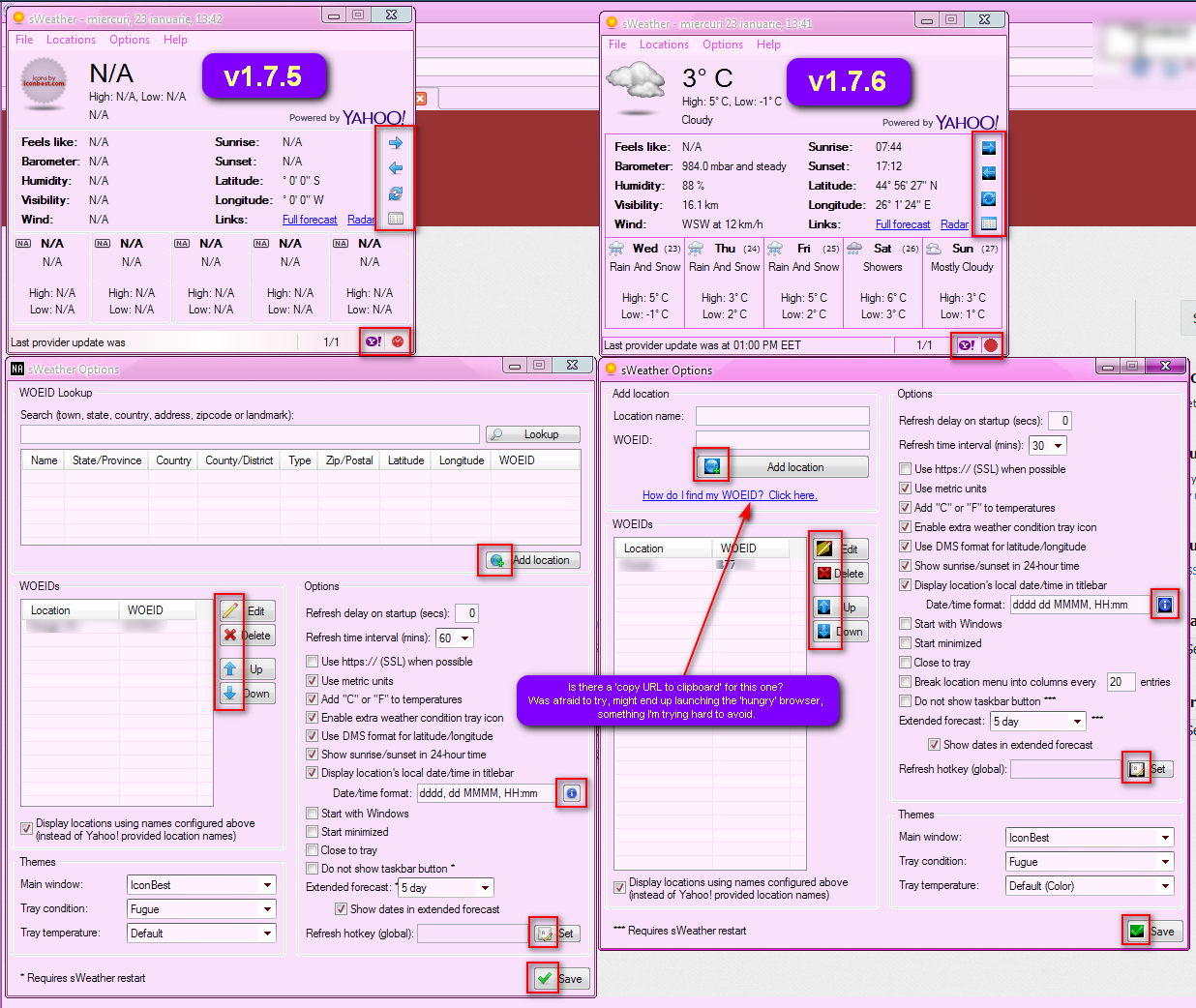
@ skwire: There's a problem with the GUI icons in XP, noticed it right after you eliminated the resources DLL but thought it might just be a different icon set. Apparently it's a rendering error for the transparent PNGs.
Here's a comparison of the old 1.7.5 GUI versus 1.7.6:
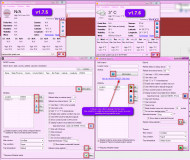
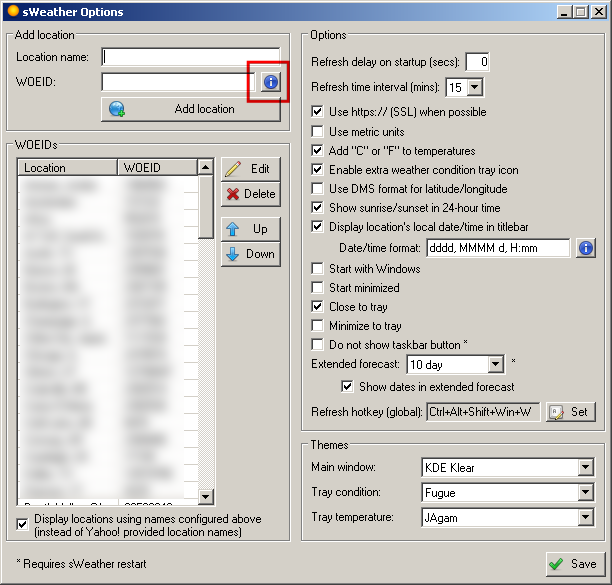
Also noticed 'Minimize to tray' is missing from the configuration panel but it does work as such; maybe you made it permanent?
Reminder: date/time still dissapears from titlebar when in TooWindow mode. The tray click is the trigger.
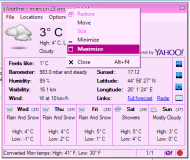
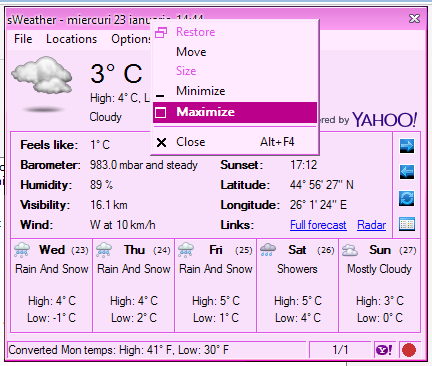
A funny side-effect of the ToolWindow mode: the SysCommand menu still sports a
Maximize option which works although it shouldn't, since it's not a resizable window.

The rest seems to work as intended. Thank you!





 I also received word from Yahoo! that the wind chill reading for Celsius has been fixed.

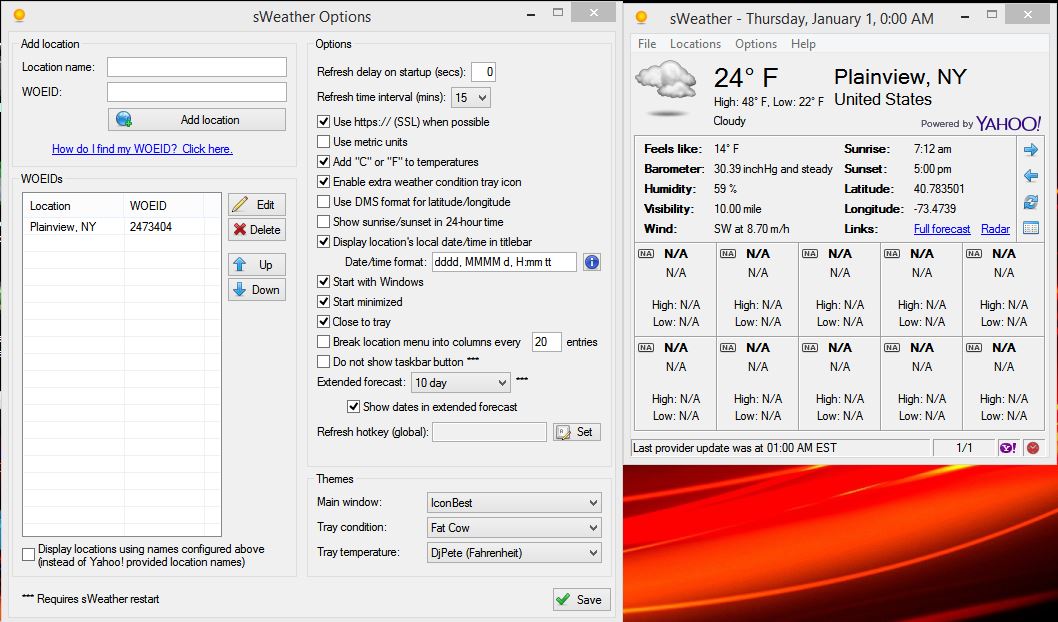

 The hover info for the condition icon doesn't show the same info (less) as the temp icon
 It's back in the v1.7.7. build.