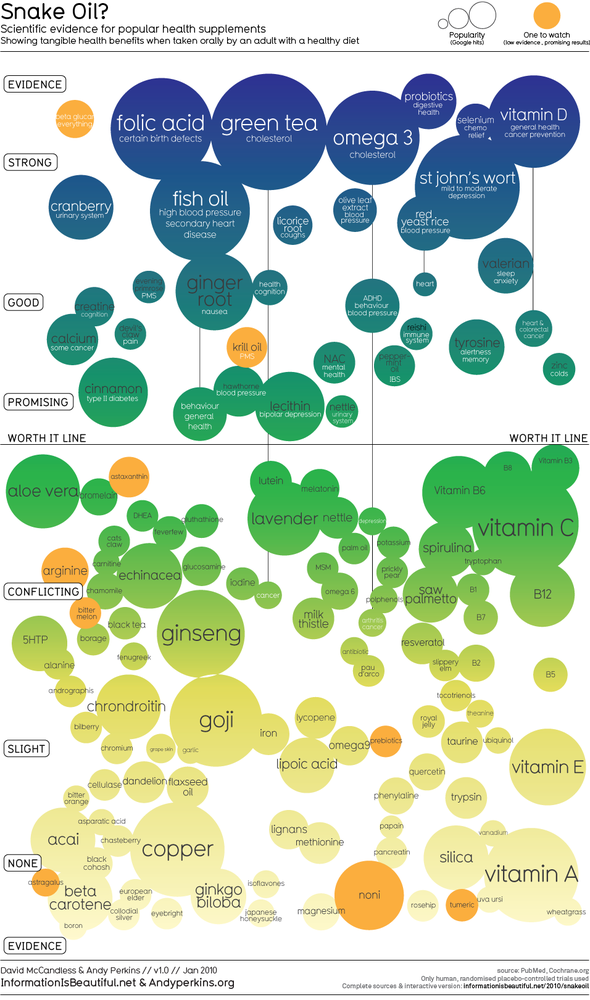
hello
is there an easy way to create algorithm graphs like this?
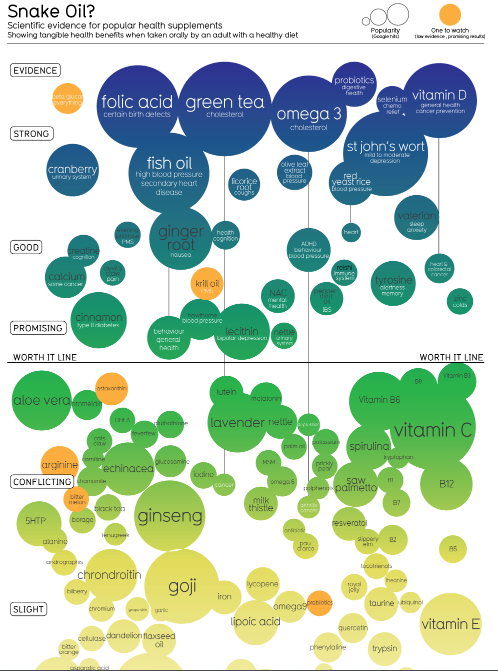
thanks
is there an easy way to create algorithm graphs like this?
thanks

 Topic: how to create algorithm graphs (Read 17,824 times)


ttbut i would like something neat as the one in the first postUmmm, the suggestions were pretty good wrt. the first image you posted - instead of editing your first post and upload a completely different kind of image, you should've added that image to a new post.
 - carpe noctem

oh i seeWell, both were computer images consisting of pixels, but beyond that?
they resemble so much
 - carpe noctem
World clouds have become very popular. Thanks to the Wordle javascript (www.wordle.net) anyone can make a beautiful picture with words. There are however some drawbacks, such as the Wordle picture can not be saved (directly) and because of copyright modifications or alterations of the Wordle application is out of the question.
Word clouds are playful and it is very attractive way to show text. Here we offer yet another application to the list of our creativity tools: Wordaizer. This new application offer the possibility to tune, shape, create, print and save any word cloud that you can think of.
Do you want to control the shape of the word cloud?
Wordaizer is a brand new application from APP Helmond to create word clouds like Wordle does, but allows total freedom to tune almost every relevant aspect of the desired word cloud. The application is capable of making word clouds, but adds a very strong new features: masks to make your own word cloud shape. The shape of the mask becomes the blueprint of the shape of your word cloud.
Do you want to save, print or make very large word clouds?
The result from Wordaizer is a (bitmap) picture: it can be saved on harddisk, and printed. The paper size is (of course) adjustable, allowing the user to save up to A1 format (150 dpi print). You can print from within the application, or store the result on harddisk, do some post processing (if needed), print it or resize and send it to a friend by email. You have full control over the end result.
Do you want to keep that favourite setting that produced a wonderful word cloud?
With Wordaizer you can save the full settings into a so-called project file. This is a small file that stores all the relevant settings that you used in your favourite word cloud. Simply load that file and continue to make another great word cloud. We have already provided some nice project files with the installation, and you can start right away.


Original address: https://www.donationcoder.com/forum/index.php?topic=24108.0