you could enlarge the image as much as you can before taking the screenshot. That's your best quality there.
how to calculate this? in which zoom can you extract the above scheme?


 Topic: extracting info from pdf (Read 60,052 times)

you could enlarge the image as much as you can before taking the screenshot. That's your best quality there.


you could enlarge the image as much as you can before taking the screenshot. That's your best quality there.
how to calculate this? in which zoom can you extract the above scheme?

-the picture will not be vector, because kalos is talking about taking a screenshot; a bitmap. If the files are like the test file, I *imagine* size 150% will be fine. But it doesn't make sense to talk about borders; since there are no genuine pictures, there will be no natural borders.
if the image is vector (NOT a pixel image) simply enlarge it as much as you can on your monitor, then take a screenshot.
-the picture will not be vector, because kalos is talking about taking a screenshot; a bitmap.
[...]
-zoom out, all you want, and use your screen capture application.


 ).
).
1st: Can't pdf be saved as html? ... Advantage: text is html, images are saved separately.
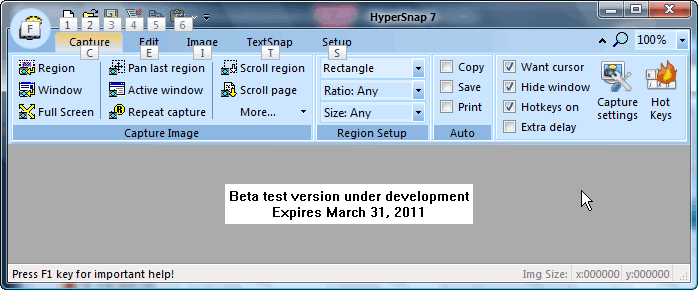
Version 7 beta tests started, and we currently have a poll for users to vote on new features to add to version 7 of HyperSnap. More information at HyperSnap Feedback and Beta Tests Forum.
Original address: https://www.donationcoder.com/forum/index.php?topic=23960.0