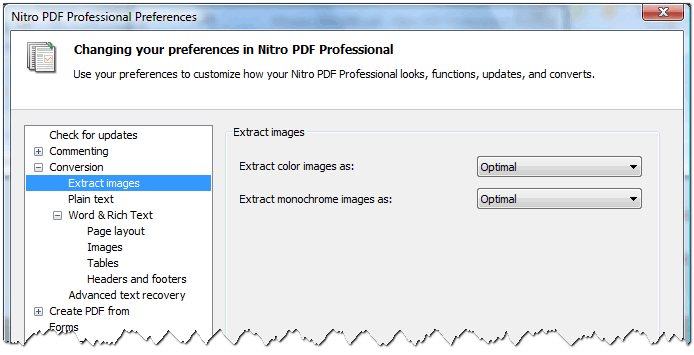
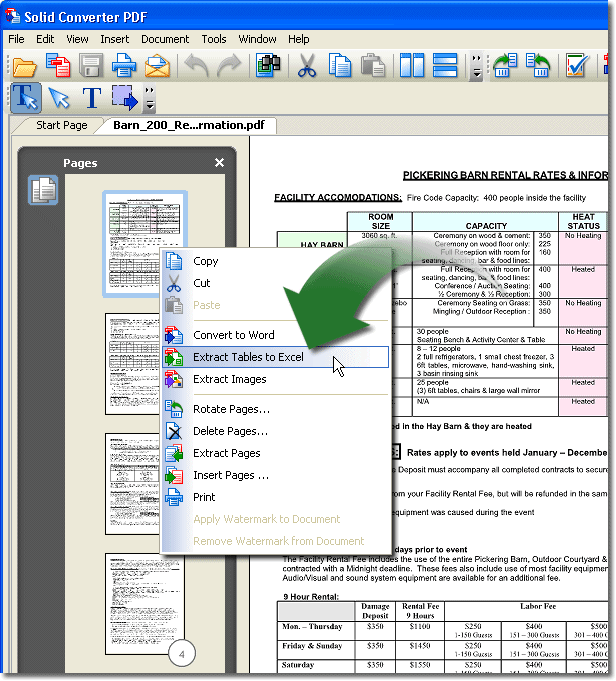
This may depend on the file - but with adobe reader I just selected an image in a pdf (via drag + select the area around it, then "copy image" in the context menu). I was able to paste the image in Evernote and MS Paint.
I dont think even the pdf reader will give you the option to show images at their original resolution - I suspect there could even be images with different resolutions within the one file. So I think you cant expect Screenshot captor (or other) to do that (I mean considering it's the pdf reader has the file open/displayed)
I dont think even the pdf reader will give you the option to show images at their original resolution - I suspect there could even be images with different resolutions within the one file. So I think you cant expect Screenshot captor (or other) to do that (I mean considering it's the pdf reader has the file open/displayed)