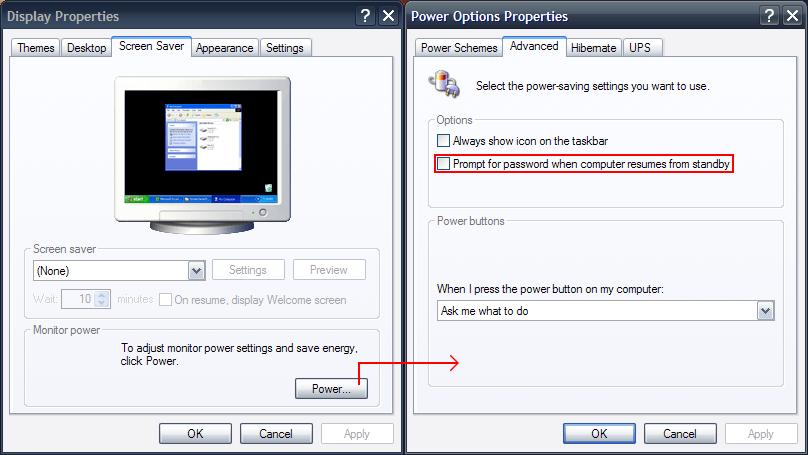
havent read this myself so not sure how relevant it is, but just in case:-Nice but it requires the setting "Users must enter a user name and password to use this computer " to be switched off all the time.Great step-by-step tutorial on setting up a pc to auto fill in password for use with BootSnooze at Windows Guides:
I only want it to be disabled when I do a restart with Boot Snooze. After it ran, or when I do a regular reboot, I want the computer to ask for a password. I also set my PC to ask for a password when coming out of sleep or hibernate.


 .
.  .
.





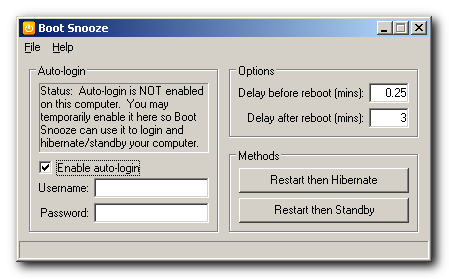
 . I'm running Windows 7 Ultimate 64-bits, maybe that's the cause (other registry keys?).