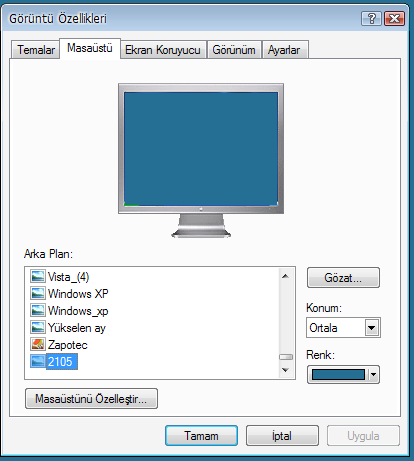
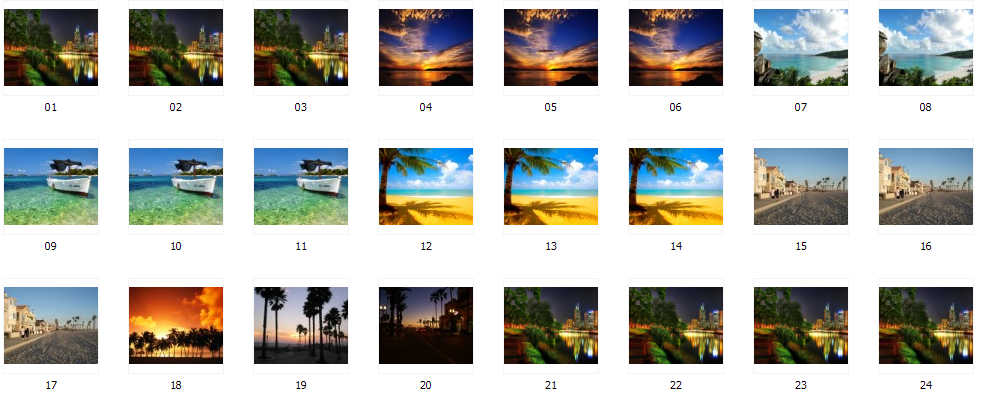
it's been so long since i used temporality screens..
the .thm files are just text files you edit in a text editor like notepad.exe
the sample .thm files tell you most of what you need to know.
here's the hourly.thm sample file which sets a dif picture for each hour of the day:
and here's one with a dif pic for each month:
the temporalityscreens.ini may be created on first use, i don't remember.
the .thm files are just text files you edit in a text editor like notepad.exe
the sample .thm files tell you most of what you need to know.
here's the hourly.thm sample file which sets a dif picture for each hour of the day:
Quote
// First the settings (position can be: center, tile, stretch, max) (ATTN: unfinished)
// position=center
// Then the files (file= DATEMASK|TIMEASK|FILENAME, where:
// DATEMASK is of the form MM/DD/YY-MM/DD/YY
// TIMEASK is of the form HH
// and * is allowed
// and FILENAME is relative path
// if multiple times match due to wildcards, the earliest match will be used.
// if multiple files are specified separated by ; then one will be chosen randomly
// For example
// */*/2005 - */*/2006 | *-* (the entire year of 2005)
// */*/* - */*/* | 01-02 (1am to 2 am every day)
//
*/*/* - */*/* | 1-1 | hour1.jpg
*/*/* - */*/* | 2-2 | hour2.jpg
*/*/* - */*/* | 3-3 | hour3.jpg
*/*/* - */*/* | 4-4 | hour4.jpg
*/*/* - */*/* | 5-5 | hour5.jpg
*/*/* - */*/* | 6-6 | hour6.jpg
*/*/* - */*/* | 7-7 | hour7.jpg
*/*/* - */*/* | 8-8 | hour8.jpg
*/*/* - */*/* | 9-9 | hour9.jpg
*/*/* - */*/* | 10-10 | hour10.jpg
*/*/* - */*/* | 11-11 | hour11.jpg
*/*/* - */*/* | 12-12 | hour12.jpg
*/*/* - */*/* | 13-13 | hour13.jpg
*/*/* - */*/* | 14-14 | hour14.jpg
*/*/* - */*/* | 15-15 | hour15.jpg
*/*/* - */*/* | 16-16 | hour16.jpg
*/*/* - */*/* | 17-17 | hour17.jpg
*/*/* - */*/* | 18-18 | hour18.jpg
*/*/* - */*/* | 19-19 | hour19.jpg
*/*/* - */*/* | 20-20 | hour20.jpg
*/*/* - */*/* | 21-21 | hour21.jpg
*/*/* - */*/* | 22-22 | hour22.jpg
*/*/* - */*/* | 23-23 | hour23.jpg
*/*/* - */*/* | 24-24 | hour23.jpg
and here's one with a dif pic for each month:
Quote
1/0/* - 1/31/* | 01-25 | month1.gif
2/0/* - 2/31/* | 01-25 | month2.gif
3/0/* - 3/31/* | 01-25 | month3.gif
4/0/* - 4/31/* | 01-25 | month4.gif
5/0/* - 5/31/* | 01-25 | month5.gif
6/0/* - 6/31/* | 01-25 | month6.gif
7/0/* - 7/31/* | 01-25 | month7.gif
8/0/* - 8/31/* | 01-25 | month8.gif
9/0/* - 9/31/* | 01-25 | month9.gif
10/0/* - 10/31/* | 01-25 | month10.gif
11/0/* - 11/31/* | 01-25 | month11.gif
12/0/* - 12/31/* | 01-25 | month12.gif
the temporalityscreens.ini may be created on first use, i don't remember.


 and welcome aboard!