Here goes...
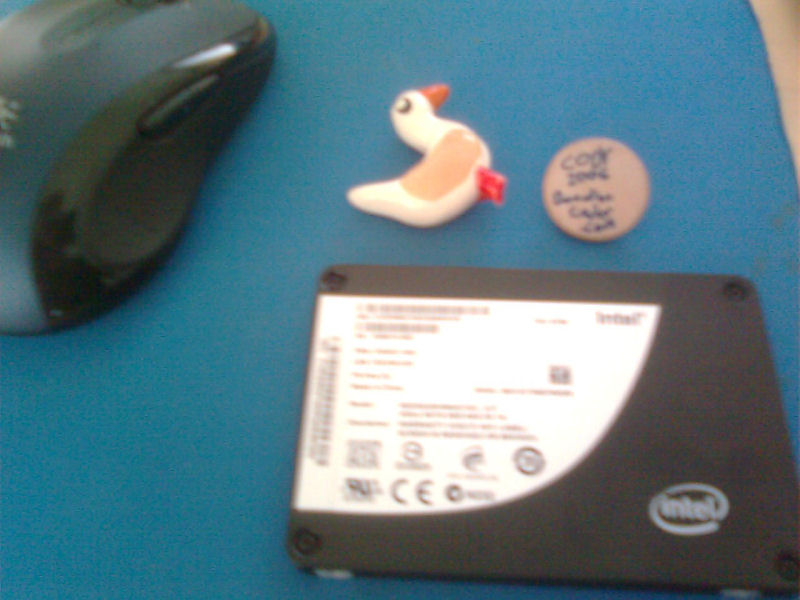
I'm (hopefully!) getting hold of a nice SSD tomorrow, which means reinstalling Windows (the main reason for getting an SSD is fast application loadtime et cetera). While I don't usually like running bleeding-edge OSes, Win7-RC seems pretty nice & stable to me, so I'll give it a go. It's basically either that or Vista, and Win7 does have some neato improvements as well as being ~4GB freshly after install (my vlited Vista on the laptop is ~6GB).
Win7 part
First, does Win7 need it's BCD in that little 100meg-or-whatever hidden partition it creates by default, or is it possible to have the BCD on the system partition? If it can go on the system partition, is there any advantage whatsoever to keep the two partitions separate?
Disk imaging part
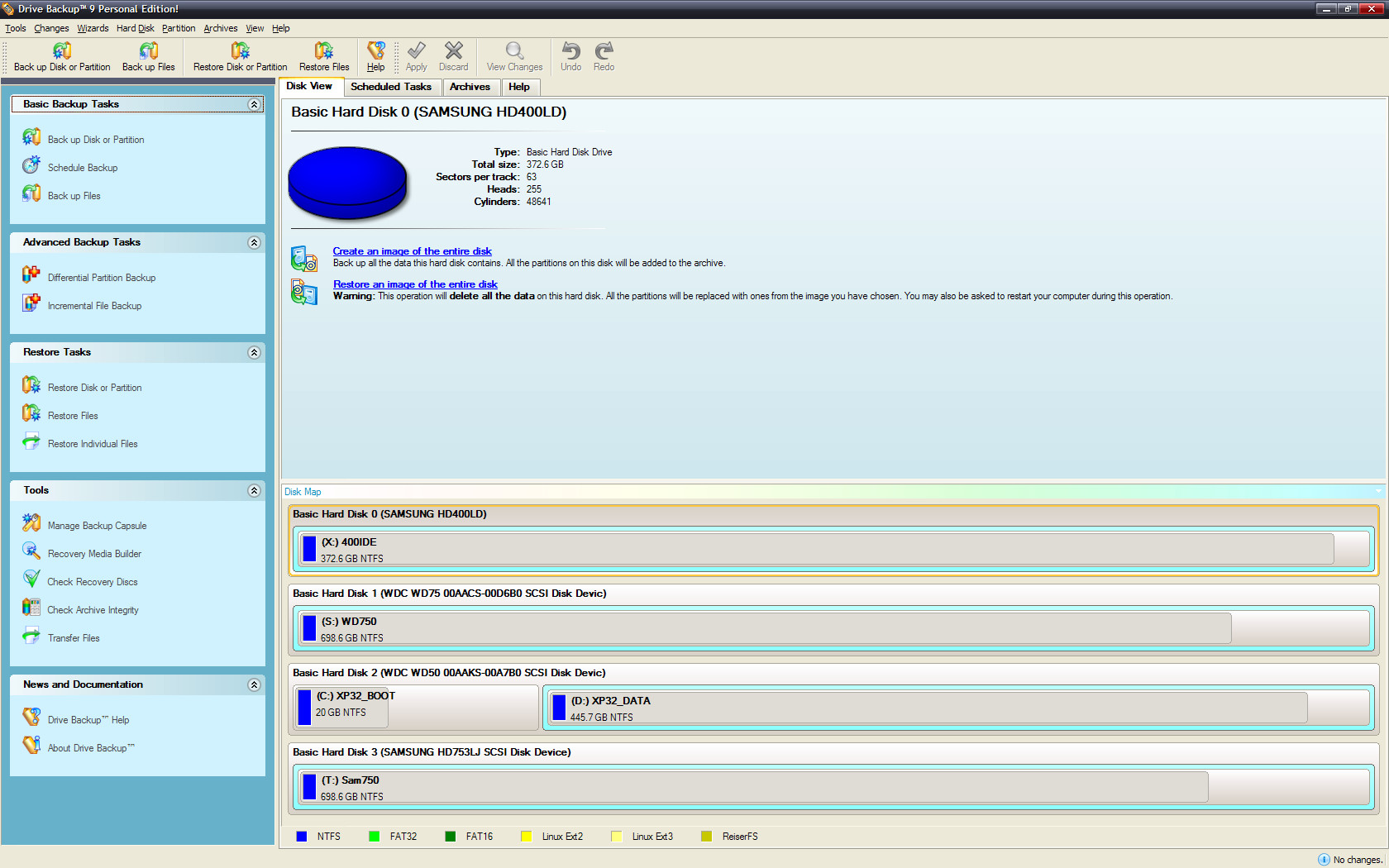
Next, I'd like a recommendation for disk imaging software. I used to use ghost and then TrueImage, but haven't been into system recovery by disk image for some years now (I've used DriveImage XML for the purpose of picking out individiual files that I might have forgotten to backup before a format, but that's it). So, what some good (and preferably free) disk imaging software today that...
1) can handle partition bootsector and perhaps MBR (ie, restore an image to a blank harddisk and then boot from it)
2) can be booted from a DVD or (preferably) USB keyfob
3) has windows software to extract individual files from it's image (not a requirement, but would be nice).
Acronis TrueImage probably fits the shoe, but I don't have a license for it anymore, and frankly all the different versions listed on their site leaves me damn confused.
VMWare -> hardware part
And, finally - what about creating an image from a vmware virtual machine and transferring it to real hardware? I believe this is possible, but does it require any special trickery, and would there be any downsides from doing this? I have nicely working vLited Win7-RC setup disc, but it's impossible to disable pagefile and hibernation on that disc, which thus has to be done post-install... and frankly, it's nicer doing setup & testing in a VM before going to real hardware.
I'm (hopefully!) getting hold of a nice SSD tomorrow, which means reinstalling Windows (the main reason for getting an SSD is fast application loadtime et cetera). While I don't usually like running bleeding-edge OSes, Win7-RC seems pretty nice & stable to me, so I'll give it a go. It's basically either that or Vista, and Win7 does have some neato improvements as well as being ~4GB freshly after install (my vlited Vista on the laptop is ~6GB).
Win7 part
First, does Win7 need it's BCD in that little 100meg-or-whatever hidden partition it creates by default, or is it possible to have the BCD on the system partition? If it can go on the system partition, is there any advantage whatsoever to keep the two partitions separate?
Disk imaging part
Next, I'd like a recommendation for disk imaging software. I used to use ghost and then TrueImage, but haven't been into system recovery by disk image for some years now (I've used DriveImage XML for the purpose of picking out individiual files that I might have forgotten to backup before a format, but that's it). So, what some good (and preferably free) disk imaging software today that...
1) can handle partition bootsector and perhaps MBR (ie, restore an image to a blank harddisk and then boot from it)
2) can be booted from a DVD or (preferably) USB keyfob
3) has windows software to extract individual files from it's image (not a requirement, but would be nice).
Acronis TrueImage probably fits the shoe, but I don't have a license for it anymore, and frankly all the different versions listed on their site leaves me damn confused.
VMWare -> hardware part
And, finally - what about creating an image from a vmware virtual machine and transferring it to real hardware? I believe this is possible, but does it require any special trickery, and would there be any downsides from doing this? I have nicely working vLited Win7-RC setup disc, but it's impossible to disable pagefile and hibernation on that disc, which thus has to be done post-install... and frankly, it's nicer doing setup & testing in a VM before going to real hardware.
 - carpe noctem





 , but I'm currently quite busy with school exam programming project)

 . Tell us later how the little thing performs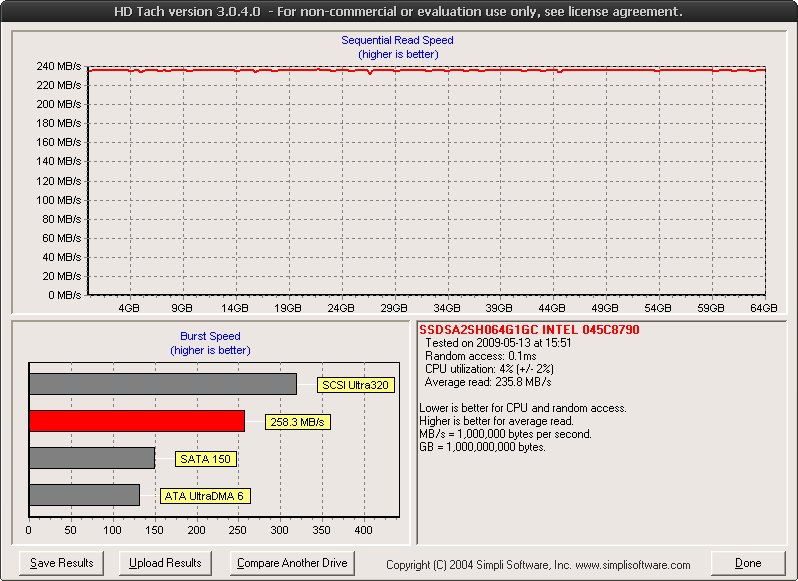


 - dunno if it's because of the RC, or because I vLited the system. (Or because I haven't made some necessary config files).
 I'm just curious, because I have found out that it can be real lengthy crime sometimes to find and/or get the correct drivers from older hardware (from people who archived their driver CD's into oblivion).