Description
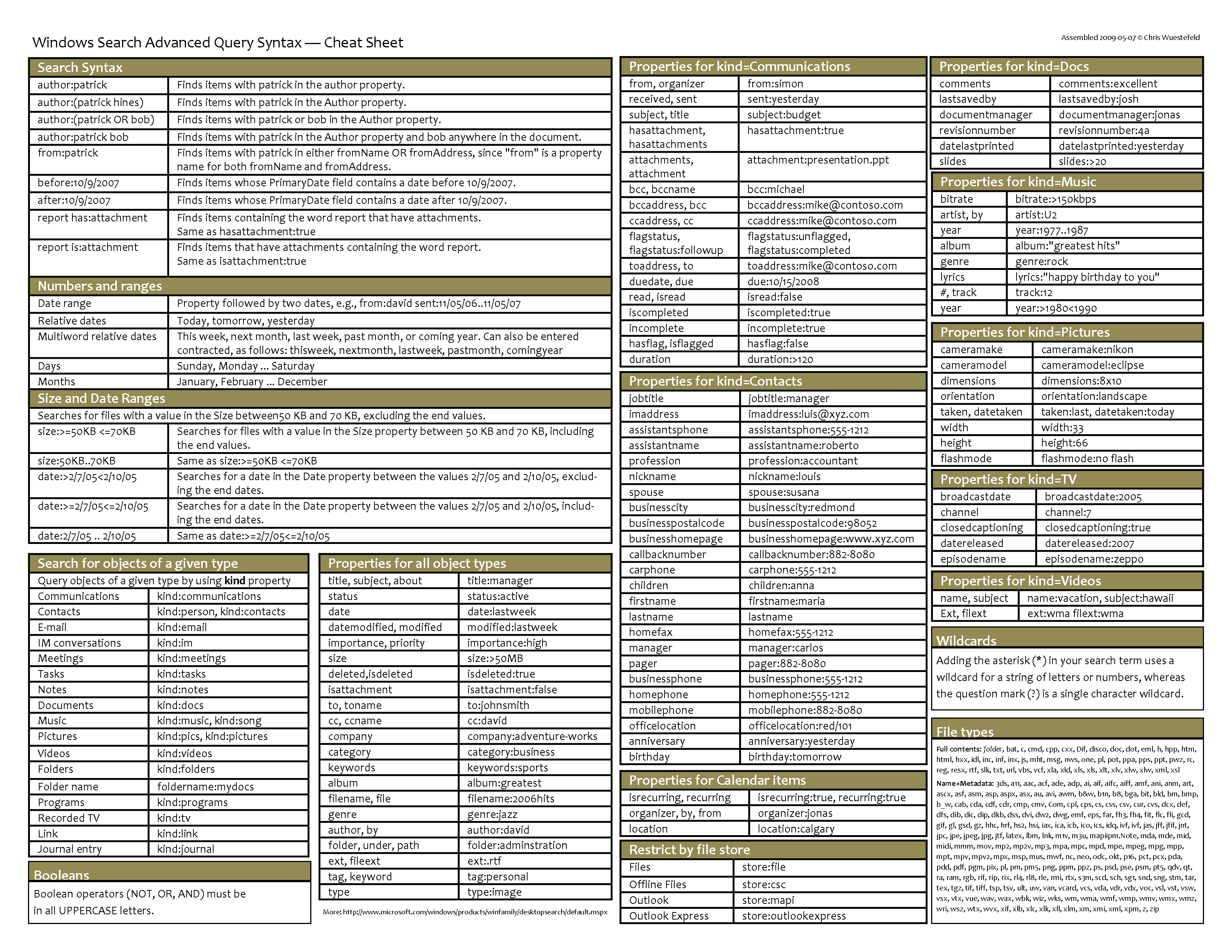
This plugin allows querying the Windows Search index using FARR. The full power of Windows Search's advanced query syntax is supported. And thanks to hamradio Outlook user will get nice icons when searching for their Outlook emails, contacts, calendar items, tasks and notes!

System requirements
Windows XP SP2 or Windows Vista and Window Search 3 or newer.
Download & Install
Download the FarrWindowsSearch installer attached to this post then double-click FarrWindowsSearchSetup.exe to start the installation. I've tested the installer on both Windows XP and Windows 7 32-bit. If you'd rather install the plugin manually, you can download the zip file attached to this post, then unzip it into the FARR plugins directory (usually C:\Program Files\FindAndRunRobot\Plugins) and restart FARR.
Usage
Type
ws [search term]
to query the Windows Search index.
See Windows Search advanced query syntax for a detailed description of how to narrow and refine your search.
Typing /a at the end of a query will switch to FARR's extended results list mode.
Credits
Thanks to Carroll (hamradio on donationcoder.com forums) for designing the icons!
Version history
0.3.0 - 18. November 2011
This plugin allows querying the Windows Search index using FARR. The full power of Windows Search's advanced query syntax is supported. And thanks to hamradio Outlook user will get nice icons when searching for their Outlook emails, contacts, calendar items, tasks and notes!

System requirements
Windows XP SP2 or Windows Vista and Window Search 3 or newer.
Download & Install
Download the FarrWindowsSearch installer attached to this post then double-click FarrWindowsSearchSetup.exe to start the installation. I've tested the installer on both Windows XP and Windows 7 32-bit. If you'd rather install the plugin manually, you can download the zip file attached to this post, then unzip it into the FARR plugins directory (usually C:\Program Files\FindAndRunRobot\Plugins) and restart FARR.
Usage
Type
ws [search term]
to query the Windows Search index.
See Windows Search advanced query syntax for a detailed description of how to narrow and refine your search.
Typing /a at the end of a query will switch to FARR's extended results list mode.
Credits
Thanks to Carroll (hamradio on donationcoder.com forums) for designing the icons!
Version history
0.3.0 - 18. November 2011
- Added option to use natural language search and made it the default
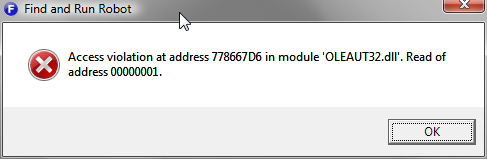
- Further attempt to improve stability
- Removed link to AQS web page as Microsoft removed it
- Attempt to improve stability
- First release
 FarrWindowsSearch.zip


 As I do not really use WDS at this moment other than to index my e-mails I will not yet try it, but I could give it a go once I figure out the advantages of indexing my files -- I know exactly where my files are and what their contents are so I don't think I really need to.
  But perhaps WDM indexes on file changes (I don't know), so then it's semi-live searching anyway