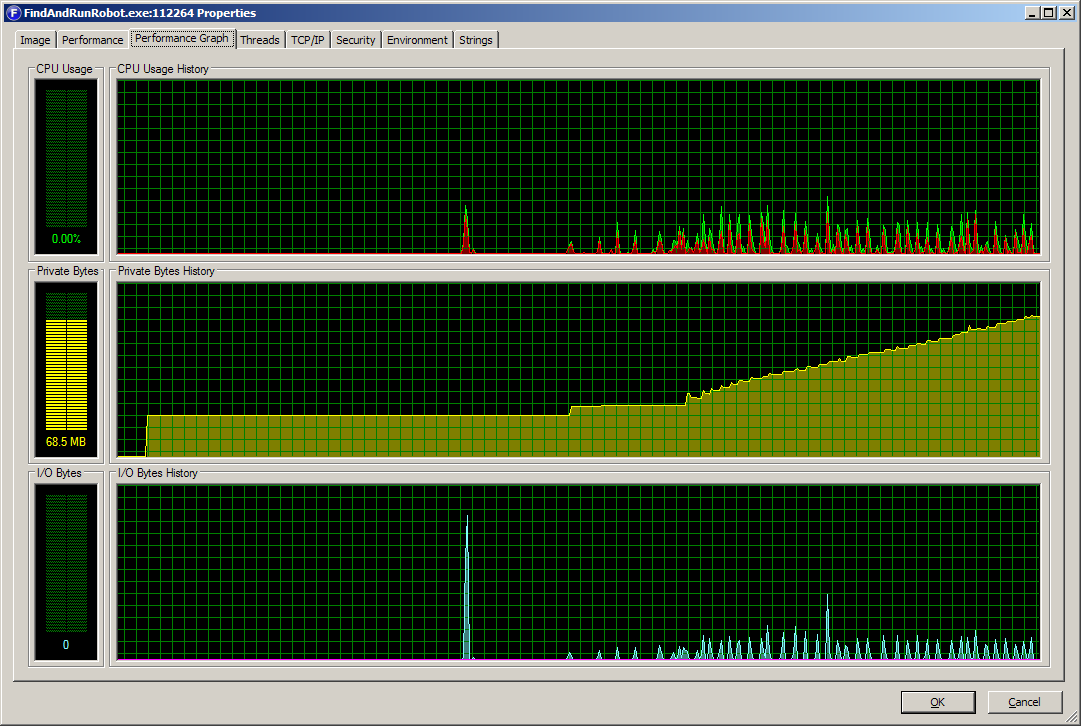
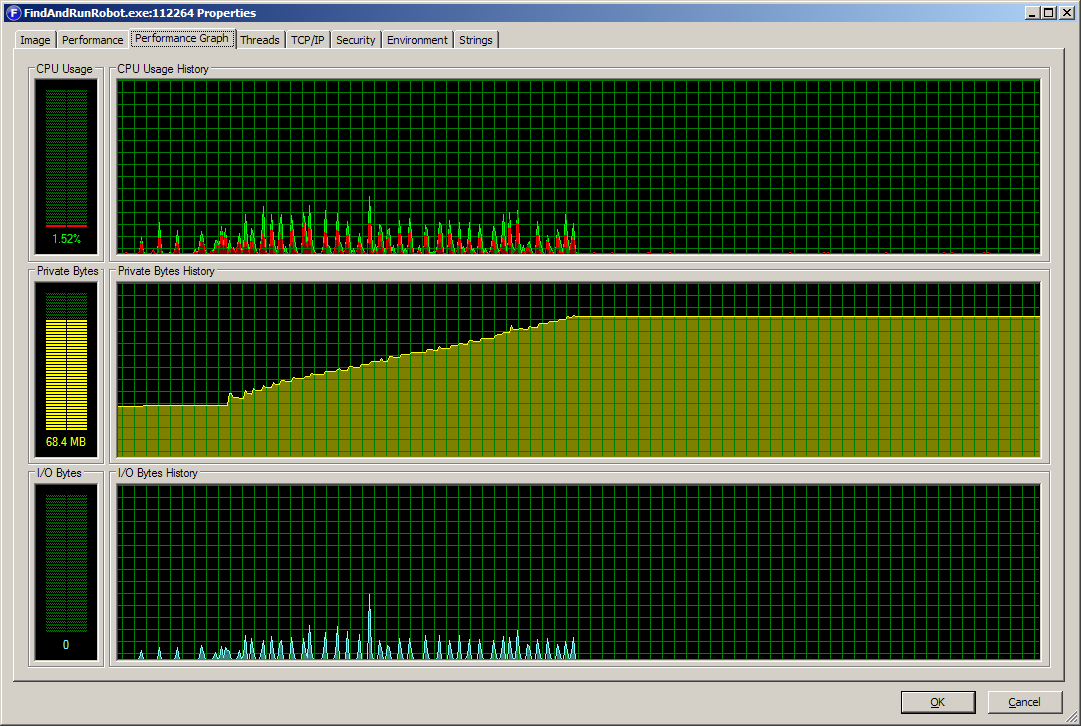
Here's a list of information that may prove useful:
1) The error pops up as soon as I type 'gt'.
2) I can switch back to the FARR and type one character (a space, a letter, etc.) but then the error window will then re-take focus.
3) I can keep switching back to FARR and, one letter/space at a time, get the string typed out e.g. "gt en es".
4) Once I get past the "gt en es" portion, I can type out the "hello" part without the error, press Enter, and the plugin translates properly.
5) My install paths are:
6) The MD5 of the Fscript.dll in the FSubScript folder is: baeaba8abd90768db158a105271b1e5d
7) I downloaded and used the two archives linked in the first post of this thread.
Please let me know if I can offer anything else. Thanks.
1) The error pops up as soon as I type 'gt'.
2) I can switch back to the FARR and type one character (a space, a letter, etc.) but then the error window will then re-take focus.
3) I can keep switching back to FARR and, one letter/space at a time, get the string typed out e.g. "gt en es".
4) Once I get past the "gt en es" portion, I can type out the "hello" part without the error, press Enter, and the plugin translates properly.
5) My install paths are:
- C:\apps\system\FindAndRunRobot
- C:\apps\system\FindAndRunRobot\Plugins\CZB_pack
- C:\apps\system\FindAndRunRobot\Plugins\FSubScript
6) The MD5 of the Fscript.dll in the FSubScript folder is: baeaba8abd90768db158a105271b1e5d
7) I downloaded and used the two archives linked in the first post of this thread.
Please let me know if I can offer anything else. Thanks.



 plugins seem to be working okay though)