I did some testing and this appears to be a Windows 7 issue as Windows XP scrolls down to the highlighted folder. Can anybody else with access to both confirm or deny my findings?
Will there be ever x64 version?
Would appreciate that.
D:\Documents\Dropbox\PortableApps\PortableApps\TroutPortable\App\Trout\res\resources.dll


I've noticed three strange bugs that may all be due to the same thing since they all involving the Trout icon in the MiniBar.
When the main window is open and a song is playing and I hover over the Trout icon in the MiniBar, the EQ visualizer thingy stops responding.
Also, the hover tooltip thingy will appear, showing what song is currently playing. And if I move my mouse off the MiniBar somewhere random, the tooltip will appear once again at the new location.
Additionally, I often double click the Trout Icon in the MiniBar to bring up the main window, and it appears that any time I do that, the path to a dll file gets copied to my clipboard. On my computer, it's this:QuoteD:\Documents\Dropbox\PortableApps\PortableApps\TroutPortable\App\Trout\res\resources.dll
imagePath := "C:\test.png"
Gui, Add, Picture, w300 h300 gOnPic, % imagePath
Gui, Show
Return
OnPic:
{
; Nothing going on here...
}
Return
GuiClose:
GuiEscape:
{
ExitApp
}
ReturnOn another note, I've posted in the AHK forums a script that can do progressbar clicking and works in all Windows versions; you may wanna try to use it, to avoid separate code for volume/seekbar.
Looks like I'll finally have to finish building my own player and share it with the 9x community that refuses to "die". Oh well...
But before that, could you please check the display of Filenames in the playlist? I'm seeing an unprintable character (empty square )at the end of each filename string. The Sample column also consists of one such character for each row. All other strings are correct.
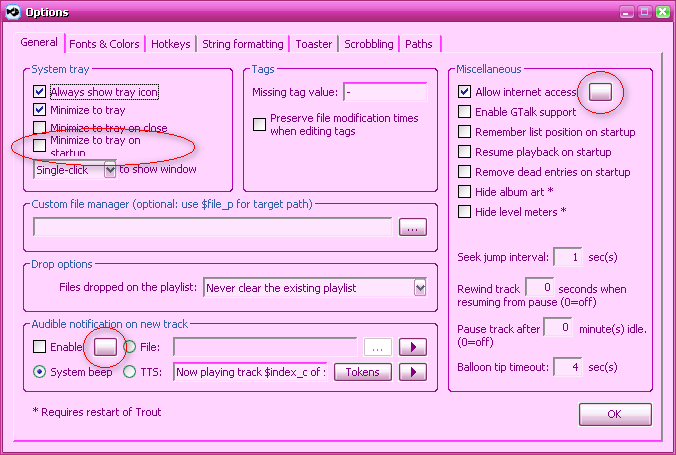
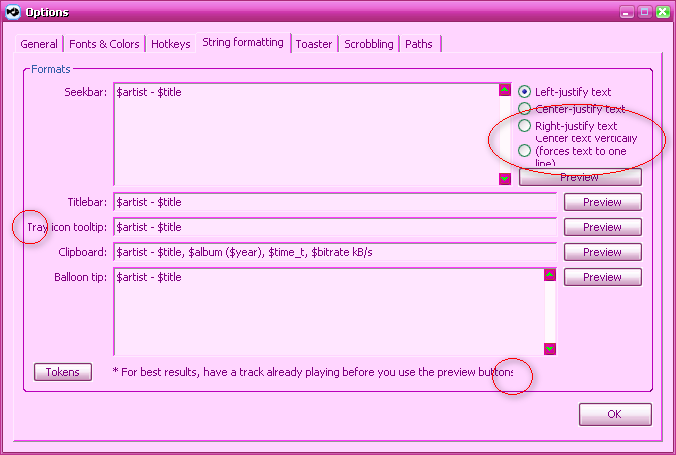
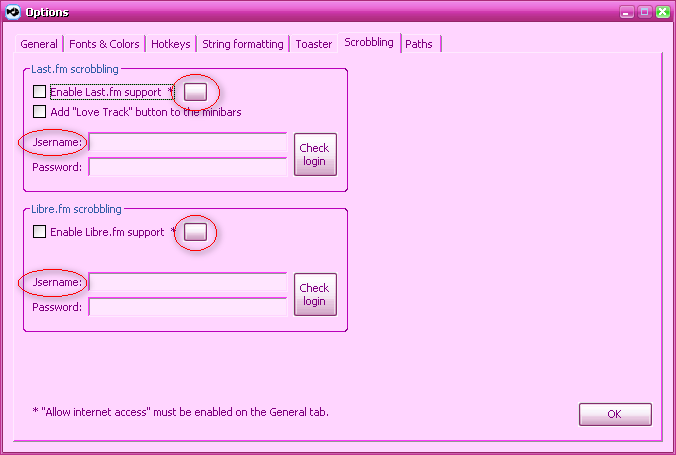
In the Options dialog, many controls are either truncated (Statics) or wrapped (Checkboxes, Radios). My system's default font is Tahoma 8 and may be wider than yours; please check when possible.
Info buttons do not display the icon in 9x, most likely due to an unsupported function (BCM_SETIMAGELIST ?). BS_ICON or BS_BITMAP and BM_SETIMAGE should work fine in 9x and 7 but may lose button theme in XP; BS_FLAT style could make for a compromise.
Clearing and readding to the list fixed the first issue. Out of curiosity: could you elaborate on the cause, in case I stumble into it somewhere else (like an AHK script, I mean)?


sorry)


1. Album Art image must be named "folder.jpg" and must be present in the same folder as the audio tracks.
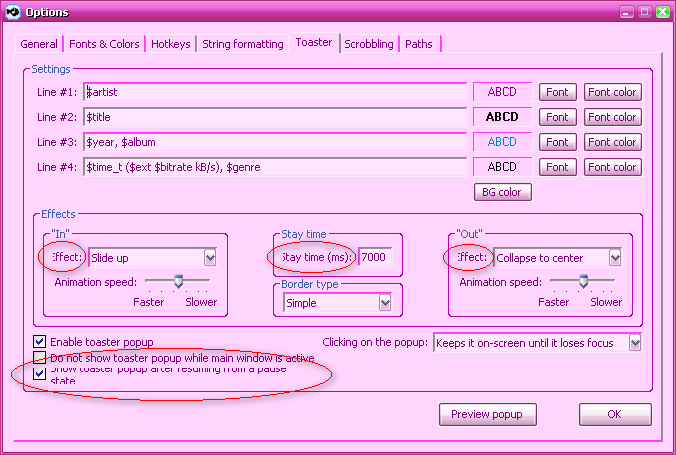
2. Toaster is a small popup window that displays information about the current track at the start (and resume) of playback.


1. Album Art image must be named "folder.jpg" and must be present in the same folder as the audio tracks.
2. Toaster is a small popup window that displays information about the current track at the start (and resume) of playback.


Thanx 4 the answerbut than it is useless 4 me because all my Cover art pics I have stored in my .MP3-Files. I do not use separate jpg-files in my Music folders...
+ Added basic support for cover art in tags.
... Thanx skwire
Works as advertised here on my Win XP system.thanks for the report.You're welcome.
2) What is the 'Toaster'???@skwire: maybe rename the "Enable toaster popup" to "Enable toaster popup on song change" is a little bit clearer what to expect?
# Will not work on Win9x/ME. =[You'd be amazed.
With the help of KernelEx, it does work; I assume you're using ther AudioGenie capabilities for this task. However, I don't have many tracks with embedded pictures and of all, only one gets displayed. Looking through the ID3 tags with a hex editor, I can see the fields are messed up, so it's probably correct.
Try KernelEx and Revolutions Pack (with all extra requirements) and you'll see a whole lotta apps working that officially shouldn't. 


Thanx 4 the answerbut than it is useless 4 me because all my Cover art pics I have stored in my .MP3-Files. I do not use separate jpg-files in my Music folders...
Give this build a try:
Website | Installer | Portable
v1.0.6 build 40 - 2011-11-01
+ Added basic support for cover art in tags. Notes:
# Only the first image in the file will display.
# Only JPG and PNG formats are supported.
# Will not work on Win9x/ME. =[
Original address: https://www.donationcoder.com/forum/index.php?topic=16157.0