


Between my wife and I, we take lots of pics using our nice little point-n-shoot Panasonic Lumix.
Living in a new city, new friends, many new sites to see, and a new baby girl (5 months). So about once a week we transfer all our photos and many .MOV files from our SD cards to our desktop.
Usually, files would retain the cameras default naming system. EX: P1010368.jpg, or P1000952.mov.
But for the past few weeks, my naming system is messed up. Now I have dozens, if not hundreds of hi-res photos that are duplicates (average size of 2-3MB per photo).
I'm not sure if this is something caused by my constant app install/uninstalls or not, but I think it can be solved.
Rather than manually scan through my photos, I recall having seen or heard of an application that does it automagically? and removes/moves/renames/copies duplicate photos?
If there is an app like this, what are its features?!
hhmm ... I just came from this thread. But it didn't offer anything I need.
Living in a new city, new friends, many new sites to see, and a new baby girl (5 months). So about once a week we transfer all our photos and many .MOV files from our SD cards to our desktop.
Usually, files would retain the cameras default naming system. EX: P1010368.jpg, or P1000952.mov.
But for the past few weeks, my naming system is messed up. Now I have dozens, if not hundreds of hi-res photos that are duplicates (average size of 2-3MB per photo).
I'm not sure if this is something caused by my constant app install/uninstalls or not, but I think it can be solved.
Rather than manually scan through my photos, I recall having seen or heard of an application that does it automagically? and removes/moves/renames/copies duplicate photos?
If there is an app like this, what are its features?!
hhmm ... I just came from this thread. But it didn't offer anything I need.


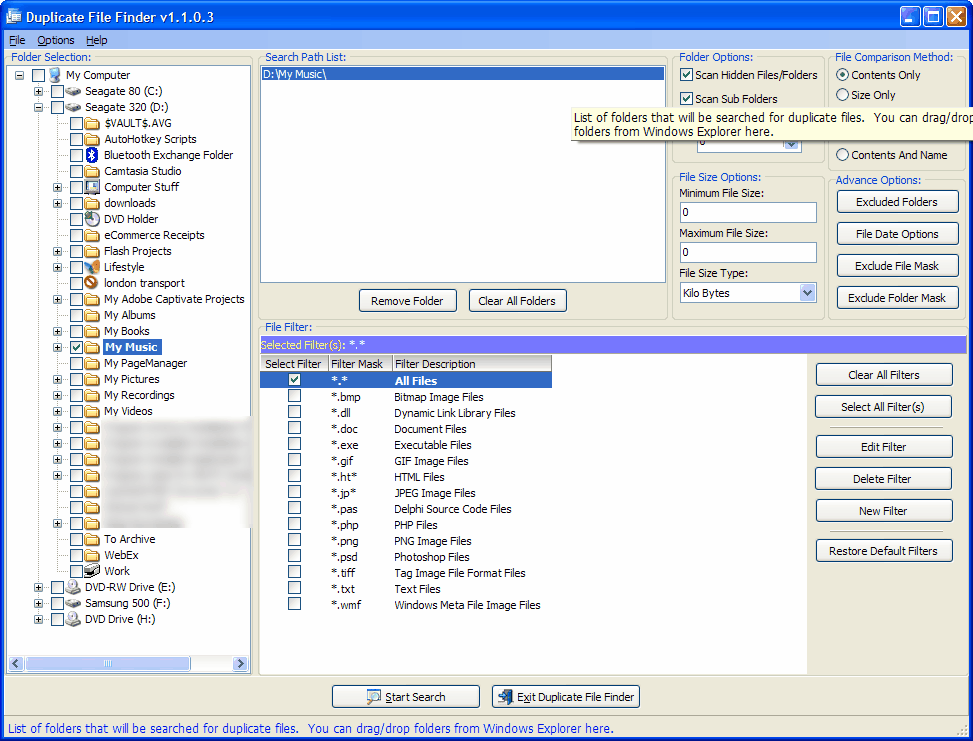


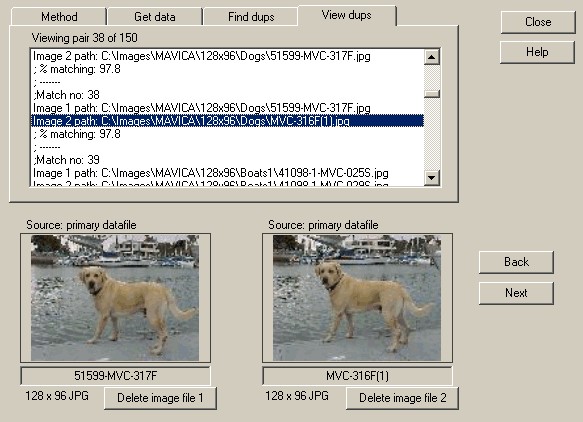


 )
) this one here changes modified date back to creation/shooting date -
