Justice,
The following options will start an update of the databases in the next version: loc /u , loc /U , loc update
Basically what this does is use the Updtdb32.exe command to update the databases (you can set the location
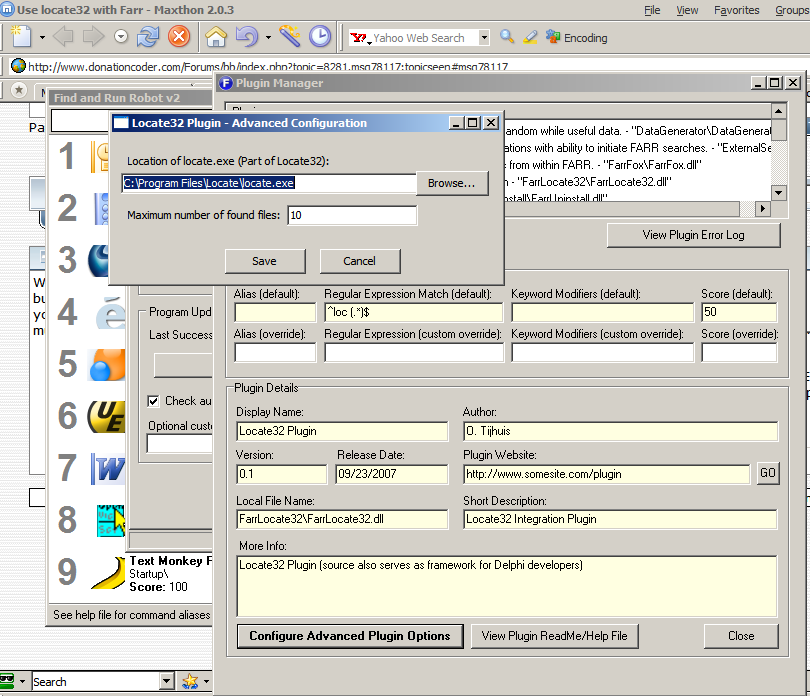
of that command in the Advanced Configuration although you shouldn't have to set it since it defaults to the
same directory location as locate.exe). You won't be able to use the commandline options of Updtdb32.exe though!
It will be like executing the Updtdb32.exe command without parameters. Maybe there will be more configurable option
later but hopefully this will do for now
It will show the status in the statusbar. It will let you know the update is starting and also when it has finished.
Btw, it executes the update process in a new thread so it shouldn't block FARR usage.
The following options will start an update of the databases in the next version: loc /u , loc /U , loc update
Basically what this does is use the Updtdb32.exe command to update the databases (you can set the location
of that command in the Advanced Configuration although you shouldn't have to set it since it defaults to the
same directory location as locate.exe). You won't be able to use the commandline options of Updtdb32.exe though!
It will be like executing the Updtdb32.exe command without parameters. Maybe there will be more configurable option
later but hopefully this will do for now
It will show the status in the statusbar. It will let you know the update is starting and also when it has finished.
Btw, it executes the update process in a new thread so it shouldn't block FARR usage.