One feature that I have gotten very used to is double clicking on an empty area in a pane to take you up a dir (in that pane).. I find myself doing it every where now (not in x², places like save dialog boxes, etc.)  (tip: turn off "full row selection" from the options, now double click any where, except on a file name, to go up a dir!)
Another cool feature is pressing CTRL + D to get all directory sizes in detail view.. very fast!
P.S., My personal taste is a bit of the mouse and a bit of the keyboard, but I'm not hard on any "way" of traversing/navigating a computer
(tip: turn off "full row selection" from the options, now double click any where, except on a file name, to go up a dir!)Another cool feature is pressing CTRL + D to get all directory sizes in detail view.. very fast!
P.S., My personal taste is a bit of the mouse and a bit of the keyboard, but I'm not hard on any "way" of traversing/navigating a computer

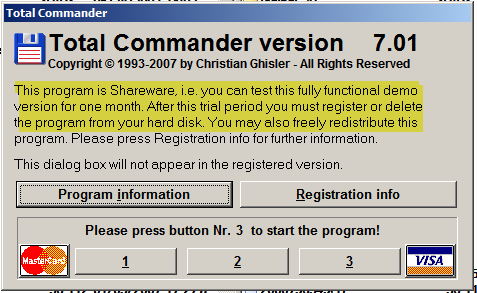
 compared to x², but of course never judge a book by its cover.. nor a program by it's interface (in most cases..)


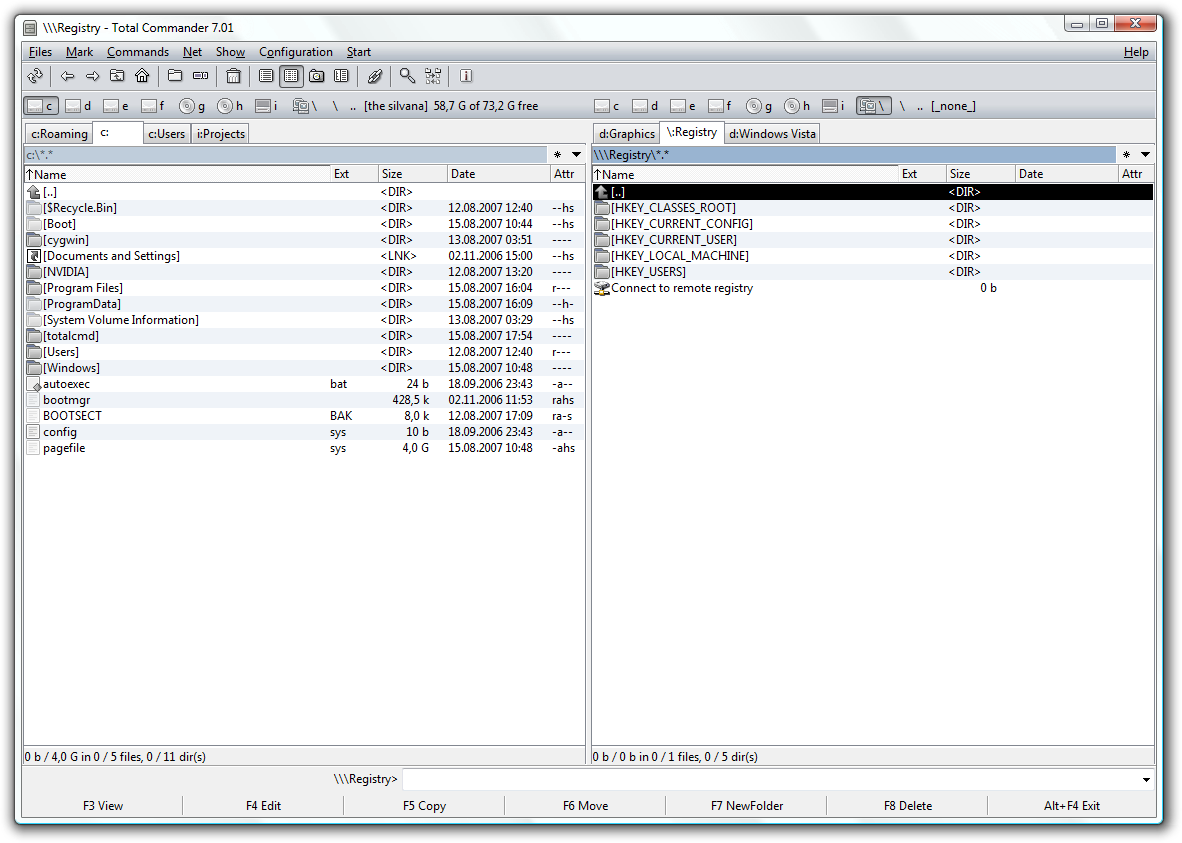
 but wth am I talking about.. looks.. lol, its about power! TC has a lot of power and is one of *the* best file managers for Windows.. taking that in, I'm sorry about my remarks on TC.. I obviously haven't gotten personal with it, but that was my first impression..
 - what I'm trying to say is, the GUI is streamlined, and looks good!


 - carpe noctem