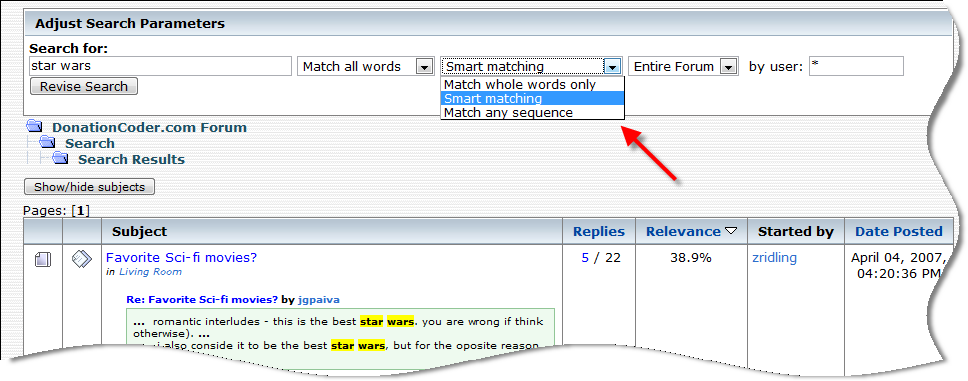
Maybe, if possible? ... search for match words in hole thread?
It's possible, although I believe it will hit hard on server. Potential server problem aside, I'm not sure if it's desirable. It seems to work well in this "Simpson fun" case (simpson is fun, after all

).
We have too many topics here (with numerous replies) where people share different opinions or even wander off the topic for a while. Expanding the search to entire thread
for each search term will, while return more results, suffer a whole lot in relevance -- when:
We have 3 posts (1, 2, 3) in topic X, and 3 user search keywords A, B, C
Now -
Post 1 contains keyword A, but not B, C
Post 2 contains keyword B, but not A, C <-- it disagrees with Post 1
Post 3 contains keyword C, but not A, B <-- it wanders off the topic or is spam
If we go with the new 'entire thread' method, the topic would match even if it's not all what the user was looking for!

Additionally, it could allow those super-popular topics (with hundreds of replies) to become "catch all" since it's superabundant with mountainloads of keywords -- with none of the individual messages on its own relevant to the user search.






 Shouldn't be a problem adding those link
 Actually I've been meaning to implement this, thanks for reminding me!!